

Canvas Teacher
Instructure, Inc. · Education
Independent analytics for this App Store listing. AppTracker is not affiliated with Instructure, Inc.
Chart standing · US
What changed · US
Listing changes AppTracker has observed for this app in this storefront — new versions, price moves, rating shifts, and store copy.
- Page titles are now displayed above the page content as selectable text. - A newly created announcement now opens as "Announcement Details" instead of "Discussion Details". - Improved file list ordering. - Scanning documents for a file submission now creates a PDF whenever possible, instead of producing images. - Fixed navigation errors of some custom navigation links. - Fixed an issue where a deleted file stayed open instead of returning to the file list. - Fixed editing page not allowed. - Fixed some past courses not appearing on the all courses screen. - Fixed some external tools not appearing in the main menu. - Fixed rich text formatting not being rendered for text submissions. - Fixed unrelated push notification toggles switching when tapping one toggle repeatedly. - Fixed PowerPoint, Word and Excel files showing incorrect images. - Fixed QR login tutorial image shrink in landscape mode. - Fixed file renaming not updating the files list properly.
Ratings breakdown · US
The star breakdown behind this app's rating in this storefront.
In-app purchases · US
No in-app purchases.
Screenshots

About
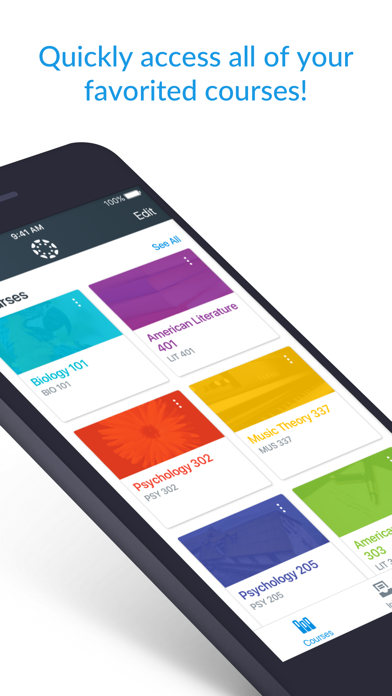
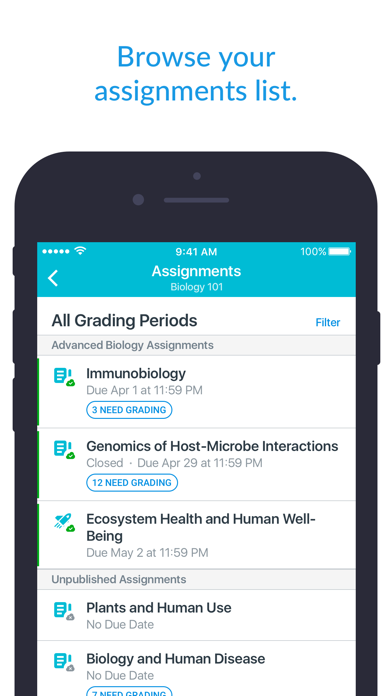
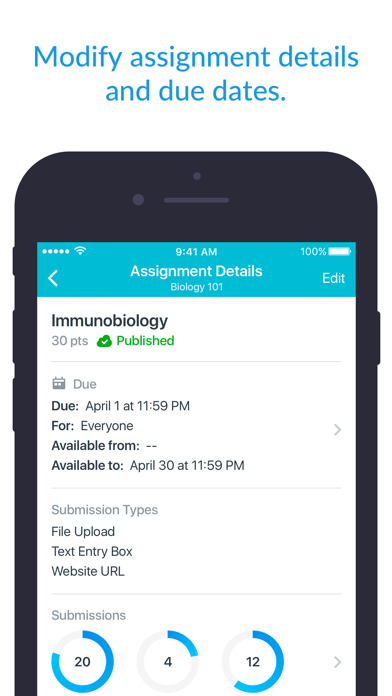
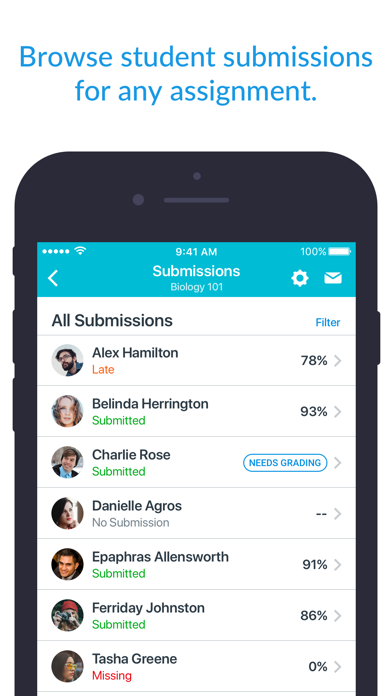
Save time. Teach on the go. Canvas Teacher helps educators, instructors, and teachers grade, give feedback, and manage their classes from anywhere. What you can do • Grade or mark work: Use mobile friendly SpeedGrader to annotate assignments, apply rubrics and give written, audio, or video feedback • Communicate: Post class announcements, reply in discussions, and send messages right from your device • Update content: Adjust due dates, publish/unpublish assignments, or fix typos in seconds • Stay connected: Manage your Inbox, reply to student questions, and keep class communication flowing on the move Canvas Teacher is designed for educators—making mobile grading and class management faster and easier.
What's new · 2.8.0
- Page titles are now displayed above the page content as selectable text. - A newly created announcement now opens as "Announcement Details" instead of "Discussion Details". - Improved file list ordering. - Scanning documents for a file submission now creates a PDF whenever possible, instead of producing images. - Fixed navigation errors of some custom navigation links. - Fixed an issue where a deleted file stayed open instead of returning to the file list. - Fixed editing page not allowed. - Fixed some past courses not appearing on the all courses screen. - Fixed some external tools not appearing in the main menu. - Fixed rich text formatting not being rendered for text submissions. - Fixed unrelated push notification toggles switching when tapping one toggle repeatedly. - Fixed PowerPoint, Word and Excel files showing incorrect images. - Fixed QR login tutorial image shrink in landscape mode. - Fixed file renaming not updating the files list properly.
Details