

SMART InkScan
SMART Technologies ULC · Productivity
Independent analytics for this App Store listing. AppTracker is not affiliated with SMART Technologies ULC.
Chart standing · US
Ratings breakdown · US
The star breakdown behind this app's rating in this storefront.
In-app purchases · US
What this app sells inside itself, grouped by kind and priced for this storefront.
Screenshots
About
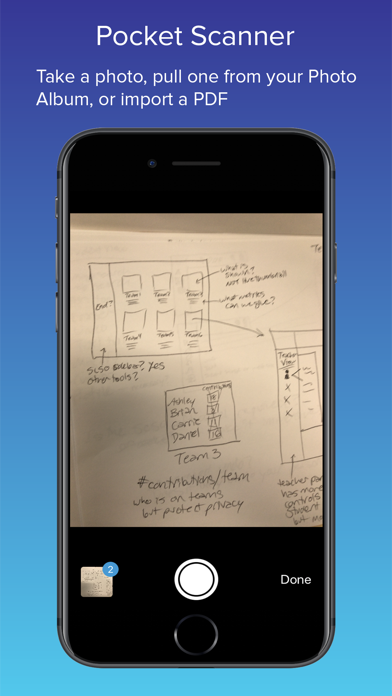
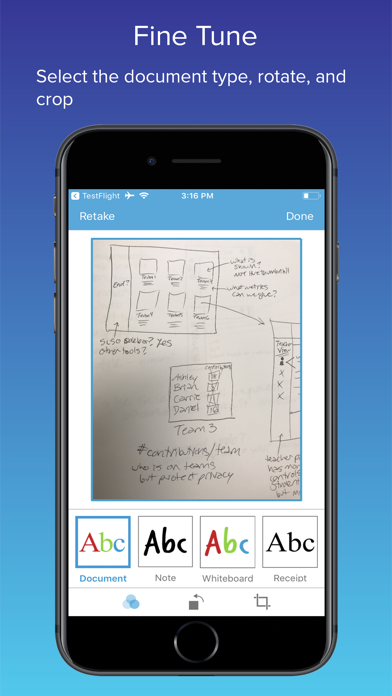
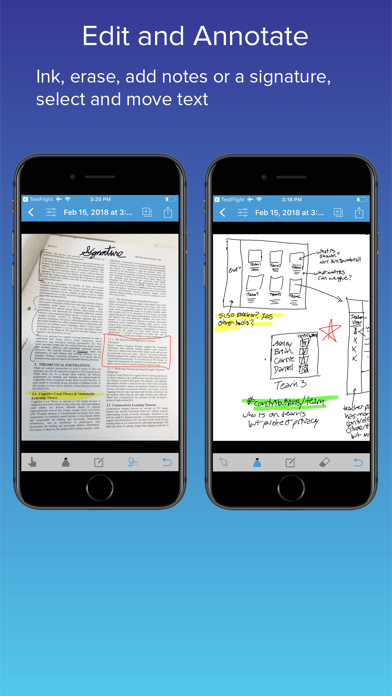
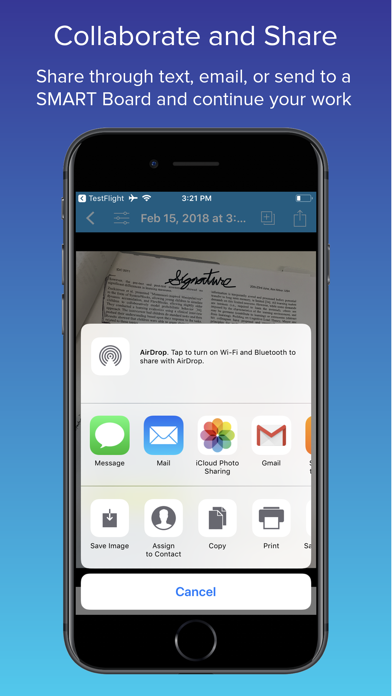
For those who love the immediacy and expression of pen and paper, SMART InkScan converts handwritten artifacts into digital SMART ink™. Users can begin brainstorming on the back of a napkin and seamlessly continue working from their mobile device, bridging the gap between the physical and digital domains. InkScan also offers the most useful features of other mobile scanner apps such as perspective correction, multi-image capture, numerous annotation options, and export as image or pdf. For users with access to a SMART Board with iQ, SMART InkScan offers a smooth transition from dry-erase whiteboards to SMART Ink with just a snap. InkScan converts your photos into digital ink and sends them directly to a SMART Board with iQ allowing teachers and students to continue working interactively with content. Here are some delightful examples of how SMART InkScan can improve your workflow: - Snap a pic of your next great concept sketch and convert it to digital ink. Continue fine-tuning your work within the app or use the large canvas on a SMART Board with iQ - Use the new Files app in iOS to import PDFs. Add a signature to important documents and share via email. You can even save your signature for next time - Enhance the quality of those whiteboard pics on your camera roll. Use the inking tools to markup and distribute to your team as a PDF or image - Combine notes taken from multiple team members, highlight the important items share them with your study group - Compile receipts for your next expense report, add notes and export as a multi-page PDF
Details