

WebCast TV for Chromecast
MoobiDigit Technologies Inc. · Photo & Video
Independent analytics for this App Store listing. AppTracker is not affiliated with MoobiDigit Technologies Inc.
Chart standing · US
Ratings breakdown · US
The star breakdown behind this app's rating in this storefront.
In-app purchases · US
No in-app purchases.
Screenshots


About
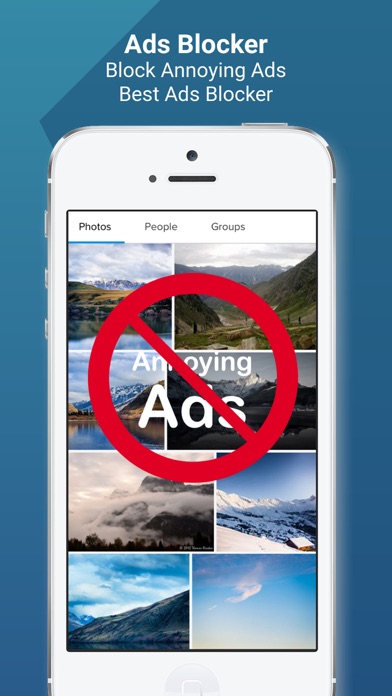
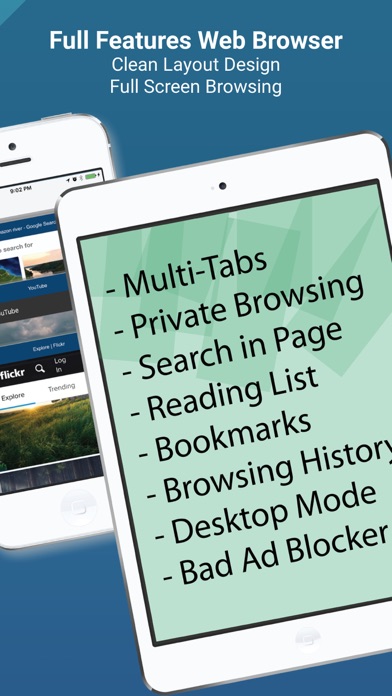
- Streams online videos to your Chromecast device on your big screen TV - WebCast is totally Free (No In-App Purchases Needed) - WebCast supports Chromecast 1, 2, 3, Ultra and Roku [Steps] 1) Start WebCast Browser. 2) Connect your Chromecast. 3) Search videos. 4) Load the video page and play the web video. 5) Wait for the "Play Now" button and tap on it. 6) Watch and enjoy the video on your big TV screen. [KEY FEATURES] * Annoying Ads Blocker * Chromecast Control Bar allows you to control the playing video on your TV (Play, Pause, Rewind, Forward, 30 Seconds Replay) * Chromecast Video Queue allows you to add multiple videos to the playing queue * Multiple Tabs Web Browser * Full Screen Web Browsing Experience * Bookmarks, Reading List, Browsing History, Liked Sites Quick Access, Search Suggestions and more **iTunes movies or other DRM protected videos like HBO are not supported.
What's new · 1.3.3
Fixed bugs Improved performances
Details