

ApowerMirror- Screen Mirroring
Apowersoft Limited · Utilities
Independent analytics for this App Store listing. AppTracker is not affiliated with Apowersoft Limited.
Chart standing · US
What changed · US
Listing changes AppTracker has observed for this app in this storefront — new versions, price moves, rating shifts, and store copy.
- Improved compatibility with iOS 27. - Refined the overall user experience. - Fixed known issues and improved stability.
Ratings breakdown · US
The star breakdown behind this app's rating in this storefront.
In-app purchases · US
What this app sells inside itself, grouped by kind and priced for this storefront.
Screenshots
About
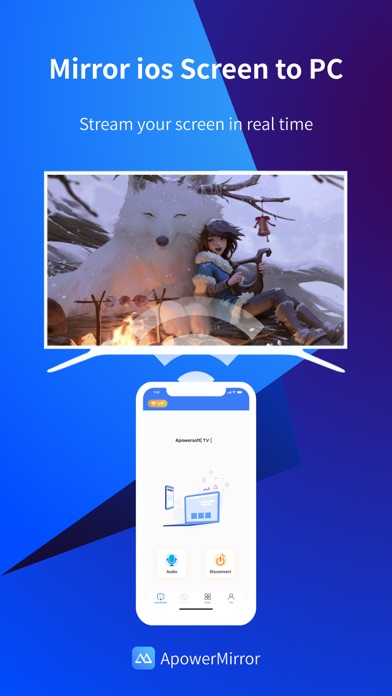
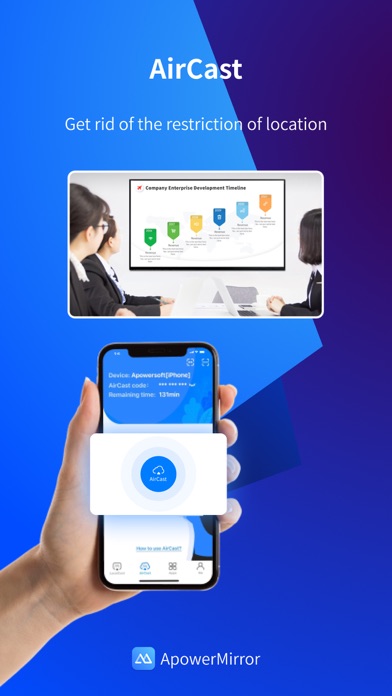
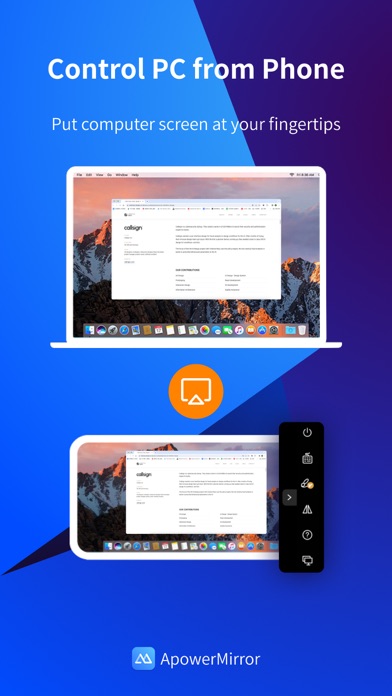
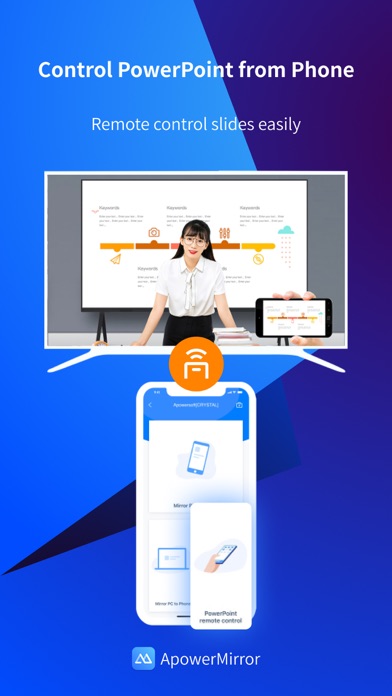
ApowerMirror is a screen mirroring app that can be used to cast phone to computer or Smart TV (TV box) with audio. It allows you to mirror&control phone from another phone freely, and you can remotely control iPhone&iPad from computer with your mouse and keyboard. Moreover, 4 devices can be streamed simultaneously without delay. ApowerMirror also performs well when streaming videos, photos and documents saved on your phone in a business meeting. ==Key Features== • Mirror Phone to computer and Vice Versa Screen sharing on the computer makes it possible to get a better video experience by watching movies from YouTube and Netflix on a bigger screen. Whether you’re playing PUBG Mobile, Call of Duty Mobile, Free Fire, Clash Royale, Pokemon GO, or any other mobile game, the app makes it easy to share gameplay with your fans during live streaming. Besides, controlling PC from phone is no longer a difficult thing. • Cast Phone to TV ApowerMirror supports screen mirroring or casting a variety of file types (including videos, pictures, and music) from phone to TV or other DLNA device. Save your eyes from the small phone screen and enjoy big screen TV series shows in the family area now. • Mirror&Control Phone from Phone ApowerMirror is also a good screen mirroring app to mirror phone to phone. You can also control the phone from another phone using ApowerMirror to watch videos and movies with your friends and share your files with your audience more efficiently. For classroom set-up, the wireless screen mirroring can introduce new ways for instructors, students, teams, and meeting groups to communicate their ideas and collaborate on projects. • Control iPhone/iPad from PC You can take full control of your iPhone/iPad device, without cables, just need to connect to PC via Bluetooth, to do whatever you want to do on your iPhone/iPad freely, ex, play games, open an app, check the phone status and send messages from WhatsApp. • Screen Sharing Between Different Networks This advanced feature is AirCast! It allows screen mirroring between devices that cannot be connected to the same network. If you use AirCast, even if you are located in different places and on different network connections, you can share the screen with each other. This can be used to mirror phone to phone, cast phone to PC, and stream PC to phone. ==Suitable for Various Screen Mirroring Occasions== * Personal use * Business meeting * Online class /Education * Live streaming from Youtube, Twitch, Facebook, Instagram, TikTok etc * Movies/Sports video mirroring * Presentation * Work from home ...... ==Quick Guide== 1. Connect your phone and computer/TV to the same WiFi network. 2. Install and run this screen casting app( ApowerMirror) on your phone and computer/TV. 3. On your iPhone, open the Control Center and then tap "Screen Mirroring". Select the name of "Apowersoft + your device" and then your phone screen will successfully be mirrored. If you want to mirror the devices from different networks, you can try the USB connection or AirCast. ==Supported Devices== 1. Windows & Mac 2. iPhone & iPad 3. Smart TV: Sony, Sharp, Philips, Hisense, Skyworth, Xiaomi, LG etc. 4. Devices with built-in DLNA or AirPlay protocol. Some projectors and car screens. Start using your favorite mouse and keyboard to take full control of phone from the computer right now! Feedback: 1. Contact us at support@apowersoft.com 2. Send feedback from "Settings" > "Feedback" on the ApowerMirror desktop program. 3. Discord: https://discord.gg/dK7y8Sf3Re
What's new · 1.6.2
- Improved compatibility with iOS 27. - Refined the overall user experience. - Fixed known issues and improved stability.
Details