

LED WiFi
桂兴 谭 · Utilities
Independent analytics for this App Store listing. AppTracker is not affiliated with 桂兴 谭.
Chart standing · US
Screenshots


About
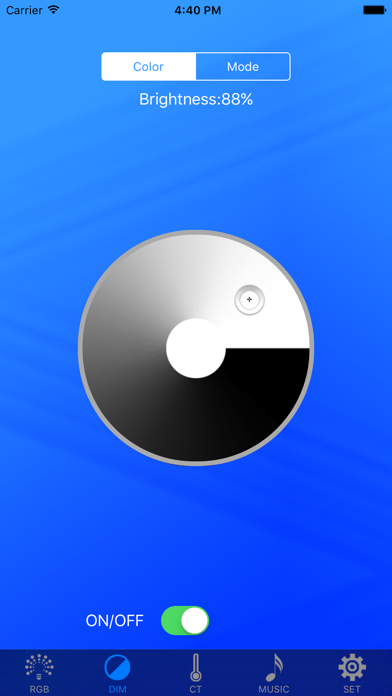
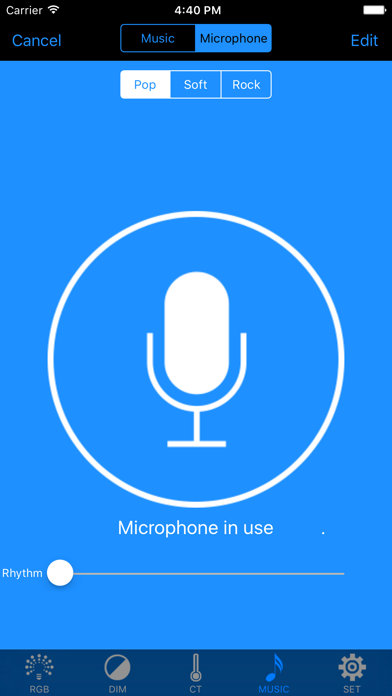
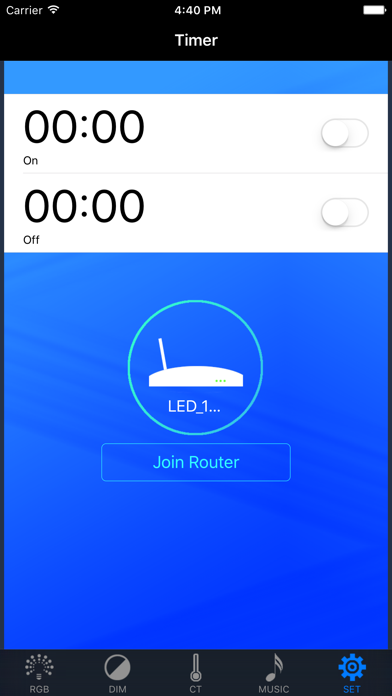
LED WiFi is an LED controller; it can control the light color and brightness, change mode, music and timing functions; at the same time it supports point to point control, you can also join the router control! Steps: First: the lights connected to the power supply; Second: open the phone WiFi connection "LED-XXX" WiFi signal; Third: open the "LED WiFi" APP; APP into a single point of connection mode, showing a successful connection。 Router mode: Fourth: the success of the previous connection on the basis of access settings, add a router, enter the router account and password, so that the controller and the router connection, the success of the connection light green; Fifth: mobile WiFi settings to connect the router account; then open the "LED WiFi" APP, APP into the router mode; then add the group name and equipment that can control the lights! Video Demo: http://v.youku.com/v_show/id_XMjg4MDUwNzA3Ng==.html?spm=a2h3j.8428770.3416059.1
What's new · 1.0.4
fix bugs
Details