

imgLive - Live Photo Maker
晓航 郑 · Photo & Video
Independent analytics for this App Store listing. AppTracker is not affiliated with 晓航 郑.
Chart standing · US
What changed · US
Listing changes AppTracker has observed for this app in this storefront — new versions, price moves, rating shifts, and store copy.
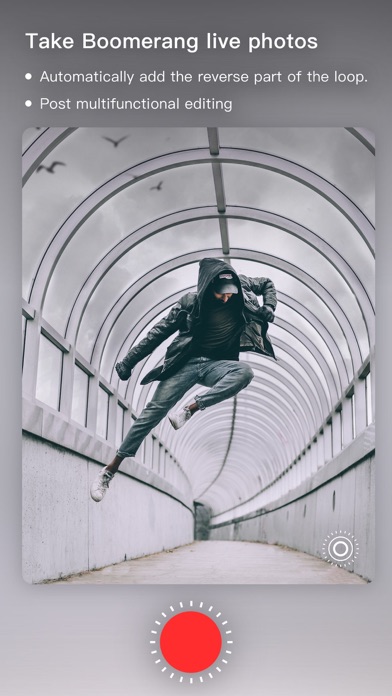
- More effects for transition live photo maker. - Support 60fps live photo for 4k live photo maker(needs 4k 60fps video) - All-new live camera (featuring new zoom and Hitchcock shot capabilities) - Fix some bugs and user interface improvement
Ratings breakdown · US
The star breakdown behind this app's rating in this storefront.
In-app purchases · US
What this app sells inside itself, grouped by kind and priced for this storefront.
Screenshots



About
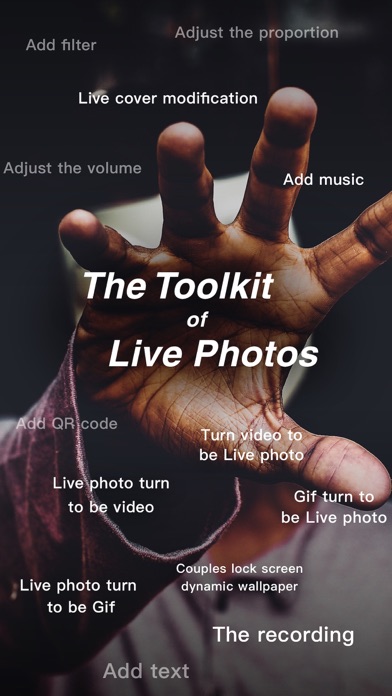
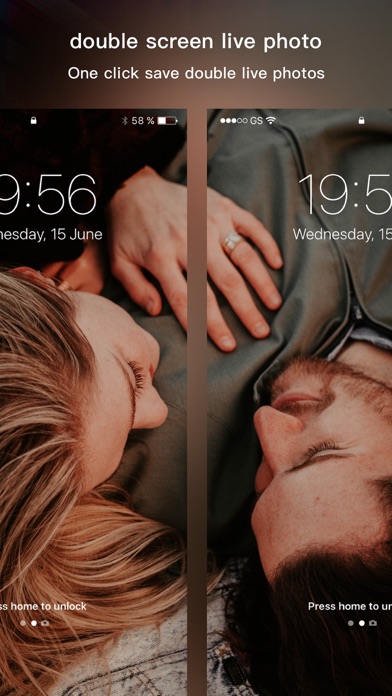
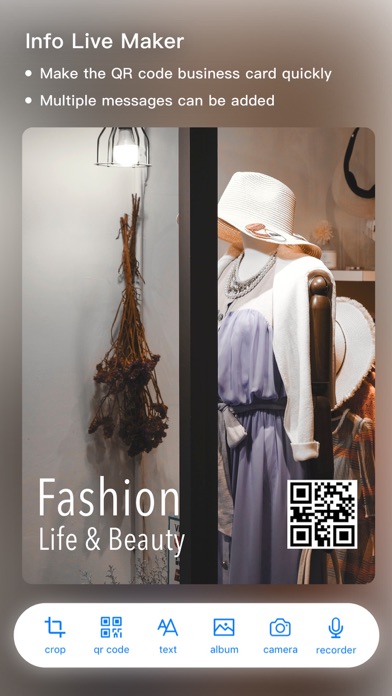
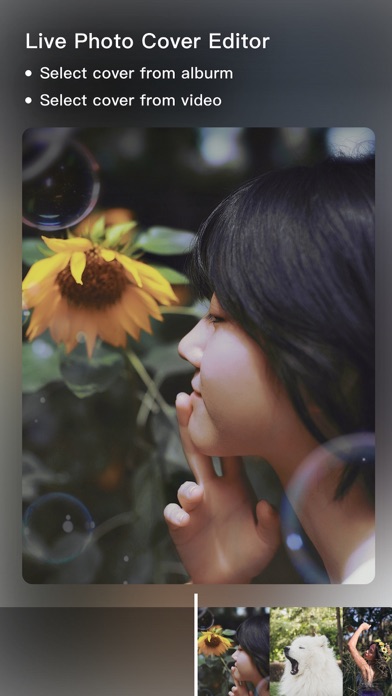
imgLive is a great live photo maker app. With imgLive, you can make your own live photo easily without camera capturing. You can set live photo as wallpaper or send it to your friends by sms or other apps. Photos/Video/Gif to Live Photo • Choose up to 30 photos or 30 seconds video to edit • Apply filters to photos or video, built-in more than 50 fancy filters • Change content ratio or aspect fit/fill content • Setup content background with colors • Add music into live photo • Adjust volume of content • Edit live photo cover • Save to Camera Roll Double Screen Mode Live Maker • You can use double screen mode to splice a video into two live photos, and set it as your lockscreen with your bf or gf • Apply filters to vide • Add background musics into video • Adjust volume of video • Export two live photos Info Live Maker • Add some share data to your lockscreen wallpaper, and use 3D Touch to display it. • Support QRCode, text, photos, voice • AutoFit wallpaper size • Preview and export Live Photo Cover Editor • Edit live photo cover • Select new cover from ablum library or video content frames Live Photo to Video • Convert your live photo to video content • Apply filter to video • Add musics into video • Adjust volume of video • Support batch processing Live Photo to Gif • Convert your live photo to gif • Cut the live photo content as you want • Setup the gif loop mode with normal, reverse and pingpong • Config the export arguments for fps, quality Live Photo to Photos • Export any live photo content * imgLive need iOS9.1 up system, download and make your own live lockscreen wallpaper. About Subscription The subscription fee is charged to your iTunes account when you confirm your purchase, and the subscription will be automatically renewed unless you cancel your subscription at least 24 hours in advance of your current subscription. Your account will be deducted from your package within 24 hours of the end of the current subscription period. After purchase, you can manage or turn off automatic renewal at any time in the Apple ID account settings. Privacy URL : https://note.youdao.com/s/E5AXtqMd Terms of Service : https://note.youdao.com/s/b68DbWk0
What's new · 7.3.0
- More effects for transition live photo maker. - Support 60fps live photo for 4k live photo maker(needs 4k 60fps video) - All-new live camera (featuring new zoom and Hitchcock shot capabilities) - Fix some bugs and user interface improvement
Details