

My Passwords Manager
Nikos Grammatikopoulos · Productivity
Independent analytics for this App Store listing. AppTracker is not affiliated with Nikos Grammatikopoulos.
Chart standing · US
What changed · US
Listing changes AppTracker has observed for this app in this storefront — new versions, price moves, rating shifts, and store copy.
Price & rating history · US
Reconstructed from the listing changes AppTracker has observed in this storefront. A field is charted once it has changed more than once, and each line starts at the value it moved from.
Average rating · ★ 4.71 now · 3 changes on record
Ratings breakdown · US
The star breakdown behind this app's rating in this storefront.
Screenshots
About
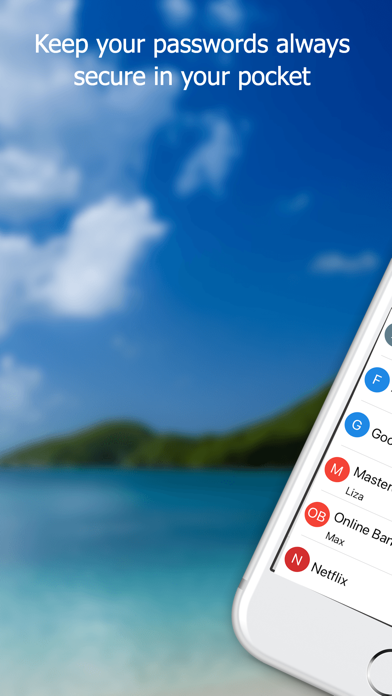
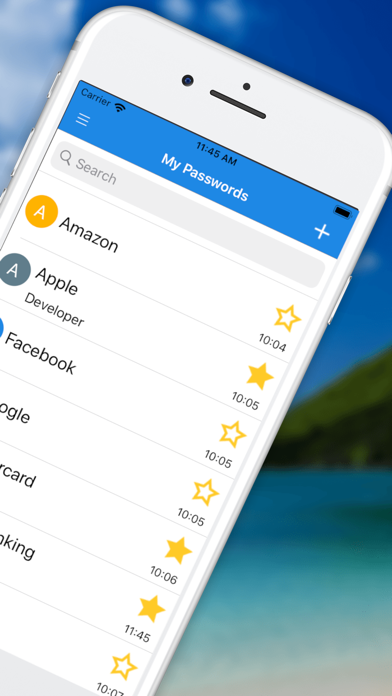
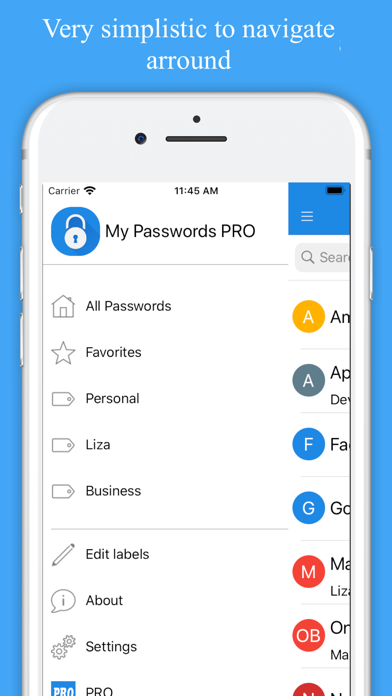
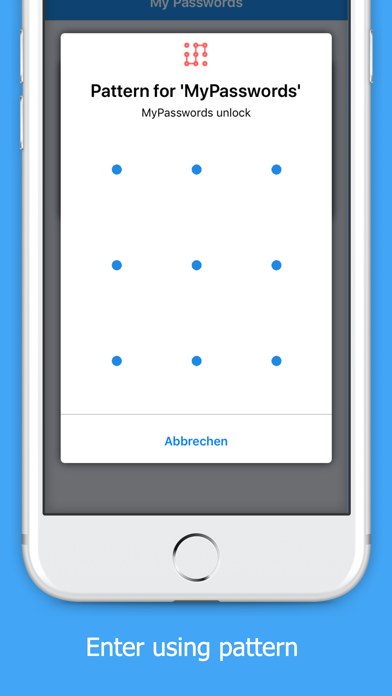
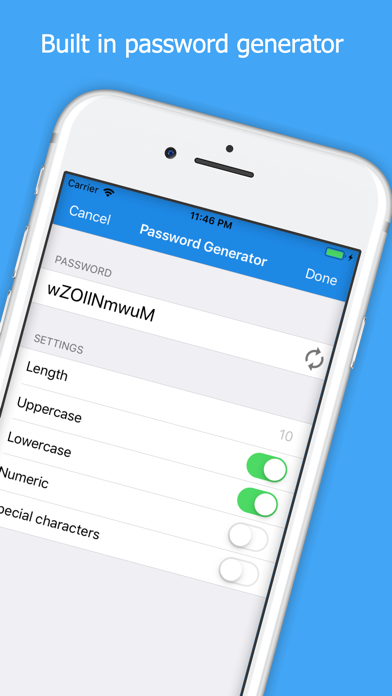
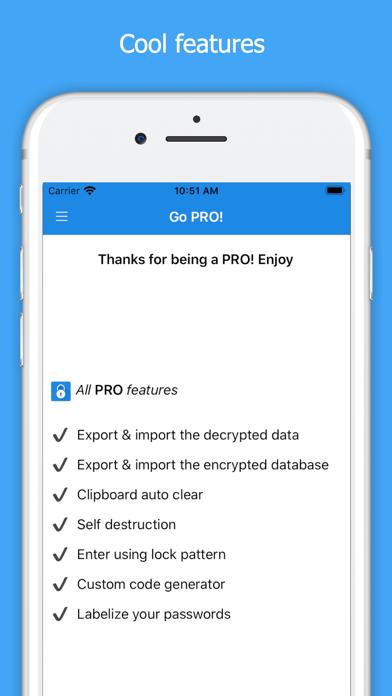
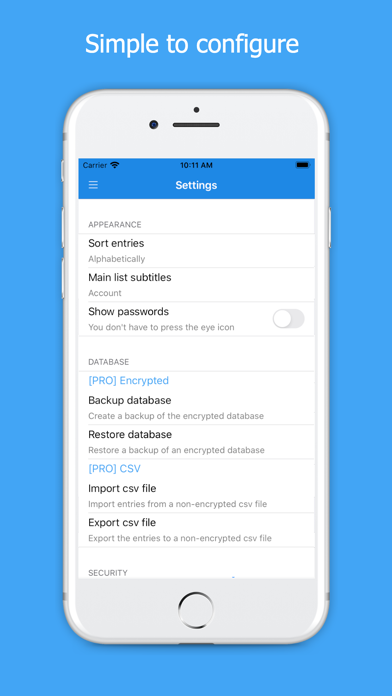
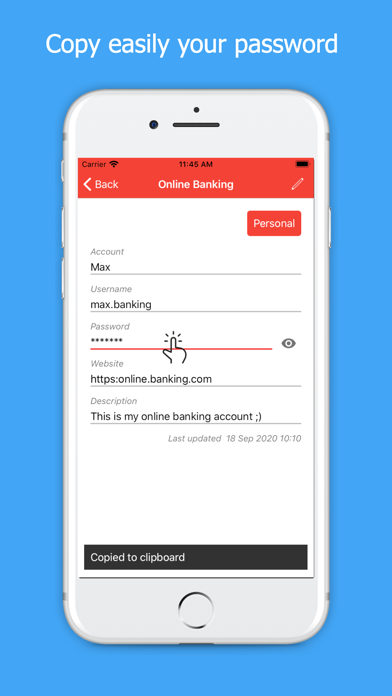
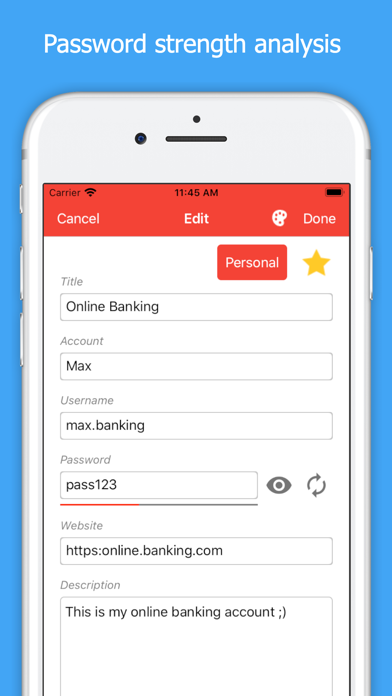
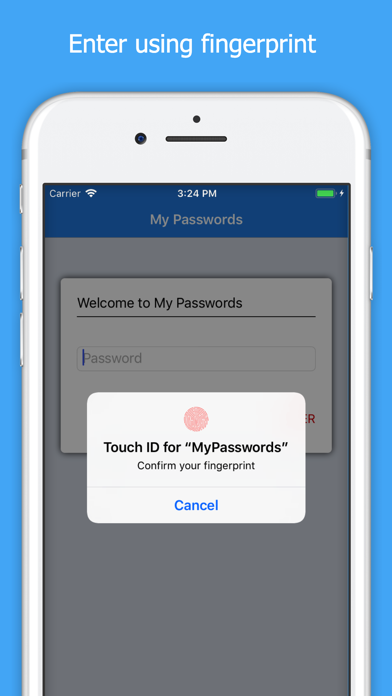
Looking for a secure and easy way of saving all those passwords and sensitive data? This application will help you to store all your passwords easily and safely using Advanced Encryption Standard (AES-256). The only thing you have to do is to remember a master password which is used as encryption key. My Passwords is 100% secure since it does not require internet permission. FEATURES • Quick and easy access • AES-256 data encryption • Backup and restore your data • No internet permission • Dark mode support • Built in password generator • Auto lock when screen turns off • Unlimited number of entries • [PRO] Export and import the encrypted data • [PRO] Export and import the data in a decrypted format • [PRO] Clipboard auto clear • [PRO] Enter using lock pattern • [PRO] Self destruction • [PRO] Labelise your passwords • [PRO] Custom password generator • [PRO] Login with lock pattern • [PRO] Archive • [PRO] Trash • [PRO] Password history • [PRO] Custom fields • [PRO] Attach photos GO PRO There is an optional PRO version available with an one time in-app purchase which unlocks the additional features. You purchase only once! No additional monthly fees or subscriptions. BACKUP AND RESTORE If you have multiple devices, you can easily share your passwords with all your devices by exporting them on iCloud and restore them on the other device from iCloud. - To backup your database please go to: Settings - Export csv file - To restore your database please go to: Settings - Import csv file USE OF PERMISSIONS - Storage: Allows the app to access the storage for writing/reading backup and csv files - Use fingerprint hardware: Allows the app to use the fingerprint sensor for authentication - In-app purchases: To be able to purchase the PRO version and unlock the additional features NOTES - It is strongly recommended that you backup your encrypted database at regular intervals - If the master password is lost the stored data cannot be recovered because of the missing sync option - You can group and sort your entries by colour, alphabetically or by date
What's new · 6.16
We are constantly working to improve our app always based on your feedback. The current version contains bug fixes and enhancements.
Details