

Train Go - Railway Simulator
monois Inc. · Games
Independent analytics for this App Store listing. AppTracker is not affiliated with monois Inc.
Chart standing · US
What changed · US
Listing changes AppTracker has observed for this app in this storefront — new versions, price moves, rating shifts, and store copy.
v4.3.1 - Fixed an issue where save data containing overhead line poles took a long time to load. - Fixed an issue that prevented players from progressing through the tutorial. v4.3.0 - Added Overhead Line Pole and 7 Buildings Pack to the shop! - Fixed an issue where trains could become stuck after colliding near a station. - Adjusted Camera 1 in Drive mode. v4.2.0 - Added a master controller (train control lever)! - Fixed an issue where rapidly tapping the screen could make the game unresponsive. v4.1.0 - Added Stage Size Expansion to the shop! v4.0.0 - Added Advanced mode for building double-track layouts!
Ratings breakdown · US
The star breakdown behind this app's rating in this storefront.
Screenshots




About
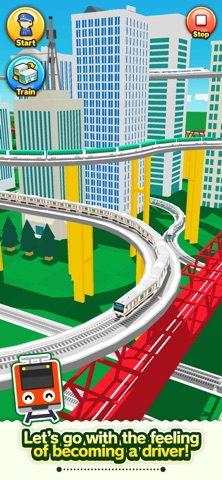
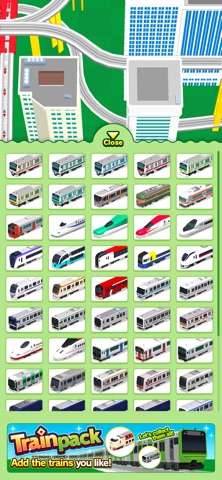
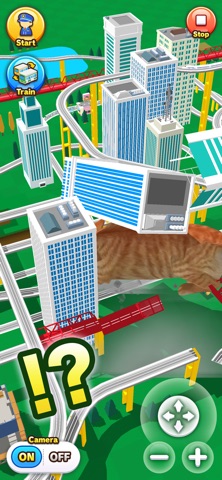
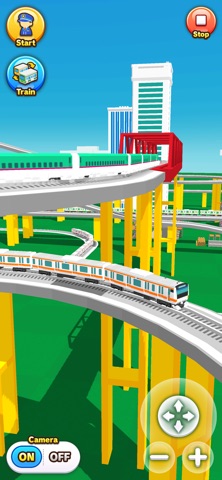
Select the desired rail and connect it. Just tap to lay rails. Create a railway with elevated rails, forking rails, etc., as you want. Create a railway for your favorite train or bullet train and exercise your imagination and creativity. Great fun to run a train on a railway you created, and a great sense of accomplishment! Add train stations and tunnels to customize it. Then run trains on it! Instructions Tap the screen to add the desired rail. Tap the arrow in the direction you want to lay the rail. Very easy to lay rails. Tap on a background part to add buildings and trees wherever you want. After building the railway, tap on the Put Train button and select a train! You can add and delete trains and change the running direction. After you are done, tap the Start Train button to start running the train. When the train approaches a fork, use the following Fork button to switch the train's direction. Camera Mode Press "+" to zoom in. Press "-" to zoom out. Press the arrow to change the camera angle. Train tracking: Press ON to track a train.
What's new · 4.3.1
v4.3.1 - Fixed an issue where save data containing overhead line poles took a long time to load. - Fixed an issue that prevented players from progressing through the tutorial. v4.3.0 - Added Overhead Line Pole and 7 Buildings Pack to the shop! - Fixed an issue where trains could become stuck after colliding near a station. - Adjusted Camera 1 in Drive mode. v4.2.0 - Added a master controller (train control lever)! - Fixed an issue where rapidly tapping the screen could make the game unresponsive. v4.1.0 - Added Stage Size Expansion to the shop! v4.0.0 - Added Advanced mode for building double-track layouts!
Details