

MakePDF: Document Merger
Pedro Jose Pereira Vieito · Productivity
Independent analytics for this App Store listing. AppTracker is not affiliated with Pedro Jose Pereira Vieito.
Chart standing · US
What changed · US
Listing changes AppTracker has observed for this app in this storefront — new versions, price moves, rating shifts, and store copy.
• Improved compatibility with the latest operating system updates. • Bug fixes and stability improvements.
In-app purchases · US
No in-app purchases.
Screenshots

Keywords this app targets
Search terms AppTracker associates with this app — estimates, not search volume. ❝ = in the app's title; a highlighted number is its current position for that term.
Similar apps
Competitors and close alternatives, as estimated by AppTracker.
 PDF Combiner - file merger
实 许
1 shared title word
PDF Combiner - file merger
实 许
1 shared title word
 CleanPDF
MICHAEL HARTMAN
CleanPDF
MICHAEL HARTMAN
 PDFMaker: JPG to PDF converter
Arthur Eduardo Skaetta Alvarez Desenvolvimento de Software LTDA.
2 shared topics
PDFMaker: JPG to PDF converter
Arthur Eduardo Skaetta Alvarez Desenvolvimento de Software LTDA.
2 shared topics
 PDF Convert: Word, JPG, PPT
振训 池
2 shared topics
PDF Convert: Word, JPG, PPT
振训 池
2 shared topics
 PDF Joiner & Merger
Ruchira Ramesh
PDF Joiner & Merger
Ruchira Ramesh
 MarkPDF: Markdown PDF Maker
MOCHA, LIMITED LIABILITY CO.
1 shared topic
MarkPDF: Markdown PDF Maker
MOCHA, LIMITED LIABILITY CO.
1 shared topic
 PDF Printer Premium - Share your docs within seconds
Nguyen Anh
1 shared topic
PDF Printer Premium - Share your docs within seconds
Nguyen Anh
1 shared topic
 Converter & Editor: PDF Expert
The Last Sunrise LLC
1 shared topic
Converter & Editor: PDF Expert
The Last Sunrise LLC
1 shared topic
About
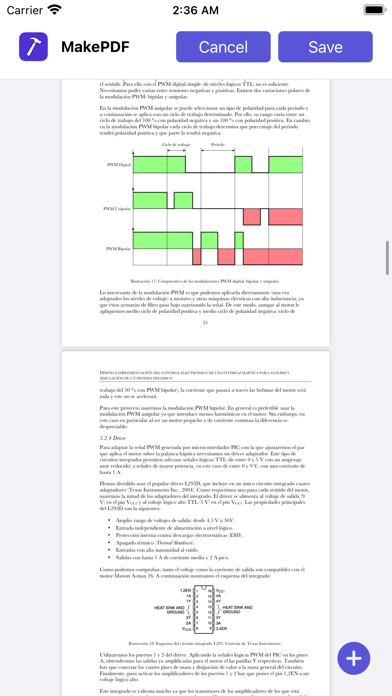
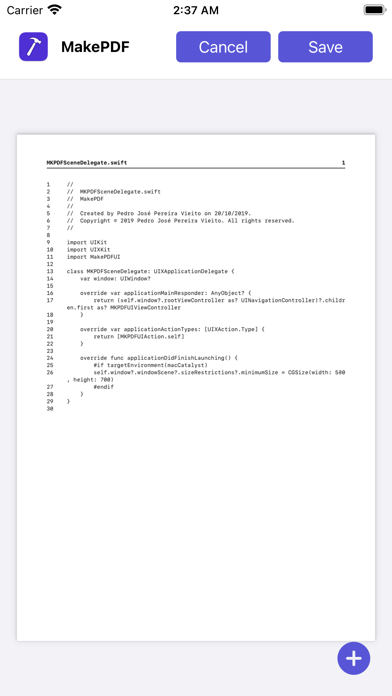
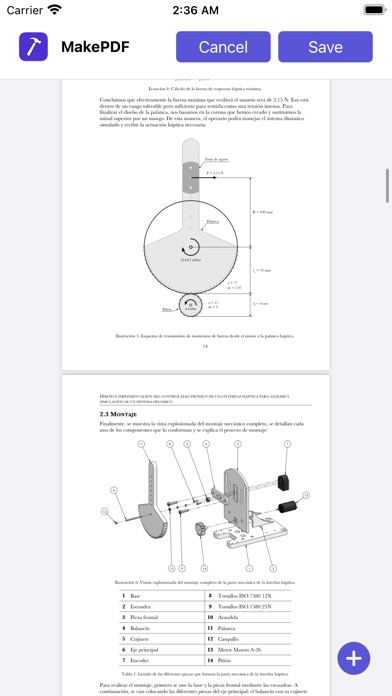
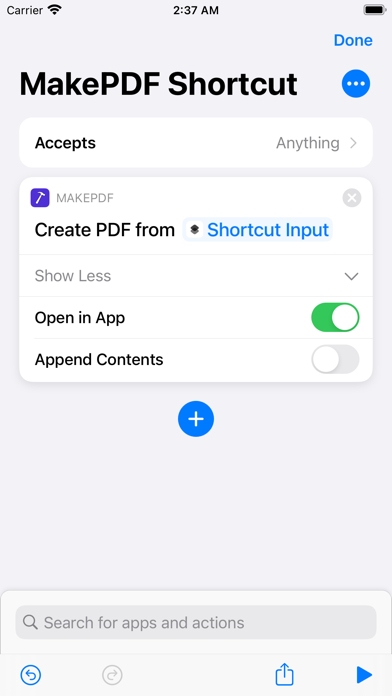
MakePDF allows you to merge multiple files into a single PDF quickly by selecting or dropping documents and images. MakePDF supports a wide variety of files: • Any plain text file. • Source code files (MakePDF will render them with line numbers!). • HTML files. • Images and photos. • Word and Pages documents (supported on macOS). • PowerPoint and Keynote presentations (supported on macOS). • Excel and Numbers spreadsheets (supported on macOS). • And of course, PDFs. On macOS, MakePDF uses Apple Events to automate the native apps for each file format to ensure the best quality in the final PDF. MakePDF is designed to create PDFs quickly: when you select a folder, it automatically sorts the files alphabetically and uses SmartPath technology to suggest the output file name and save location. MakePDF also includes advanced features like multiple window support, keyboard shortcuts, and automation with Shortcuts. MakePDF supports macOS, iOS, and iPadOS. Notes: • On macOS, MakePDF can automate the following native apps to achieve the best PDF quality: Microsoft Word, Microsoft Excel, Microsoft PowerPoint, Pages, Numbers, Keynote, and Preview. Privacy by Design: MakePDF works completely on-device and never stores or sends any information outside of the protected app sandbox.
What's new · 2.3.1
• Improved compatibility with the latest operating system updates. • Bug fixes and stability improvements.
Details