

Softphone
VoiceHost Limited · Business
Independent analytics for this App Store listing. AppTracker is not affiliated with VoiceHost Limited.
Chart standing · US
In-app purchases · US
No in-app purchases.
Screenshots
About
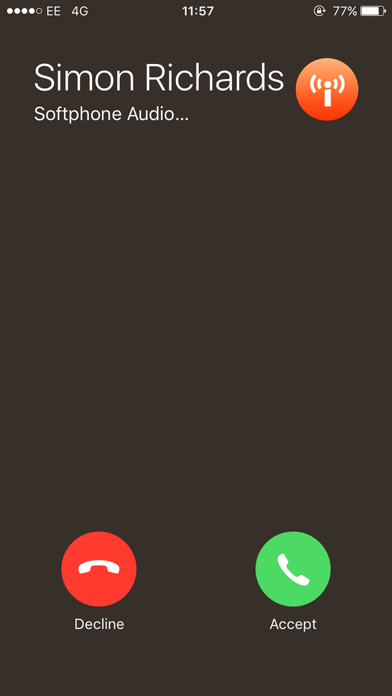
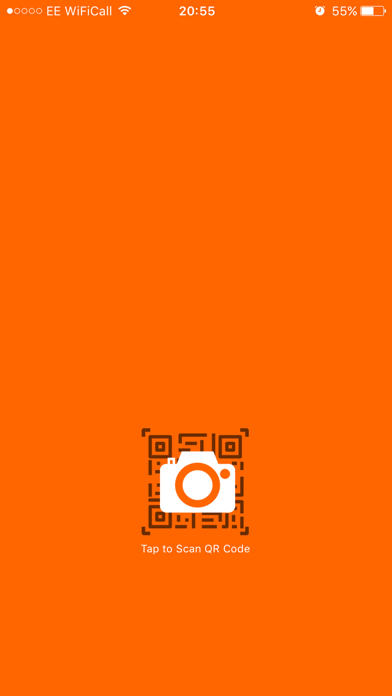
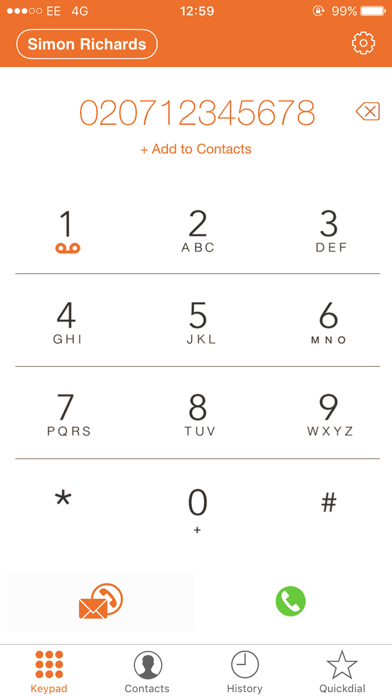
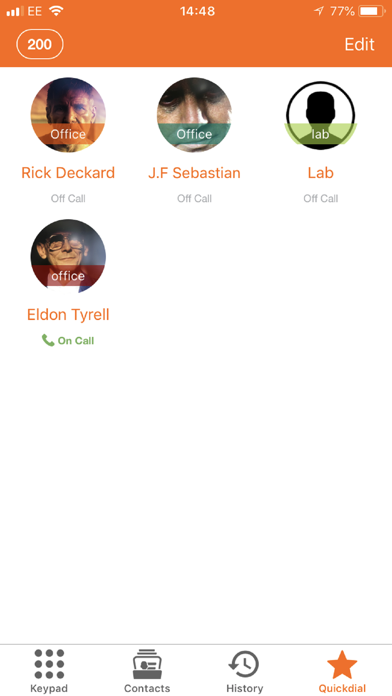
*** This app will NOT work with any other VoIP providers and requires a VoiceHost Account to access the app*** Softphone enabled for High Definition voice and video communication along with Instant messaging. VoiceHost Hosted PBX users can enable the softphone app via the control panel and provision all settings via a QR Code without any configuration. Secure Calling / TLS encryption as default. Zero-Touch Provisioning via QR code. Pushkit Enabled - Improved battery performance. Ultra low bandwidth usage on mobile or cellular networks via the OPUS codec. How to use: 1. Create a VoiceHost Account is you do not have one already (www.voicehost.co.uk) 2. In your VoiceHost account control panel go to "Seat Settings" 3. Select the checkbox to enable the Softphone App - You will now see a QR code. 4. Download the Softphone App from iTunes 5. Open the App and Scan the QR code shown to you previously ***Designed for use with the VoiceHost Hosted PBX and cloud platform only.***
What's new · 3.4.1
Updates and Bug fixes
Details