

Logo Maker - Logo Design Shop
INFOSTRING TECHNOLABS PRIVATE LIMITED · Graphics & Design
Independent analytics for this App Store listing. AppTracker is not affiliated with INFOSTRING TECHNOLABS PRIVATE LIMITED.
Chart standing · US
What changed · US
Listing changes AppTracker has observed for this app in this storefront — new versions, price moves, rating shifts, and store copy.
• Browse saved logos in a refreshed gallery that preserves each design’s proportions. • Crop backgrounds freely or choose a preset ratio, with the canvas adjusting to match. • Resize your canvas while keeping objects in proportion. • Access editing tools directly when selecting objects, with convenient Delete, Duplicate, and Flip controls. • Improved rendering of older templates, background effects, and erased areas. • Larger, clearer line endpoints and bug fixes for more reliable editing.
Ratings breakdown · US
The star breakdown behind this app's rating in this storefront.
In-app purchases · US
What this app sells inside itself, grouped by kind and priced for this storefront.
Screenshots


About
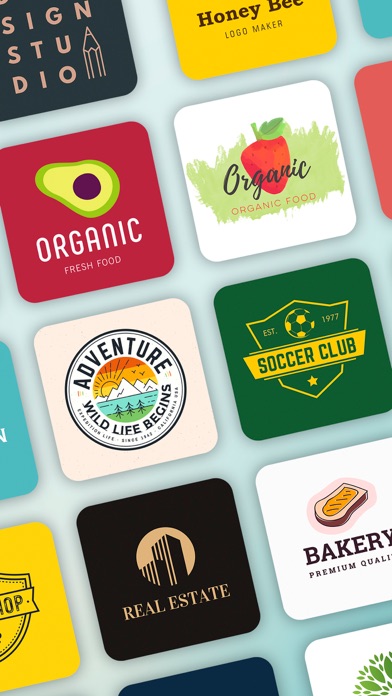
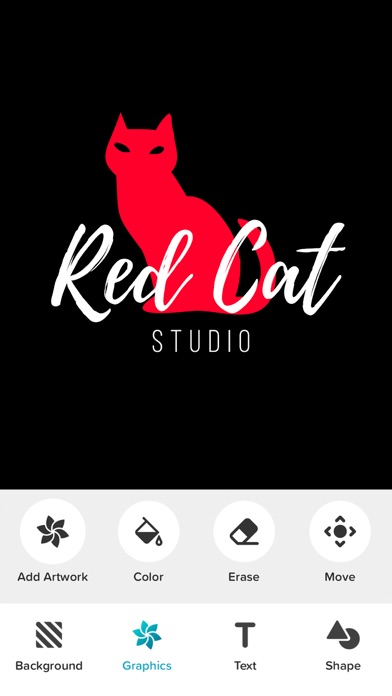
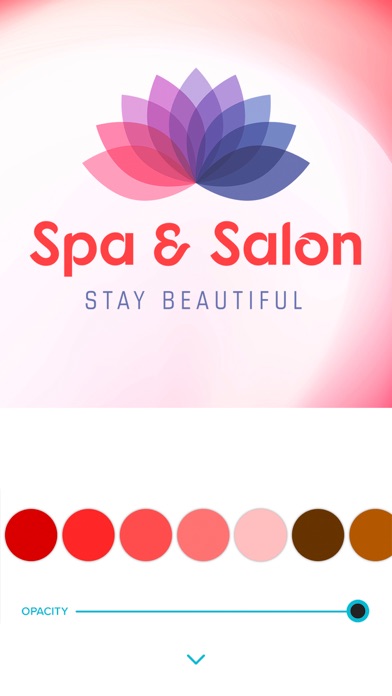
Logo Maker - Logo design shop lets you create a stunning logo for your business in seconds, even if you have no design skills. Logo Maker allows you to create logo, icons, symbols, watermark, business card or any type of professional design like poster, banner, flyer and ads design. Design creative, modern, artistic and professional logos for your business or personal use. Logo Maker is the fast and easiest app ever to create beautiful logo. Simply choose from over 1500+ customizable creative logo templates created by our professional designers. Then edit your chosen design using more than 600 fonts, icons, symbol and background design resources. You can create vintage logo, watercolor logo, retro style logo, artistic logo, abstract logo, designer logo and much more. The best part of this app is that you don’t need any design experience. Just pick a template and get creative! • 1500+ READY TO USE LOGO TEMPLATES Logo Maker provides you a variety of fully editable and customizable logo templates. Each logo design is fully adjustable and customizable. So, you can make awesome logo in minutes. The logo collection is categorized with popular themes like Animals, Business, Vintage, Retro, Luxury, Iconic, Basic, Sports, Watercolor, Letter based, Typography, Abstract, Art, Natural & Organic, Gym, Fitness, Yoga, Badges, Food & Drinks, Beauty & Fashion, Music, Education, Restaurant, Nature, Automative, Real Estate and much more. • 8500+ GRAPHICS (ICONS, SYMBOLS & FONTS) Logo Maker has over 8500+ design resources, including icons, modern fonts, symbols, shapes and HD backgrounds. All the graphics are carefully selected by our professional designers. The graphics & icons collection is categorized with popular themes like Birds & Animals, Gradient, Floral, Watercolour & Golden Paint Stains, Nature, Sports, Foods, Alphabets, Grunge Shapes, Colorful, Science & Technology, Ribbons, Shield, Geometric, Entertainment, Fruits & Vegetables, Real Estate and much more. • PROFESSIONAL DESIGN TOOLS You can design creative and pixel perfect logos with the help of different design tools like text adjustment, stroke, size, color, smart mask(erase), curve and nudge(move). • SAVE YOUR LOGOS Logo maker allows you to save your logo designs or work. So you can edit them anytime anywhere. • HIGH-RESOLUTION LOGO Save and share your logos as transparent PNG or JPEG images or Export as a PDF. Transparent PNG images can be saved up to 4000 x 4000 resolution. SUBSCRIPTION PRICING & TERMS: Logo Maker is free to download. Optional Logo Maker Pro subscriptions are available monthly or annually. Prices and any eligible trial offer are shown in the app before purchase and vary by region. Subscriptions renew automatically unless cancelled at least 24 hours before the current period ends. Manage or cancel your subscription in your Apple Account settings. https://infostring.in/logomaker/terms https://infostring.in/logomaker/privacy
What's new · 2.4.0
• Browse saved logos in a refreshed gallery that preserves each design’s proportions. • Crop backgrounds freely or choose a preset ratio, with the canvas adjusting to match. • Resize your canvas while keeping objects in proportion. • Access editing tools directly when selecting objects, with convenient Delete, Duplicate, and Flip controls. • Improved rendering of older templates, background effects, and erased areas. • Larger, clearer line endpoints and bug fixes for more reliable editing.
Details