
Chart standing · US
Screenshots
About
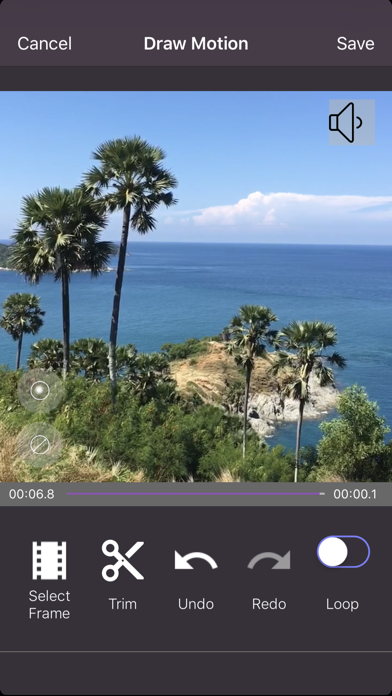
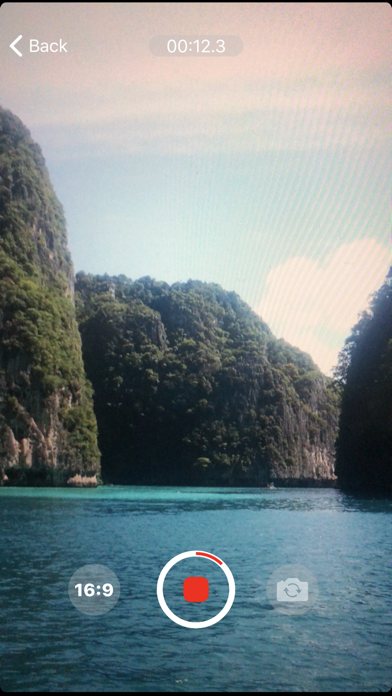
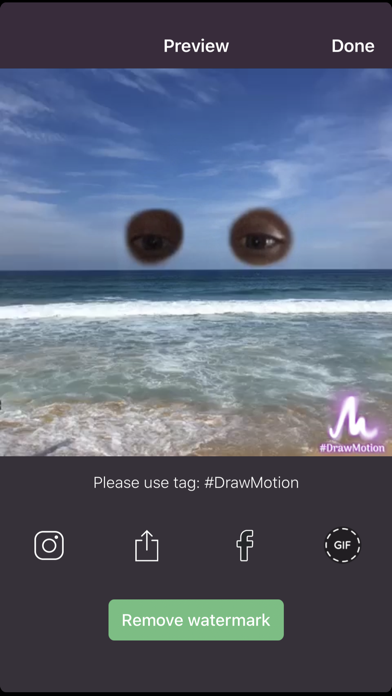
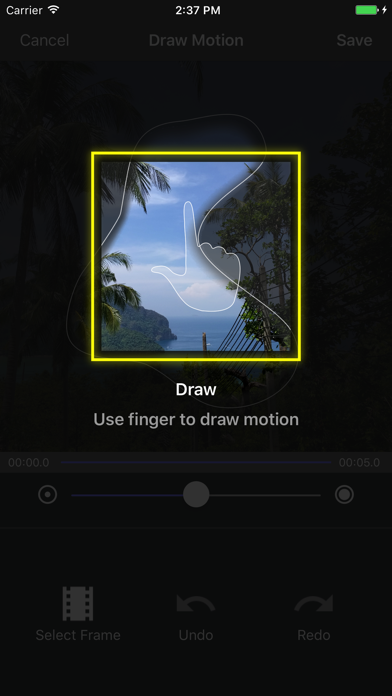
Draw Motion app lets you create stunning cinemagraph videos - just draw on video to mask moving & steady areas. Cinemagraphs, or living images, are a mixture of photography & videos. Living photos always look impressive and are a great way to express yourself, especially on Instagram or Tik Tok. Our video stabilizer feature helps you to create cinema graph even easier. Right after choosing video press Stabilize and wait few moments while stabilization process does it job. How to create a cinemagraph with Draw Motion: - Just use your finger to draw the mask: live-masking reveals motion as you paint over the video. Select "Loop" if you want. - Click Save. That’s it - now you can share your cinemagraph! Creating a living image is made very easy! Quick share buttons are available after you are done with creating cinemagraph. Export cinemagraphs to video files or gif (gifs) of desired quality and share them with us using #drawmotion tag!
What's new · 3.59
Improvements for latest os version
Details