

Mirror + Selfie Camera
SHENG WEN LIAO · Utilities
Independent analytics for this App Store listing. AppTracker is not affiliated with SHENG WEN LIAO.
Chart standing · US
Ratings breakdown · US
The star breakdown behind this app's rating in this storefront.
Screenshots


About
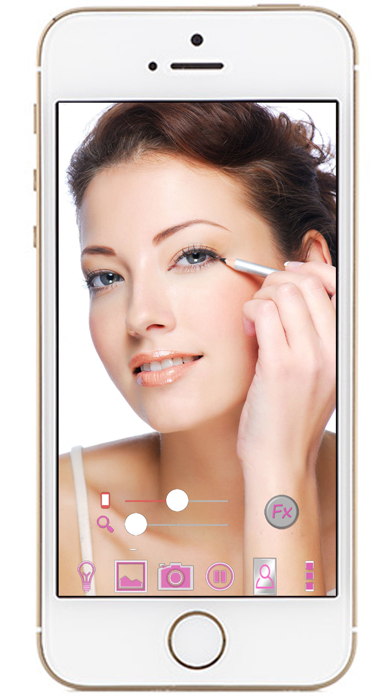
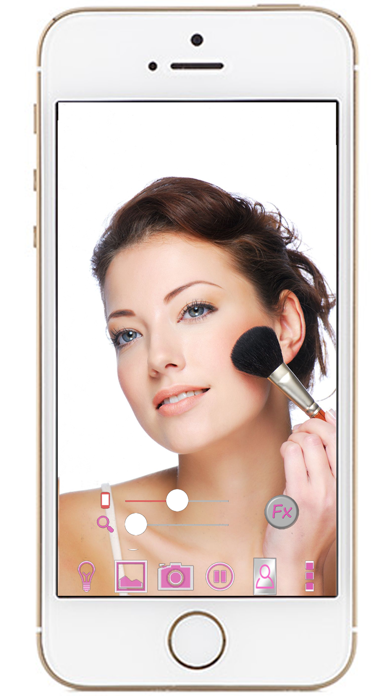
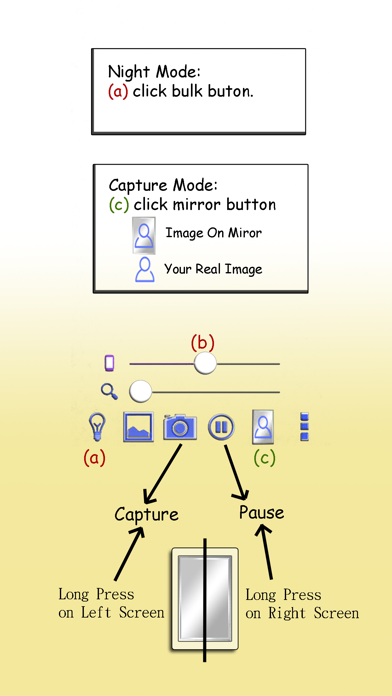
Mirror + Selfie Camera (best mirror app for free) Let your phone become a perfect smart mirror. Handy! Press mirror region to show/hide menu. [Quick Mirror Camera Guideline] When application start, it will hide all the menu. So it is really like a mirror. You can use the following method to change other settings: 1. Press Mirror region to show/hide menu. 2. Drag the red seek bar to change screen brightness. 3. Drag the pink seek bar to let mirror zoom in/out. 4. Press bulb button enable/disable night mode. 5. Press mirror button to change capture mode. (Capture with "Image on Mirror" or "Your real Image") 6. Press the pause/resume button to pause/resume preview. (freeze image) Then double click the freeze image to let mirror zoom in/out. (Or use two fingers to let mirror zoom in/out) 7. Press the Fx button to enable hue effect. After enabled, you can swipe Up/Down to change hue or swipe Left/Down to change brightness. 8. Long press on left screen could camera capture. Long press on right screen could pause preview. (Good for use when full screen preview) [Others] 1. You also can take a picture if you wish. 2. Night mode : Press the bulb button, use panel light at the edge of panel.
What's new · 1.0.6
1. Fix bugs.
Details