

Snapsie - Take progress pictures
Nibble Apps Ltd · Health & Fitness
Independent analytics for this App Store listing. AppTracker is not affiliated with Nibble Apps Ltd.
Chart standing · US
In-app purchases · US
No in-app purchases.
Screenshots
About
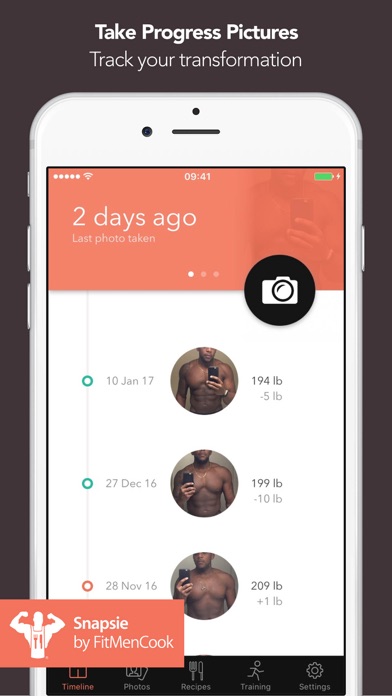
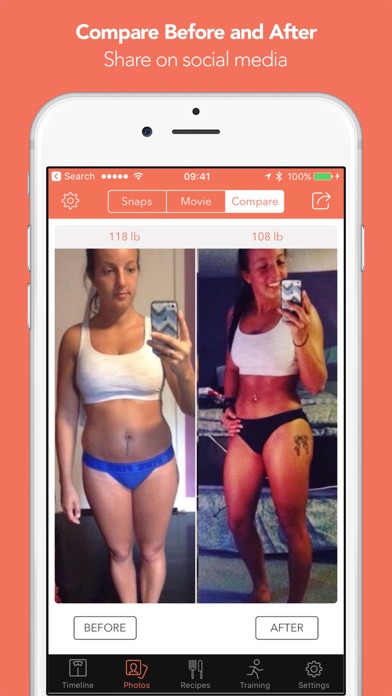
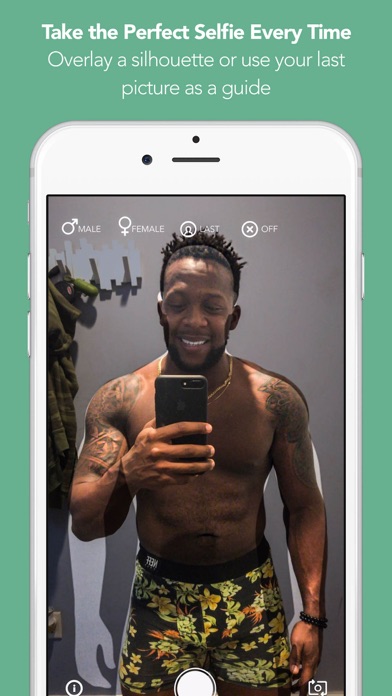
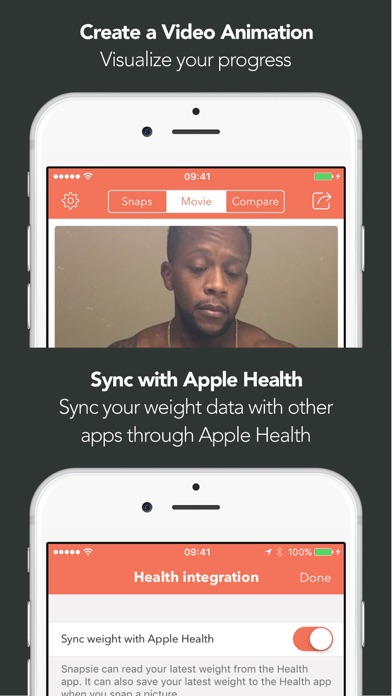
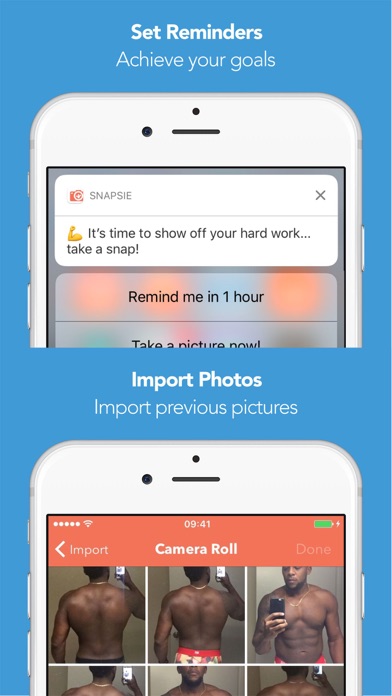
Take before and after pictures and track your progress with the newest addition to the FitMenCook app family. How to use Snapsie: 1/ Tap the camera icon to take your first picture 2/ Enter your weight in pounds, kg or stone (optional) 3/ Take additional pictures, by overlaying the last picture you took, so you can line up the two shots perfectly (optional) 4/ Pick two pictures to create a customizable side by side comparison and share on social media. Alternatively, create a movie showing your transformation over time. You can also: • Set reminders • Import pictures you've previously taken • Sync weight data with the Apple Health app • Quickly see how your weight has changed and how many weeks it's been since you've started Snapsie is a great way to stay accountable on your training goal. If you need some additional help, we've included links inside the app to the FitMenCook app for healthy recipes and also to a free training plan from David Kingsbury who is a Hollywood celebrity personal trainer. Snapsie is a collaboration between Nibble Apps, FitMenCook and David Kingsbury. Privacy Policy: http://nibbleapps.com/privacy/
What's new · 1.1
This update from Apple will improve the functionality of this app. No new features are included. We've added a new much requested camera timer feature, fixed some bugs and added a promo of our new meal planning app MealPrepPro.
Details