

Canon Service Tool for PJ
Canon Inc. · Productivity
Independent analytics for this App Store listing. AppTracker is not affiliated with Canon Inc.
Chart standing · US
Ratings breakdown · US
The star breakdown behind this app's rating in this storefront.
In-app purchases · US
No in-app purchases.
Screenshots
About
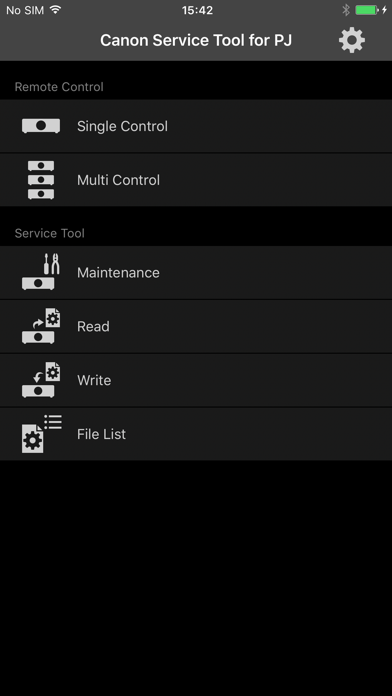
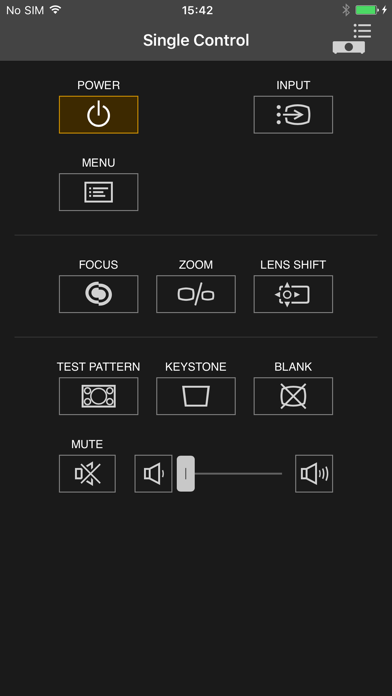
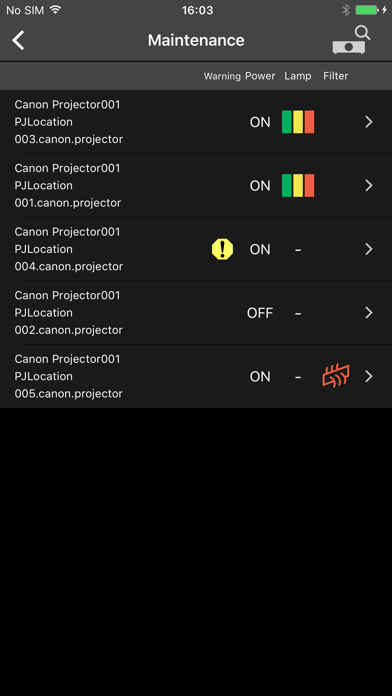
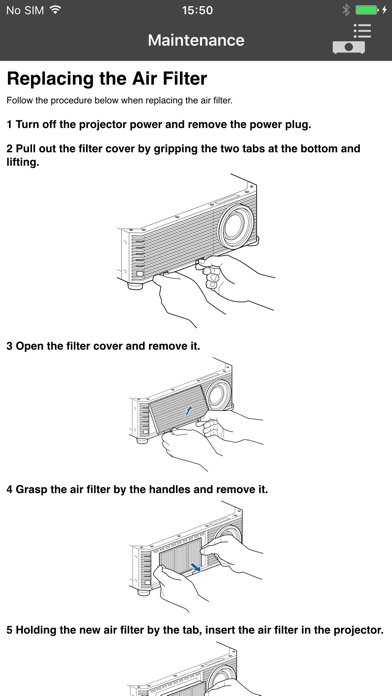
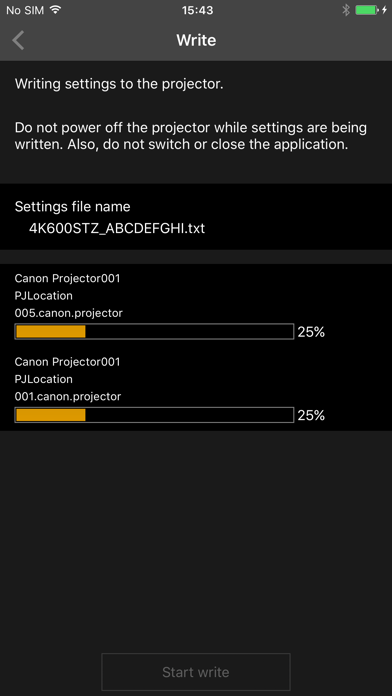
Canon Service Tool for PJ is a free application that allows you to connect to Canon projectors (see below for compatible models) via Wi-Fi*, and remotely operate and control the projector. * Use the projector as an access point, or use the existing access point to connect to the projector. ■ Main features • You can automatically search for the projector, and connect to a supported device by using the projector as an access point, or by using the existing access point. - Single Control / Multi Control This function allows you to remotely operate a single or multiple supported devices simultaneously for up to 9 units. - Maintenance In addition to projector status indicators (alert status, power status, lamp status, and filter status), troubleshooting information are also displayed on the supported device in case of errors. - Read/Write The application allows for reading the projector setup information, and saving it as a file on the supported device. The file can be used to edit settings on other projectors. ■ Compatible models - Canon 4K600STZ projectors* * The following models support Multi Control remote operations only: WUX450,WX450ST,WX520,WUX400ST,WUX6000,WUX500,4K500ST,WUX6010,WUX450ST,4K501ST ■ Supported OS iOS 9.3/10.1 ■ Notes • If the application does not operate properly, force-quit, and restart. • Available functions differ depending on the model. • Make sure you have the password for the projector before using. For details about setting a password, refer to the operating instructions of the projector. • The operation may fail if the projector is operated from other devices in the process. • Search for the projector manually if its wireless LAN function is enabled and yet does not appear in the auto search results. • It takes about 7 minutes for Read, and 15 minutes for Write function. Do not turn off the power while reading/writing.
Details