

GPS Server Mobile
MB AE digital · Navigation
Independent analytics for this App Store listing. AppTracker is not affiliated with MB AE digital.
Chart standing · US
What changed · US
Listing changes AppTracker has observed for this app in this storefront — new versions, price moves, rating shifts, and store copy.
Bug fixes
Ratings breakdown · US
The star breakdown behind this app's rating in this storefront.
In-app purchases · US
No in-app purchases.
Screenshots
About
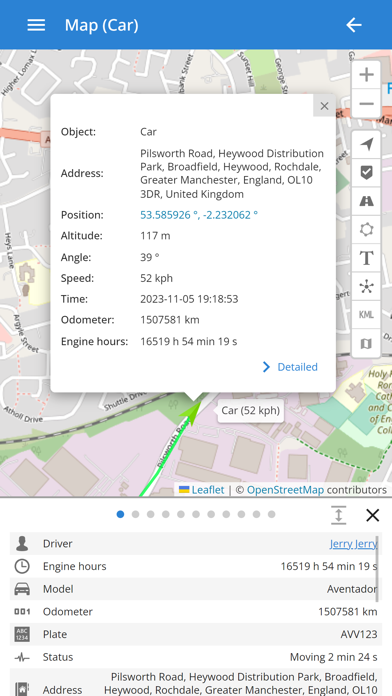
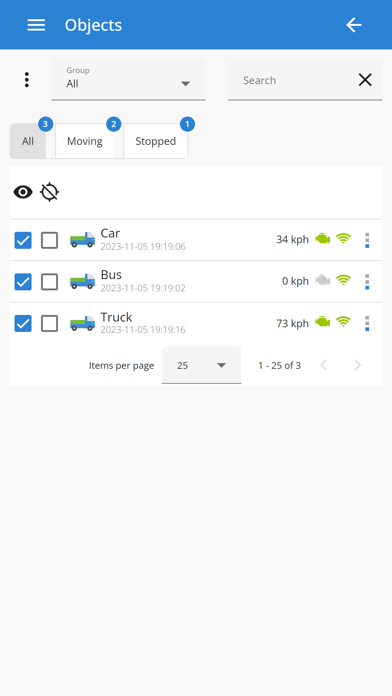
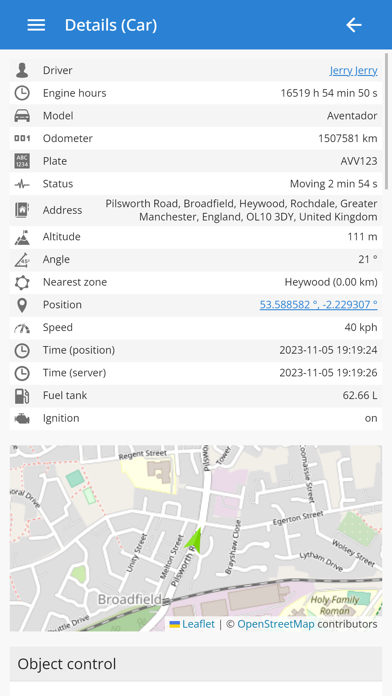
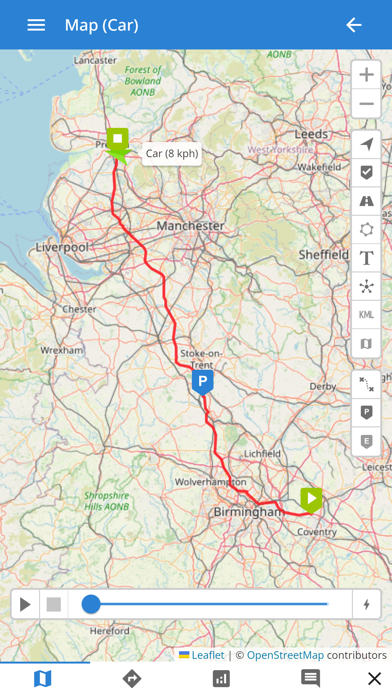
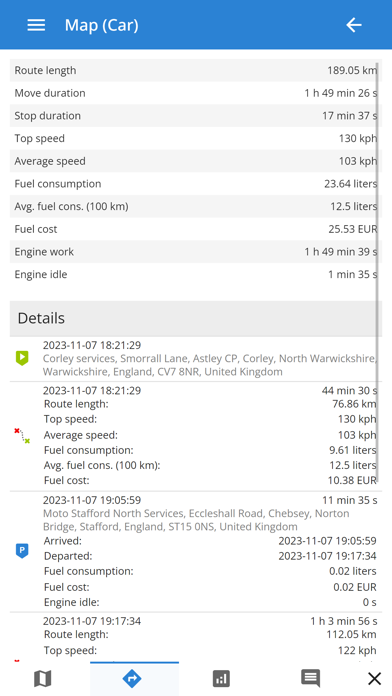
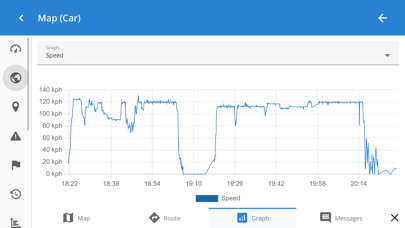
This is mobile client of GPS-server tracking application. In order to use this application, you must have personal account or hosted software. Demo account credentials: E-mail: demo Password: demo123 GPS-server.net features: - Real time tracking mode represents live data of tracked objects. Information is updated every ten seconds without need to refresh page or relogin to account. Monitored data contains vehicle status, latitude, longitude, altitude, address, speed, connection time, ignition status, fuel consumption, sensor data, nearest geozone and much more. - Widgets display recent object information which is updated every ten seconds without need to refresh web page. Send commands to control device, view recent events and mileage graph. - Events is one of the most important feature which our software offers. Events are used to trigger actions by important or disruptive activities. Customer will get instant SMS/E-mail/Push notifications triggered by different event types. - History shows all stored data which server has collected from connected devices for chosen period of time. Software stores information received from GPS tracking devices, such as speed, time, location, stops, reports, events, etc. History is displayed in different ways: visually on the map, in a graph or HTML/XLS format. - POI (Points of Interest) allow you to put markers at the locations that might be interesting or useful. You can also name the place, add short description, attach an image or even video to it. - Routes feature is a helpful tool to mark an important section of the road by drawing virtual path on the map. Additionally, get notifications if vehicle is within or out of route. This feature is useful to analyze vehicle dependency to the road. - With geofences you are able to make a virtual perimeter on geographic areas that have specific interest for you. The main reason to have geofences is to control whether the unit stays within it or not, so that when the geofencing unit enters or exits the area a notification is generated. - Get detailed reports about trips, mileage, driving behavior, fuel usage and thefts, activity in particular zone or route. Reports are used for data analysis of particular vehicle or entire group. Reports can be exported or sent instantly to E-mail addresses in HTML/PDF/XLS format. - Tasks make it easy to create and manage entries related to upcoming work which should be accomplished. Set start and end address, priority, task status. - The Maintenance schedule reminds you when you should have your vehicle serviced, such as an oil change or technical inspection. It can also serve as a reminder to take out insurance. - Use the Expenses function to track the amount spent on an object maintenance. Evaluate the economic benefit of vehicle usage with the Expenditure report on a daily, weekly, or monthly basis.
What's new · 2.14
Bug fixes
Details