

DAILY DAY - Countdown Days
youngjin seo · Lifestyle
Independent analytics for this App Store listing. AppTracker is not affiliated with youngjin seo.
Chart standing · US
What changed · US
Listing changes AppTracker has observed for this app in this storefront — new versions, price moves, rating shifts, and store copy.
bug fixes, performance improvements
Ratings breakdown · US
The star breakdown behind this app's rating in this storefront.
In-app purchases · US
What this app sells inside itself, grouped by kind and priced for this storefront.
Screenshots




About
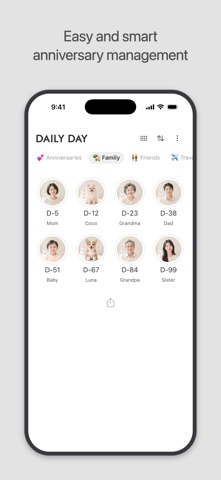
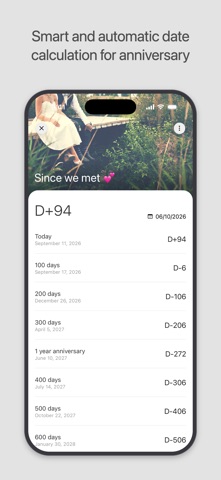
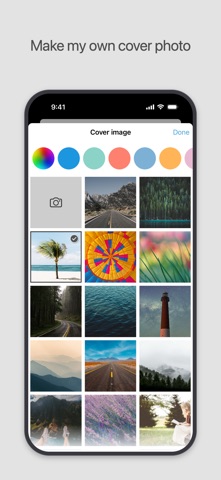
Add a variety of anniversaries easily and simply [ DAILY DAY Features ] ● Various types of calculations D-Day, Anniversary, Monthly, Annually, Months and Days ● Make your customized D-day cover Provide basic cover photos and make your own D-day cover with the pictures you want ● Home screen widget Two types of widgets ● D-DAY Notification bar Keep your D-DAY always on notification bar. ● Anniversary notification 100th day, 200th day… and 1st anniversary, 2st anniversary... ● Arrange your D-DAY list Sort events by upcoming date, older date, or manually ● Count anniversary automatically The 100th day, 200th day… and 1st anniversary, 2nd anniversary... automatic calculation for anniversaries ● Password & Biometric lock Keep your app safe with password or Biometric lock. ● Share D-Day event Share your D-day with SNS
What's new · 7.3.2
bug fixes, performance improvements
Details