

Flowdia Diagrams
Behzad Gorimar · Productivity
Independent analytics for this App Store listing. AppTracker is not affiliated with Behzad Gorimar.
Chart standing · US
What changed · US
Listing changes AppTracker has observed for this app in this storefront — new versions, price moves, rating shifts, and store copy.
- UI Enhancements
Ratings breakdown · US
The star breakdown behind this app's rating in this storefront.
In-app purchases · US
What this app sells inside itself, grouped by kind and priced for this storefront.
Screenshots
About
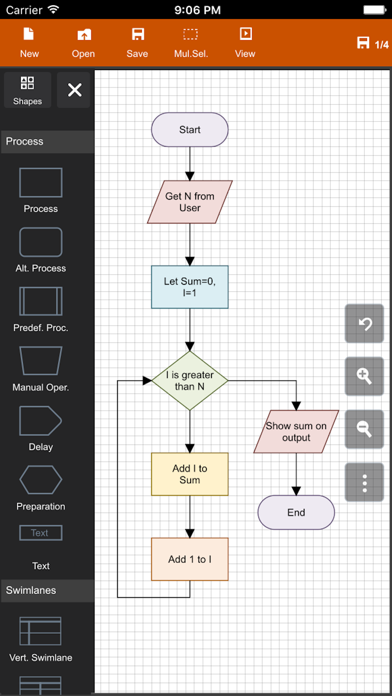
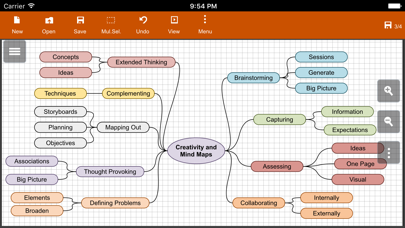
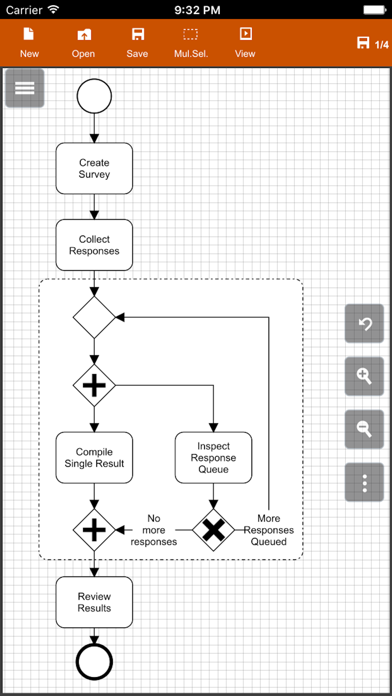
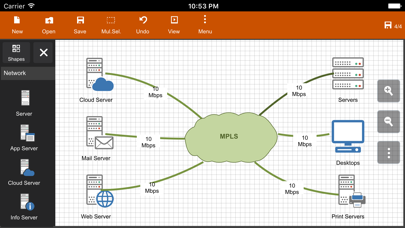
Flowdia is an easy to use flow diagram tool that can be used to quickly create professional quality flowcharts, mind maps, BPMN, network and server layouts, Cisco network, Rack diagram, UML activity, business process and process flow diagrams. The app is designed with ease of use in mind. You can quickly connect flowchart shapes by simply selecting the start and end connection points and quickly add new lanes to a swimlane diagram or new sub-topics to a mind map diagram by using "+" button from the selected swimlane or mind map shape menu. The mind map sub-topics are automatically positioned on the page but can be easily moved as required. Flowdia supports export of the diagram / flowchart to PNG, JPG, PDF and SVG formats.You can view exported SVG files in Microsoft Visio. You can import custom PNG and JPG images. The following diagrams can be created using Flowdia: - Flowchart - Swimlanes - Mind Maps - BPMN - Network Diagram - AWS Architecture Diagram - Cisco Network Diagram - Server Layout Diagram - Rack Diagram - UML Class Diagram - UML Activity Diagram - UML Use Case Diagram - UML Sequence Diagram - Business Process Diagram - Process Flow - Chevron Diagram You can quickly select and change BPMN activity, event and gateway types by using the special shape selector available to all BPMN shapes. The flowchart shapes in this tool are not images can be re-sized without loosing quality. You can customize the look of the shapes by applying background color and also change the font color and size of the text. **NOTE: Free version of Flowdia is restricted to: - 4 files. - 1 page per diagram. - Cannot remove or duplicate pages. - Image and PDF exports with watermark
What's new · 1.24.1
- UI Enhancements
Details