

Brushes
Envoza · Graphics & Design
Independent analytics for this App Store listing. AppTracker is not affiliated with Envoza.
Chart standing · US
What changed · US
Listing changes AppTracker has observed for this app in this storefront — new versions, price moves, rating shifts, and store copy.
Ratings breakdown · US
The star breakdown behind this app's rating in this storefront.
In-app purchases · US
No in-app purchases.
Screenshots

Keywords this app targets
Search terms AppTracker associates with this app — estimates, not search volume. ❝ = in the app's title; a highlighted number is its current position for that term.
Similar apps
Competitors and close alternatives, as estimated by AppTracker.
 Inspire
snowCanoe
2 shared topics
Inspire
snowCanoe
2 shared topics
 MyBrushes Pro - Sketch, Paint and Draw
etinysoft Inc.
2 shared topics
MyBrushes Pro - Sketch, Paint and Draw
etinysoft Inc.
2 shared topics
 MediBang Paint for iPhone
MediBang inc.
3 shared topics
MediBang Paint for iPhone
MediBang inc.
3 shared topics
 iArtbook
Alexander Kondrashov
1 shared topic
iArtbook
Alexander Kondrashov
1 shared topic
 ArtRage
Ambient Design Ltd.
2 shared topics
ArtRage
Ambient Design Ltd.
2 shared topics
 ArtStudio - Draw and Paint
Lucky Clan
1 shared topic
ArtStudio - Draw and Paint
Lucky Clan
1 shared topic
 Zen Brush 2
PSOFT
1 shared topic
Zen Brush 2
PSOFT
1 shared topic
 Zen Brush 3
PSOFT
1 shared topic
Zen Brush 3
PSOFT
1 shared topic
About
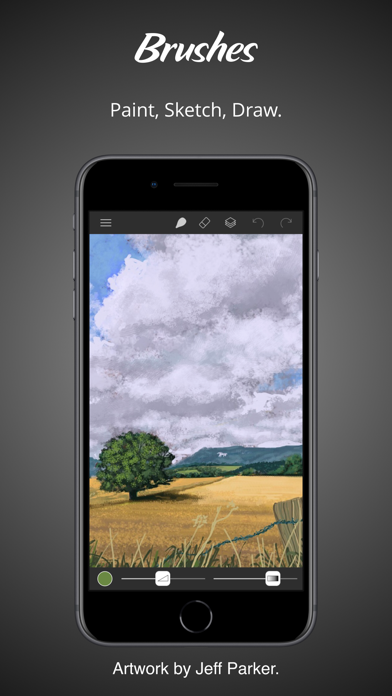
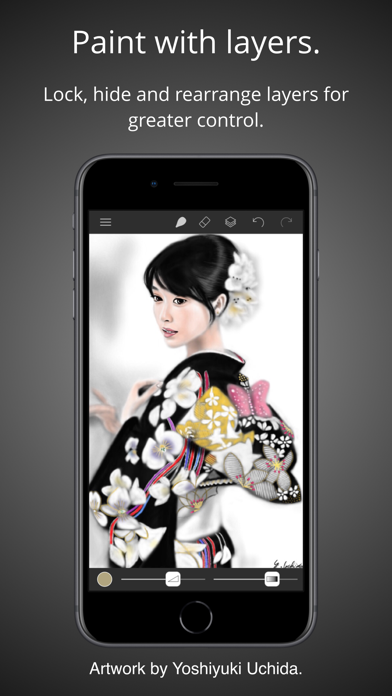
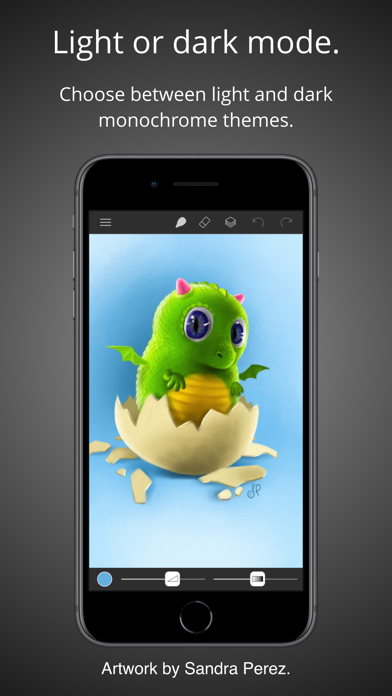
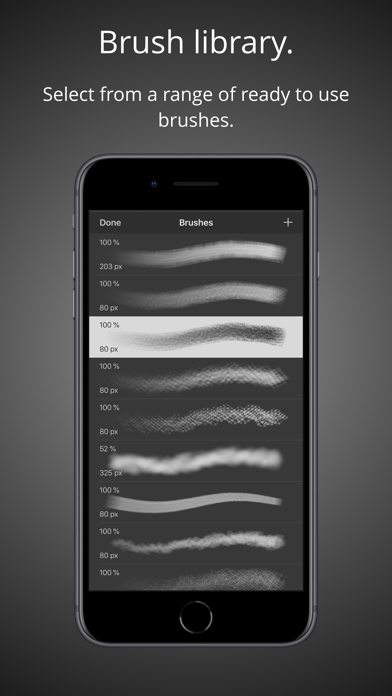
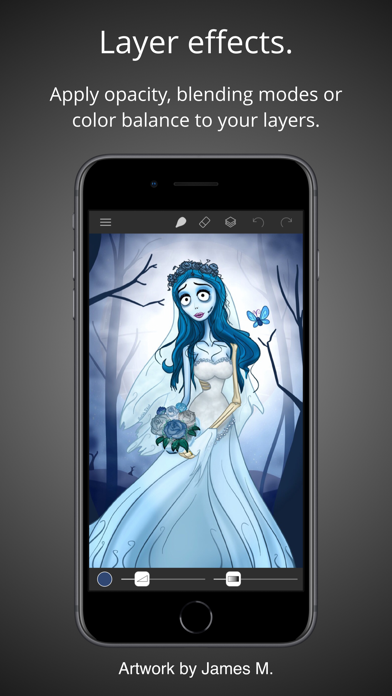
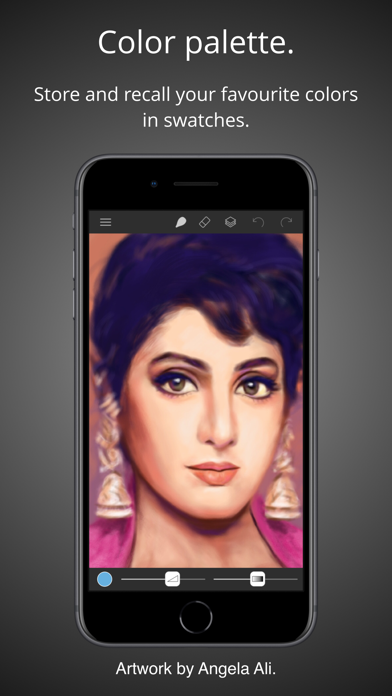
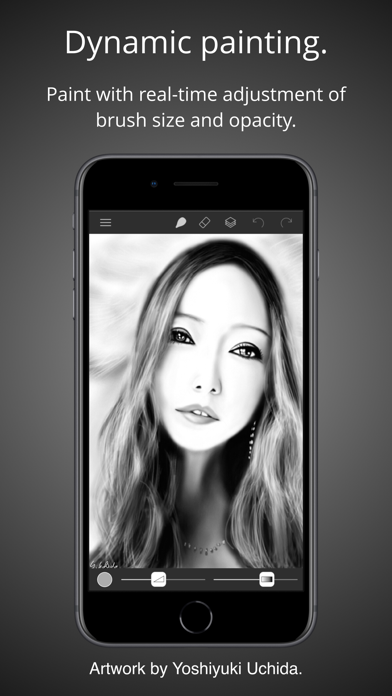
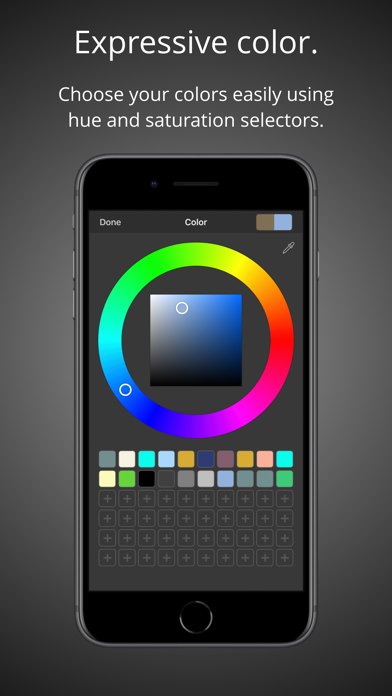
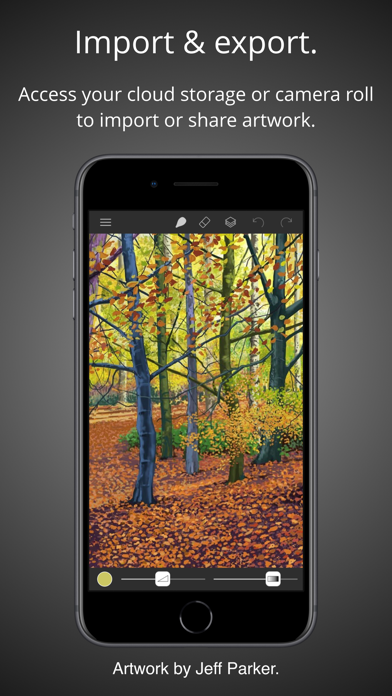
Brushes 4 is the latest iteration of the app that started the iPhone and iPad painting revolution. Redesigned with a clean and modern user interface, Brushes supports iPhone and iPad with optimisation for the iPhone X, iPhone XS, iPhone Pro and iPad with Apple Pencil. • Highlights: - Clean and modern user interface with light and dark modes. - Files based painting gallery. - New canvas interface. - Apple Pencil support with pressure curve. – Unlimited undo and redo. - Continuous auto-save. - Cloud Drive import and export. • Parameterized Brushes: - Selection of ready to use brushes with customisable settings. - Create your own custom brushes from millions of permutations. - Generate random brushes for inspiration. - Dynamic adjustment of brush size and opacity. • Layers: - Layer your artwork for greater control. – Lock and hide layers. – Use alpha lock to only paint where pixels already exist. – Adjust individual layer opacity. – Duplicate, rearrange and merge layers. – Apply layer blending modes: normal, multiply, screen, exclude. - Color fill any layer. – Invert layer color and desaturate. – Flip and arbitrarily transform layers. – Adjust the color balance per layer. – Adjust layer hue, saturation and brightness. • Colors: - Colour picker with hue ring and saturation square. - Store and recall your favourite colors in swatches. - Sample painting colors with the eyedropper tool. • Apple Pencil: - Intuitive and powerful pressure curve to match your style. - Configurable realtime pressure based adjustment of brush size and opacity. • Creation: - Preset canvas sizes for paper, photographs, iPhone and iPad screens, film and television displays. - Custom canvas size. • Import, export and sharing: - Import images directly from your camera roll. - Import PNG and JPEG images from cloud services. - Export your paintings for sharing or importing into other apps as PNG and JPEG to all cloud storage services or as photos directly to your camera roll. - Compatible with paintings created by Brushes 3 and Brushes Redux. • Light and dark appearances: - Choose between light and dark monochrome appearances, or current system setting. - Minimal use of user interface color so that tints in the user interface do not distract from or influence your artwork color choices. Acknowledgements. Thank you to Angela Ali, Jason M., Jeff Parker, Sandra Perez and Yoshiyuki Uchida for contributing artwork to the App Store screenshots. Please visit our website to see more of their artwork and for links to their portfolios. History. Brushes was originally created by Steve Sprang for iPhone in 2009 and for iPad in 2010. His last version, Brushes 3 was released in 2012, but was removed from the App Store in 2015. I took over development to modernise and support an app that has continued to be enjoyed by so many artists.
What's new · 4.2.6
Minor fixes and enhancements.
Details