

Birthday Stickers - Messages
Alexander Bichurin · Stickers
Independent analytics for this App Store listing. AppTracker is not affiliated with Alexander Bichurin.
Chart standing · US
What changed · US
Listing changes AppTracker has observed for this app in this storefront — new versions, price moves, rating shifts, and store copy.
In-app purchases · US
What this app sells inside itself, grouped by kind and priced for this storefront.
Screenshots
About
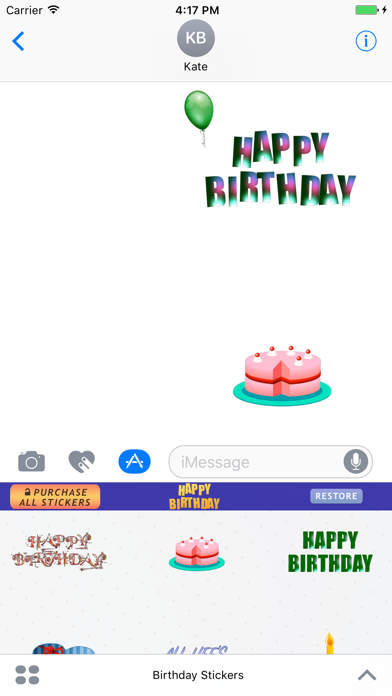
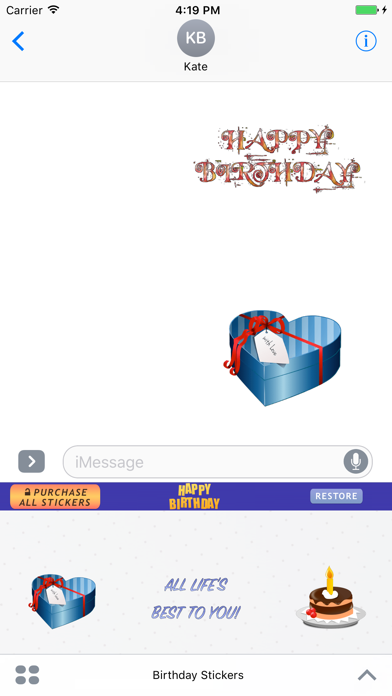
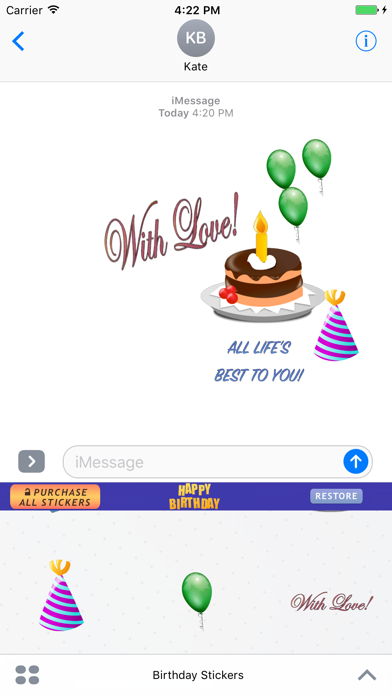
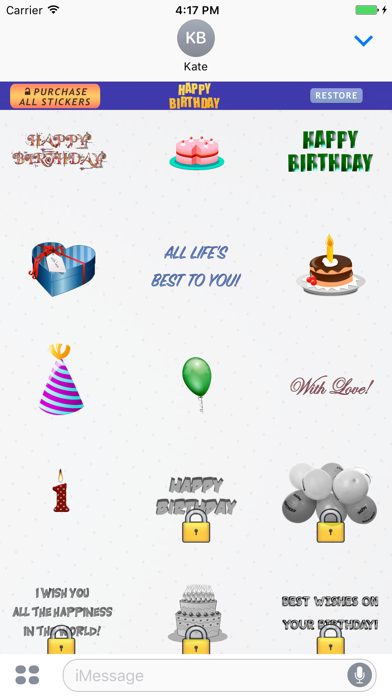
Happy Birthday Stickers for iMessage. Send your friends and family animated Birthday Stickers on their Birthdays. Get more than 40 Birthday related stickers in one pack. How to use Birthday Stickers for iMessage? 1. Download Birthday Stickers for iMessage. 2. Launch Messages (iMessage) from your Home screen. 3. Tap on the Apps button, which looks like the App Store icon inside your Messages app. 4. Tap on Happy Birthday Stickers to open the pack. 5. Use stickers and send them to your friends and family. How to unlock all Happy Birthday stickers? Tap "Purchase All Stickers" Button. Free Download Today.
What's new · 2.0
App Improvements and Bug fixes
Details