

Compass Guru - Digital Heading & Bearing
David Ryall · Navigation
Independent analytics for this App Store listing. AppTracker is not affiliated with David Ryall.
Chart standing · US
In-app purchases · US
No in-app purchases.
Screenshots

About
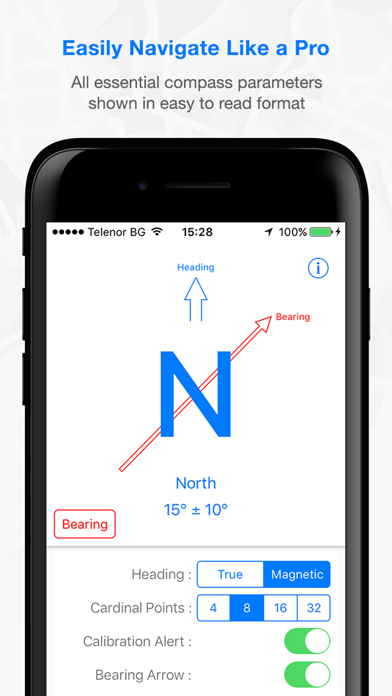
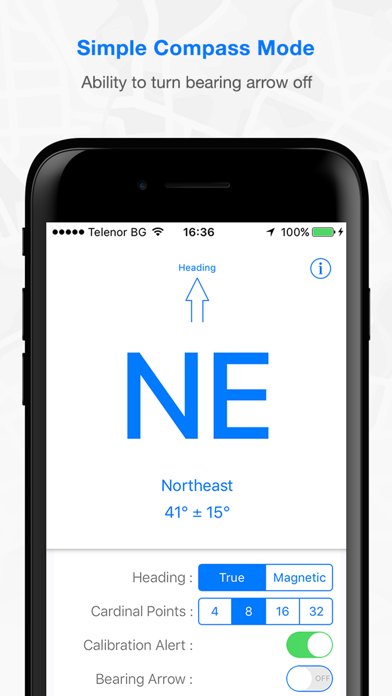
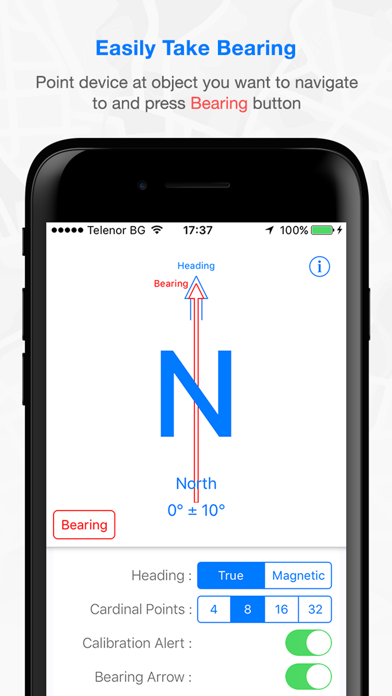
- Easily navigate like a Pro !!! - Unique redesign of the traditional compass. - Compass heading and bearing shown in an easy to read format. - No more confusing and old fashioned compass dial. INSTRUCTIONS: 1) Point device at object you wish to navigate to. 2) Press Bearing button. 3) Follow the Bearing Arrow. --------------------------------------- MEASUREMENT ACCURACY EXPLAINED The accuracy shown is determined by the device and operating system, not the application. The best accuracy obtainable is typically +/-10 degrees. Manual calibration - The accuracy can be improved by rocking the device in a circular motion. Automatic Calibration - If the device is securely fixed within a vehicle, then the accuracy will automatically improve after several turns of the vehicle. The Calibration Alert should be set to OFF to prevent the compass calibration alert appearing. ---------------------------------------
What's new · 1.1
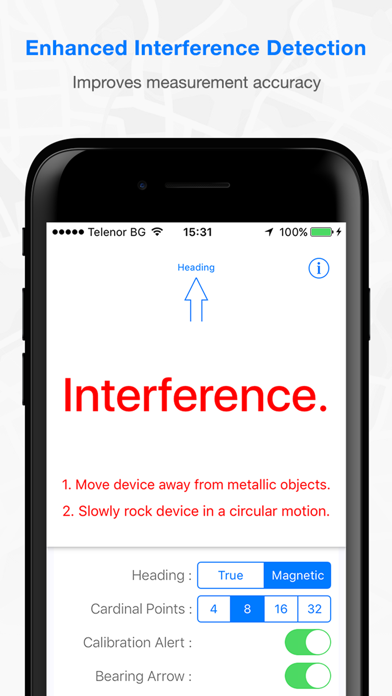
This update from Apple will improve the functionality of this app. No new features are included. Enhanced magnetic interference detection. Improved user interface.
Details