
Chart standing · US
Not currently charting in this storefront.
Screenshots



About
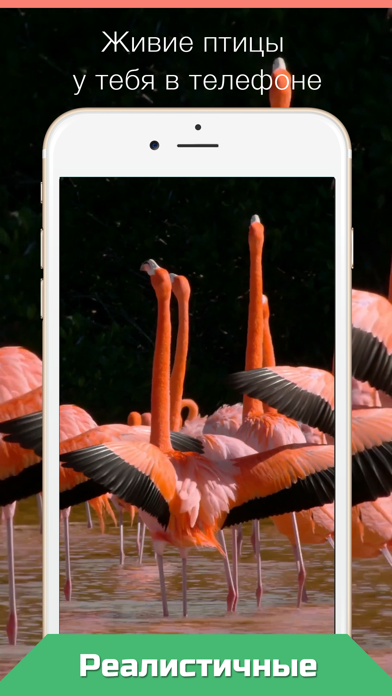
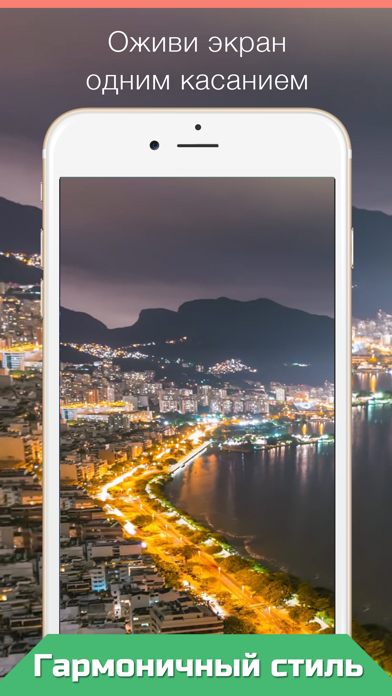
Press your Lock Screen to let the magic happen! Live Wallpapers for your iPhone 12! • Choose live wallpaper (touch your screen) and press Save icon. • Set the Live wallpaper you selected as your "Lock Screen wallpaper" • Press your Lock Screen to let the magic happen! 1. Save live wallpaper. 2. Set the wallpaper you selected as your Lock Screen wallpaper. 3. Touch your Lock Screen! Only for iPhone 6s and 6s Plus, iPhone11 and 12 Plus. Please note that you can’t use Live wallpapers if you are using the "Low Power Mode".
What's new · 3.0
bug fix
Details
DeveloperIvan Beschetnikov
ReleasedOct 2016
UpdatedApr 2021
Version3.0
Size20.7 MB
RequiresiOS 12.1 or later
Age rating4+
LanguagesEnglish, Russian
PriceFree
Categories
Bundle IDcom.ivansoft.oboilive