

QROX: QR code Generator
Jeonghwan Kim · Utilities
Independent analytics for this App Store listing. AppTracker is not affiliated with Jeonghwan Kim.
Chart standing · US
What changed · US
Listing changes AppTracker has observed for this app in this storefront — new versions, price moves, rating shifts, and store copy.
iOS update related app stability check and supplement
Price & rating history · US
Reconstructed from the listing changes AppTracker has observed in this storefront. A field is charted once it has changed more than once, and each line starts at the value it moved from.
Average rating · ★ 4.58 now · 2 changes on record
Ratings breakdown · US
The star breakdown behind this app's rating in this storefront.
Screenshots
About
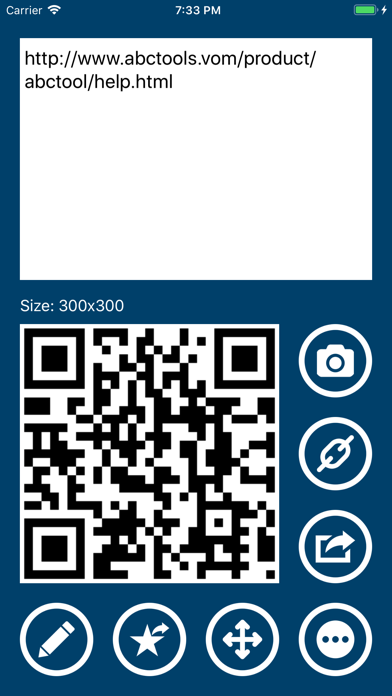
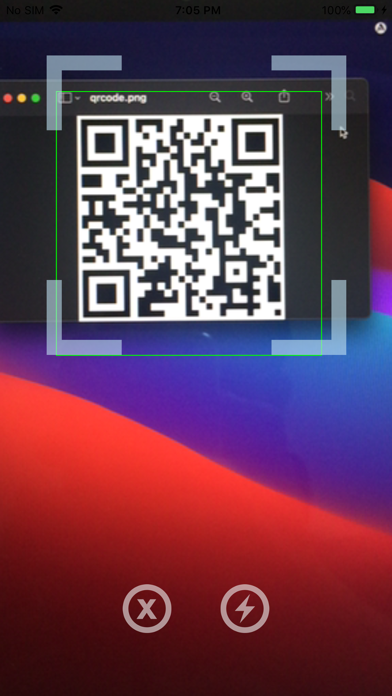
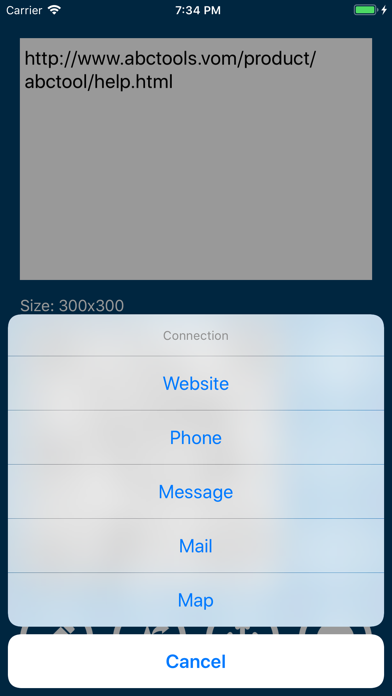
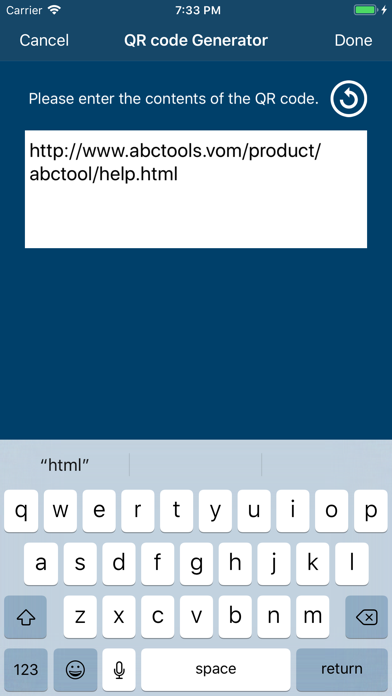
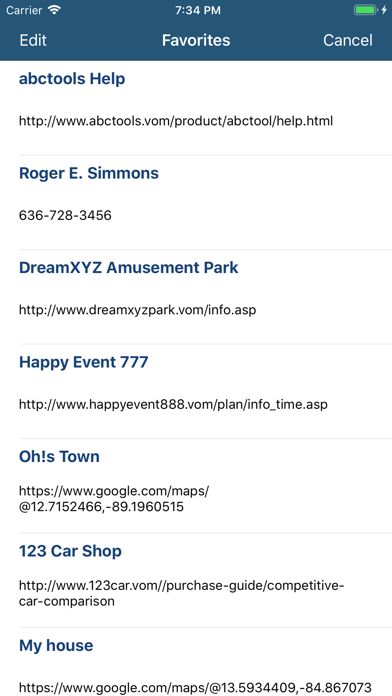
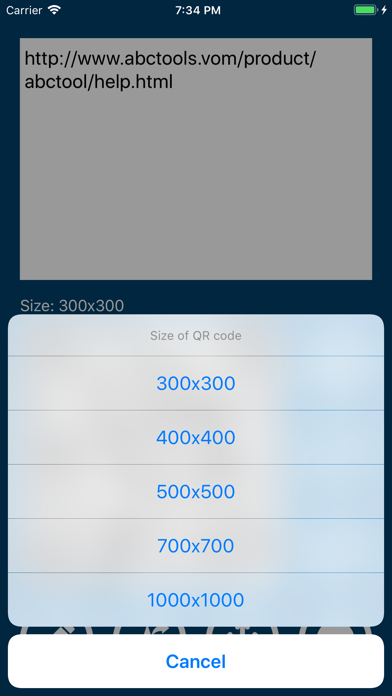
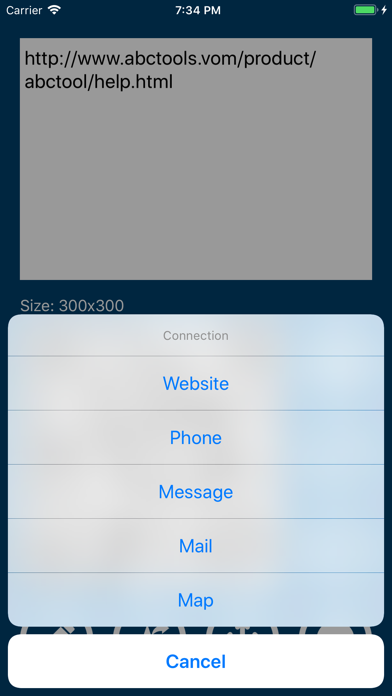
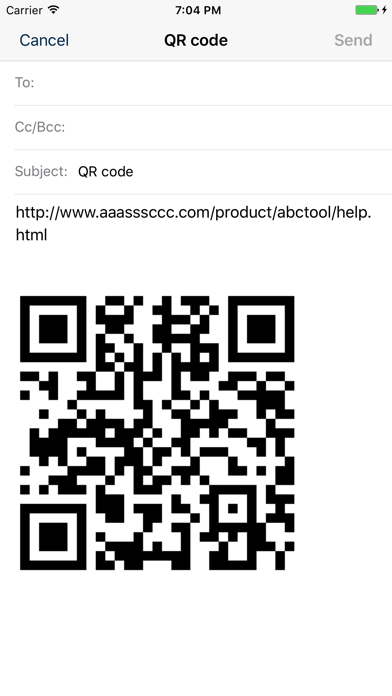
▷ You can scan QR codes faster and even create your own QR codes. QR codes have already become one of the familiar and closely related tools in our daily lives. Isn't the QR code, a square-shaped 2D code that can contain diverse and large amounts of information, truly a wonderful invention? The QROX app introduced here is a tool that allows you to quickly read QR codes, as well as easily create them. Now, create your own custom QR codes. Express text messages in QR code format, or create a QR code that guides people to your website. How about creating a letter filled with love as a QR code and sending it? More diverse features will continue to be updated. ◉ Key Features 1. Read QR codes with the camera and display the code image and content • Connect to the appropriate type for the code • Save or share the code and content • Flash function for reading even in dark places 2. Create QR codes by entering content 3. Save frequently used QR codes to Favorites 4. Connect via QR code • Website • Phone • Message • Email • Map • Wi-Fi 5. Save and Share QR codes • Favorites • Clipboard • Camera Roll • Message • Email ◉ Notice • For inquiries, please use the in-app email function. • This is a completely free app, so no payment or subscription is required.
What's new · 4.20
iOS update related app stability check and supplement
Details