

Pixel Art - draw with dots
Mireia Lluch Ortola · Entertainment
Independent analytics for this App Store listing. AppTracker is not affiliated with Mireia Lluch Ortola.
Chart standing · US
What changed · US
Listing changes AppTracker has observed for this app in this storefront — new versions, price moves, rating shifts, and store copy.
Price & rating history · US
Reconstructed from the listing changes AppTracker has observed in this storefront. A field is charted once it has changed more than once, and each line starts at the value it moved from.
Average rating · ★ 4.53 now · 26 changes on record
Ratings breakdown · US
The star breakdown behind this app's rating in this storefront.
In-app purchases · US
No in-app purchases.
Screenshots



About
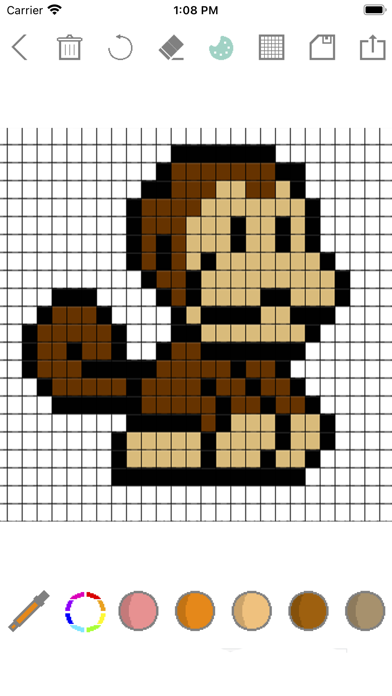
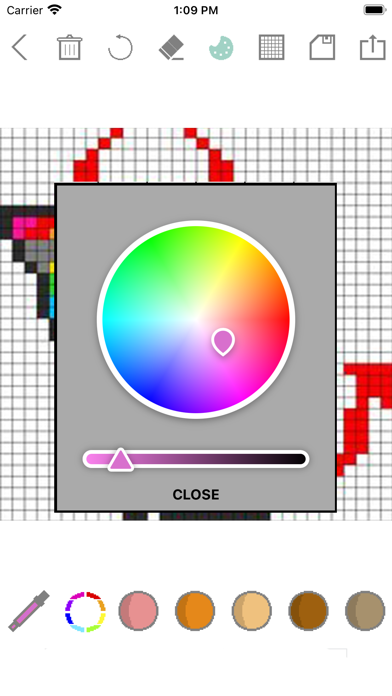
Let's make a simple app to draw Pixel Arts! This App Is a new sense of Pixel Arts painting app. Powerful pixel-art editor. Allows draw images on pixel level. How to use: - Choose the canvas size (pixels) you want or select your custom size. - Paint with your finger the pixels you want. - You can erase, undo, change size and color of borders... - Select available color or custom color. - Save your drawing in your gallery and your app. - You can save your draw and finish it later. - Share your drawing with your friends. Currently support: - Pencil, eraser, undo, delete, save, share... - Tool to select a color from those used - Different grid sizes, 8x8, 16x16, 32x32, and 64x64. And of course, custom size (128 maximum). Easy to share the work. You can be easily shared with your social networks or chat apps.
What's new · 1.4
New functionality: - Tool to select a color from those used in our drawing. Bugs fixed: - Error saving drawings for editing later fixed - Bug when entering custom pixel size fixed
Details