

Color Splash effect eraser
Mireia Lluch Ortola · Photo & Video
Independent analytics for this App Store listing. AppTracker is not affiliated with Mireia Lluch Ortola.
Chart standing · US
Screenshots
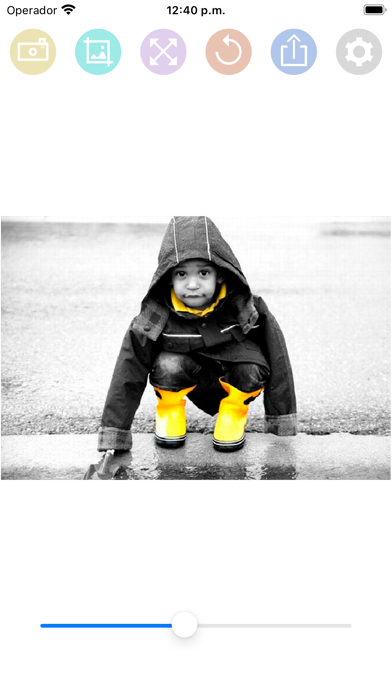
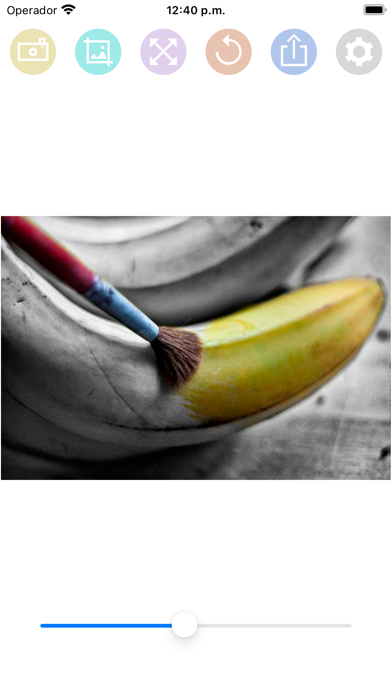
About
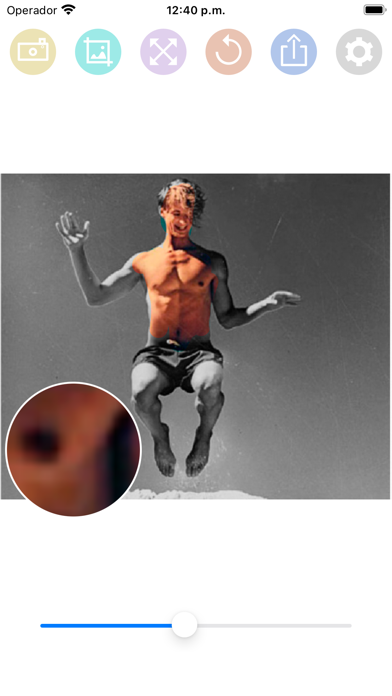
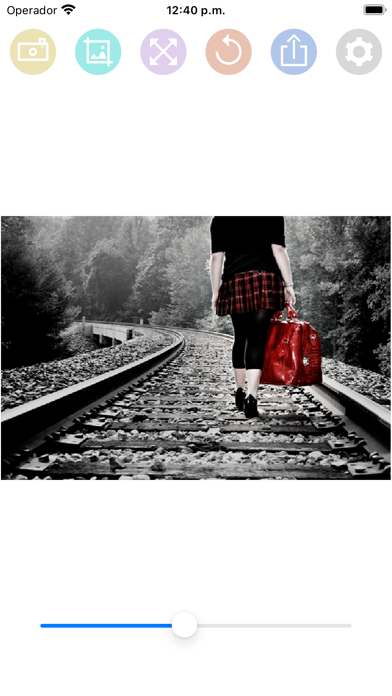
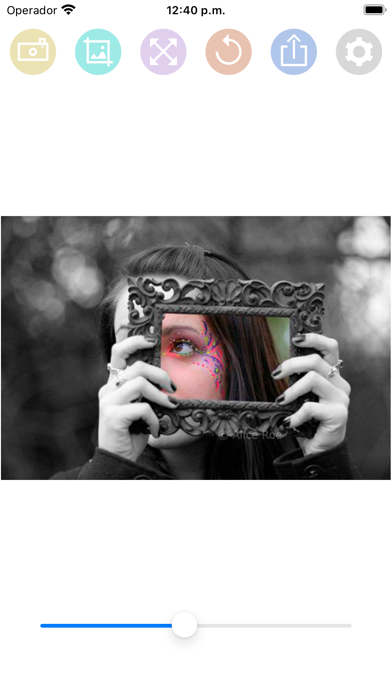
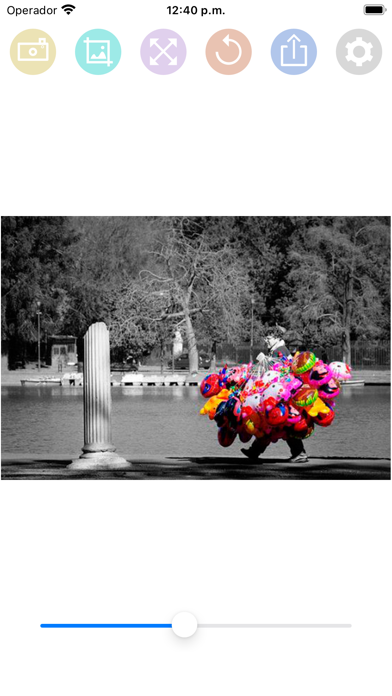
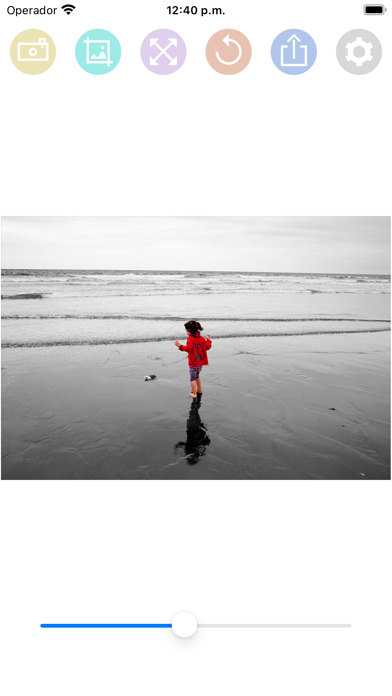
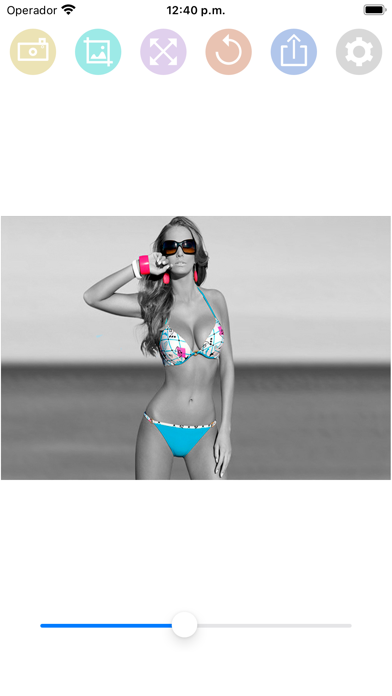
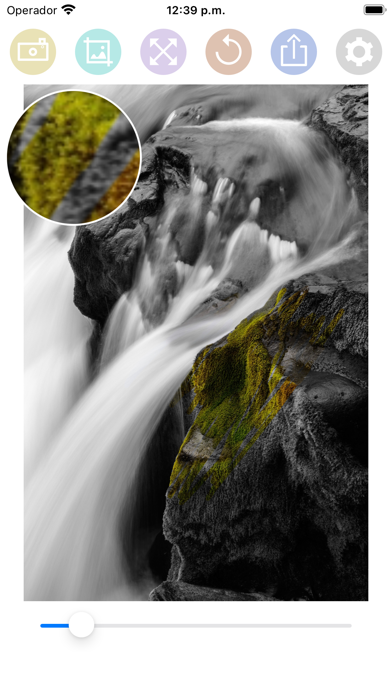
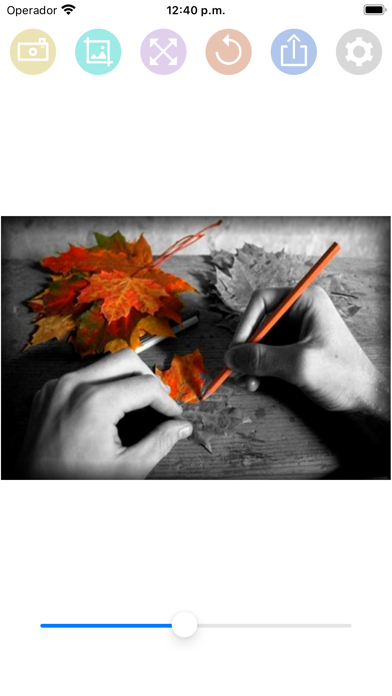
HOW TO USE: - Select a photo from the gallery by pressing the camera button. - Paint with your finger the part of the photo that you want to be colored. - You can change the size of the brush with the slider bar. - You can zoom the photo and move it to better paint the areas of the photo in color. - If you move the photo, you can press the button with the four arrows to put the photo back in place. - If you have made a mistake in a stroke, you can press the undo button. - You have a magnifying glass window to better see what you are painting with your finger. - Share the photo with your friends on your social networks or through messaging applications.
What's new · 1.3
Fixed bug that caused some photos to rotate when uploaded to the app.
Details