

LIVE-Events for YouTube
Aishvarya Sadasivam · Social Networking
Independent analytics for this App Store listing. AppTracker is not affiliated with Aishvarya Sadasivam.
Chart standing · US
In-app purchases · US
No in-app purchases.
Screenshots


About
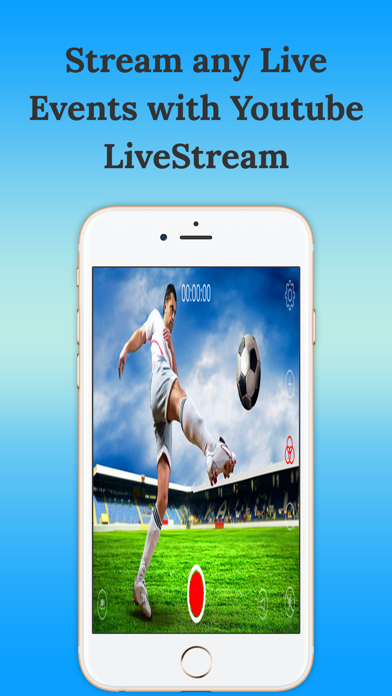
Stream videos to YouTube from your iPhone! - Anyone with a YouTube channel can create a live video event to share with the world. - The hard part (until now!) was getting the actual video streaming up and running. ------- How to work------- - Download app Live Now - Go to Youtube dashboard https://www.youtube.com/live_dashboard, scroll down and copy "stream name/key". - Open Live Now app -> Tap to icon setting, input "Stream name/key". - Tap on button video record, wait for some second, open your link * (maybe need to refresh to view). * You can find your link on dashboard like http://www.youtube.com/user/[user_name]/live ------------------------------- - Please respect the YouTube rules concerning to what you are and are not allowed to stream. - Using this app does not mean you can for instance broadcast concerts of your favorite bands without permission. - Image quality is highly dependent on the available bandwidth of the connection you use. - This is a free app, unlimited streaming.
Details