

Face Blur+
Danny Pajevic · Photo & Video
Independent analytics for this App Store listing. AppTracker is not affiliated with Danny Pajevic.
Chart standing · US
Ratings breakdown · US
The star breakdown behind this app's rating in this storefront.
Screenshots

About
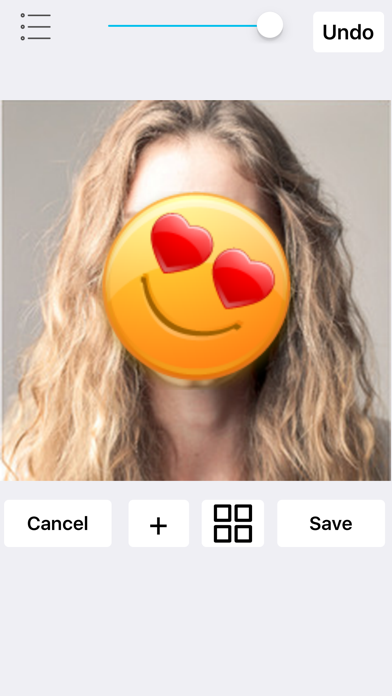
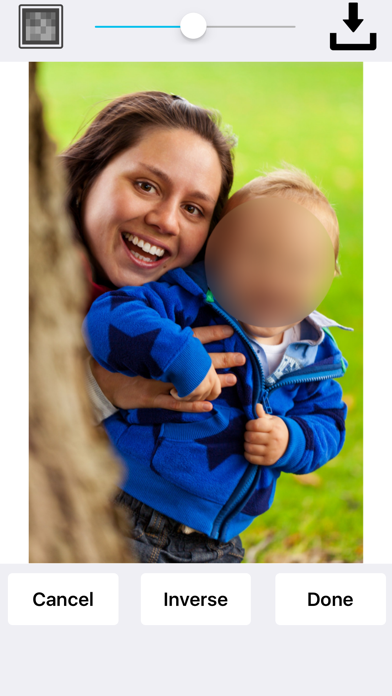
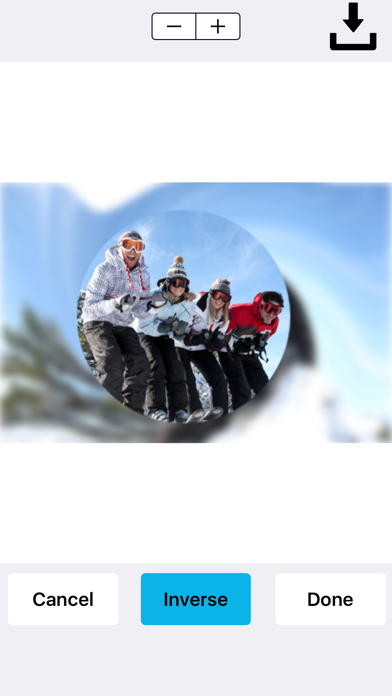
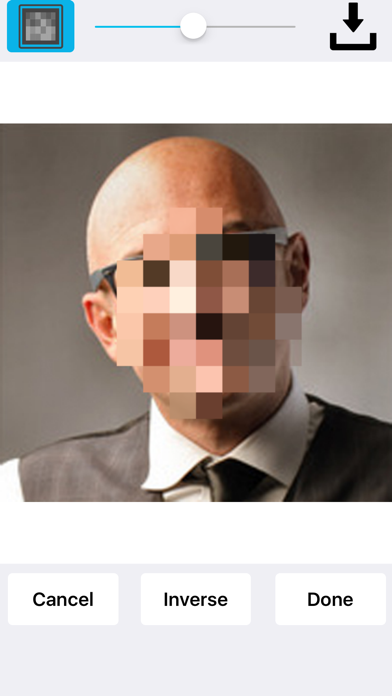
Face Blur+ makes it easy to blur out faces, license plates or objects in photos. The app features many types of blur effects as well as icons. No internet connection is required! To blur your photo, simply highlight the area that you would like blurred using the selection tool and tap blur. At this point you will be able to select the type of blur that you want applied. You can add a: Standard or pixelated blur effect. Radial/motion blur effect. You can place stickers over your photos such as emoticons, flags, censored labels, food, animals, sport balls and more. Face Blur+ is also capable of: Blurring out multiple areas/sections in a photo. Applying overlapping blur effects. Performing inverse blur effects. The inverse effect applies a blur around the selected area rather than inside the selected area. So if you're looking to blur out the background of an image and/or applying a radial blur to the background of an image, the inverse effect is capable of doing this. Once you've finished blurring out your photo(s), you can save it to your photos or share the photo(s).
What's new · 2.4
This update addresses an issue with inverse blurring not working on a particular blur effect. The radial blur effect has been improved. Added a photo quality slider which can be set from low to high. This slider determines whether the photo should be resized. This fix was added due to two complaints about the quality of the photo being reduced and also about the size of the photo being reduced. The app now uses less memory overall. Note that the app has a higher chance of crashing if the photo quality is set too high. During our tests, the app didn't crash but our analysis tell us it's possible. To prevent the app from crashing, it is recommended that you release other apps while Face Blur+ is running or set the photo quality at a lower level. If Face Blur+ is the only app running, chances are very low. With certain photos, the chances of the app crashing are very low. Low quality photos will not affect how the app runs regardless of the photo quality settings and therefore, the app's chances of crashing are very low.
Details