

Oil Paint My Photo
Danny Pajevic · Photo & Video
Independent analytics for this App Store listing. AppTracker is not affiliated with Danny Pajevic.
Chart standing · US
Ratings breakdown · US
The star breakdown behind this app's rating in this storefront.
Screenshots

About
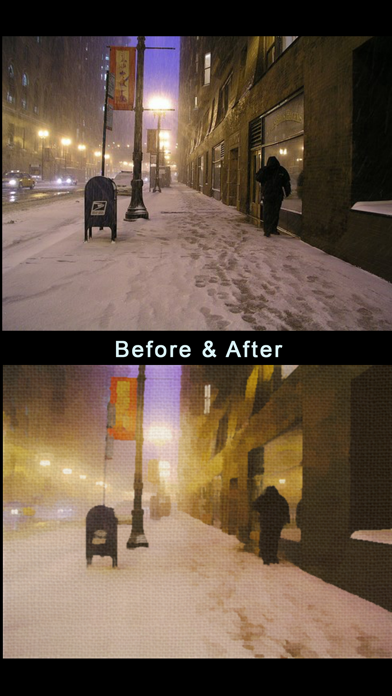
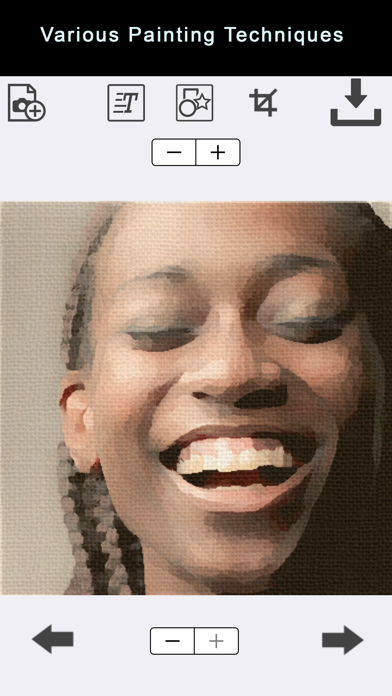
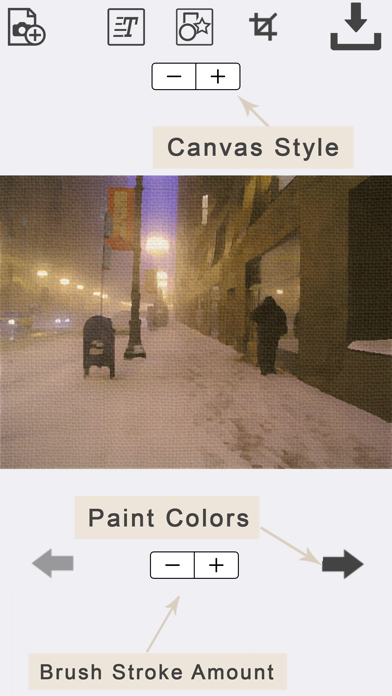
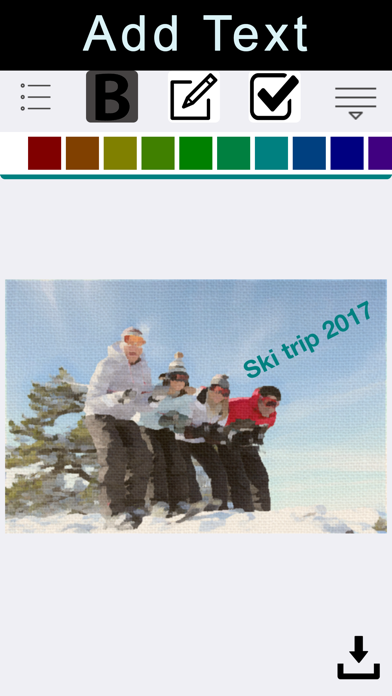
The Oil Paint My Photo app lets you turn your photo into an elegant oil painting. There are 7 paint styles to choose from. You can control the paint brush amount as well as the canvas style. You can also add text to your painting and crop them into various shapes and sizes. The effect features a realistic oil paint brush effect on a canvas background. No internet connection is required. Step 1: To convert your image to an oil painting, simply tap the "Add a Photo". You will be presented with the option of choosing a photo from your photo library or taking a picture with your camera! Step 2: Tap the "Apply Oil Paint Effect" button. Step 3: Save your oil painting to your photo library or share it to Facebook, Twitter, Instagram, Pinterest, Google+, VK or any other social network, forum or site and set the picture as a profile picture, cover photo etc. As of version 2.2, Oil Paint My Photo allows you to do a lot more with your photos! The effects are endless because you can mix and combine the features and effects.
What's new · 2.3
Some minor navigational improvements.
Details