

Canvas Parent
Instructure Inc. · Education
Independent analytics for this App Store listing. AppTracker is not affiliated with Instructure Inc.
Chart standing · US
What changed · US
Listing changes AppTracker has observed for this app in this storefront — new versions, price moves, rating shifts, and store copy.
- Display assignment unlock date on Assignment List and Assignment Details. - Improved file list ordering. - Page titles are now displayed above the page content as selectable text. - Added progress indicator to student alert change save. - Fixed some external tools not appearing in the main menu. - Fixed unrelated push notification toggles switching when tapping one toggle repeatedly. - Fixed PowerPoint, Word and Excel files showing incorrect images. - Fixed QR login tutorial image shrink in landscape mode. - Fixed file renaming not updating the files list properly.
Ratings breakdown · US
The star breakdown behind this app's rating in this storefront.
In-app purchases · US
No in-app purchases.
Screenshots
Keywords this app targets
Search terms AppTracker associates with this app — estimates, not search volume. ❝ = in the app's title; a highlighted number is its current position for that term.
Similar apps
Competitors and close alternatives, as estimated by AppTracker.
 Campus Parent
Infinite Campus, Inc.
1 shared topic · 1 shared title word
Campus Parent
Infinite Campus, Inc.
1 shared topic · 1 shared title word
 Grades Garden Parent
Grades Garden Software
1 shared topic · 1 shared title word
Grades Garden Parent
Grades Garden Software
1 shared topic · 1 shared title word
 SIMS Parent
Education Software Solutions Ltd
2 shared topics · 1 shared title word
SIMS Parent
Education Software Solutions Ltd
2 shared topics · 1 shared title word
 The Parent App
An AbsoluteByte Limited
The Parent App
An AbsoluteByte Limited
 ParentSquare
1 shared topic
ParentSquare
ParentSquare
1 shared topic
 Educartable
Edumoov
2 shared topics
Educartable
Edumoov
2 shared topics
 Eduspot
Groupcall Limited
2 shared topics
Eduspot
Groupcall Limited
2 shared topics
 Brightspace Pulse
D2L Corporation
Brightspace Pulse
D2L Corporation
About
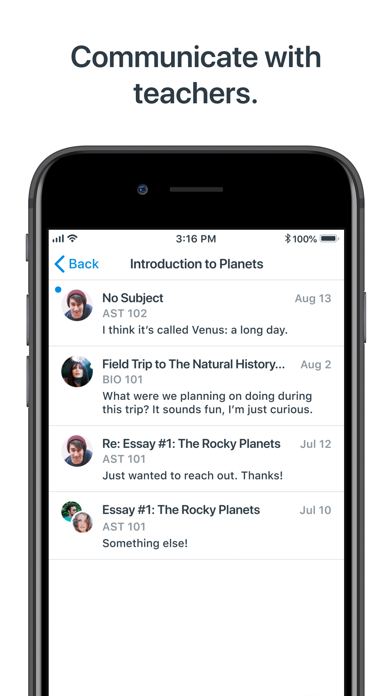
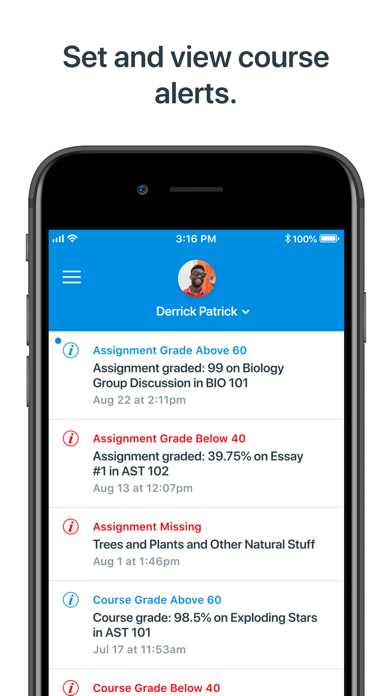
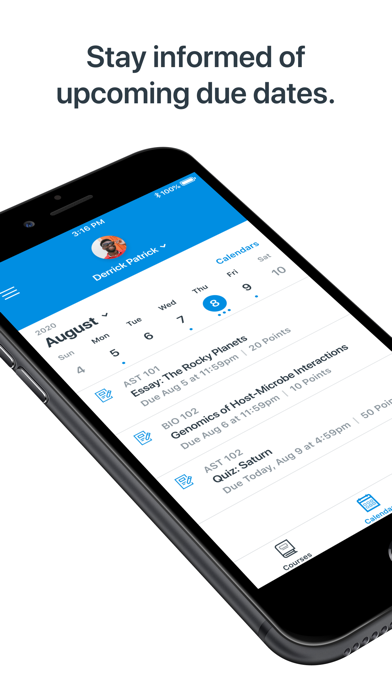
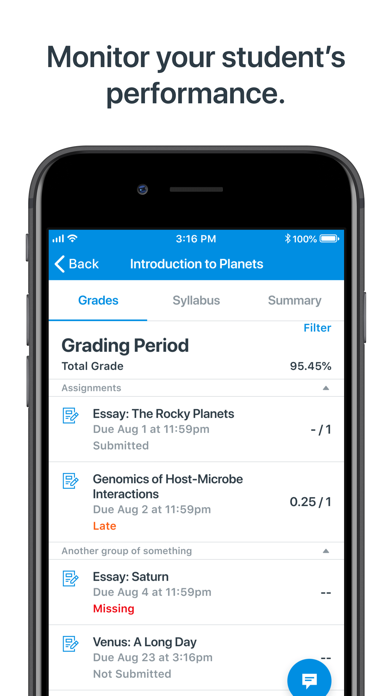
Stay connected. Encourage success. Canvas Parent helps parents and guardians track student progress, support learning, and communicate with teachers in real time. What you can do • Communicate: Message teachers directly to ask questions or follow up on school updates or particular grade & page • Check progress: View grades, assignments, due dates, and homework across all courses • Get alerts: Receive real-time notifications for missing work, low scores, or new announcements • Encourage: See teacher feedback, celebrate milestones, and help your student stay organized • Plan ahead: Use the calendar view to track upcoming tasks, events, and class updates Canvas Parent is more than a grade monitor—it’s a progress tracker that helps families and schools work together.
What's new · 3.30.0
- Display assignment unlock date on Assignment List and Assignment Details. - Improved file list ordering. - Page titles are now displayed above the page content as selectable text. - Added progress indicator to student alert change save. - Fixed some external tools not appearing in the main menu. - Fixed unrelated push notification toggles switching when tapping one toggle repeatedly. - Fixed PowerPoint, Word and Excel files showing incorrect images. - Fixed QR login tutorial image shrink in landscape mode. - Fixed file renaming not updating the files list properly.
Details