

Power Automate
Microsoft Corporation · Business
Independent analytics for this App Store listing. AppTracker is not affiliated with Microsoft Corporation.
Chart standing · US
What changed · US
Listing changes AppTracker has observed for this app in this storefront — new versions, price moves, rating shifts, and store copy.
This app is no longer supported. For approvals, use the Approvals app in Microsoft Teams. To run, manage, and monitor your flows, go to make.powerautomate.com.
Ratings breakdown · US
The star breakdown behind this app's rating in this storefront.
In-app purchases · US
No in-app purchases.
Screenshots
About
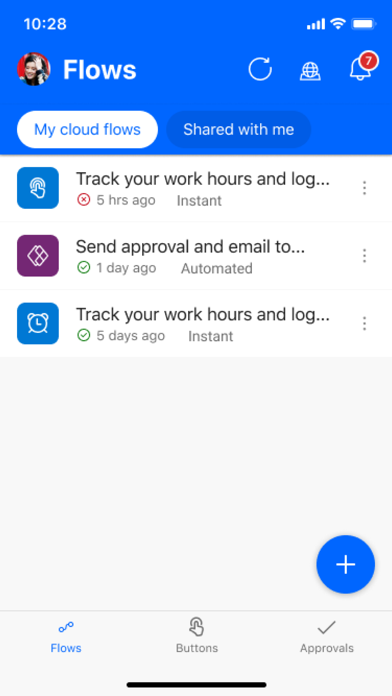
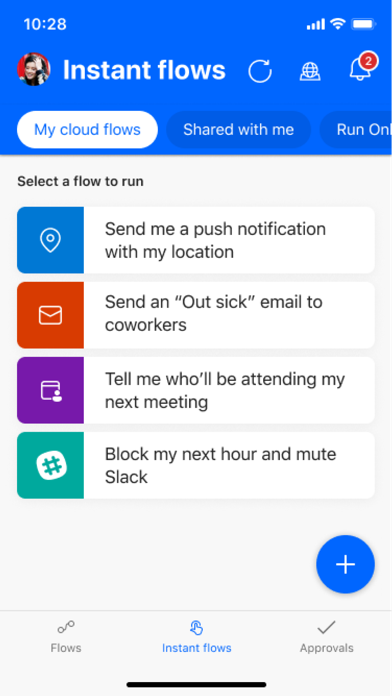
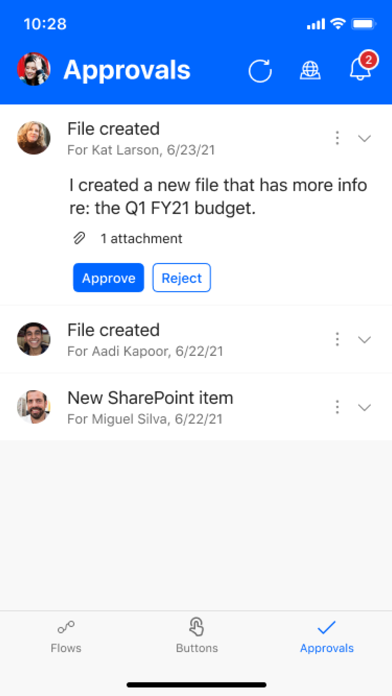
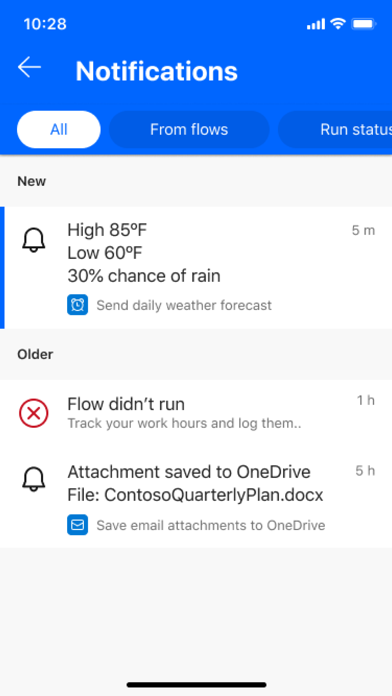
Carry the power of Microsoft Power Automate in your pocket. Boost your team's productivity with Microsoft's best-in-business workflow automation service. Use Power Automate to: Get a notification when you receive an email from your boss Record your work hours to a spreadsheet with the tap of a button Automatically download email attachments to cloud storage Capture, track, and follow up on sales leads, and connect to your CRM platform Get notified when a work item is updated And so much more! Key features: Trigger flows to run with just a tap Create and edit flows on the go View flow run details Monitor flow activity directly from your mobile device Grant approvals from the palm of your hand Send and receive push notifications Create a shortcut for an instant flow on your mobile device's home screen Hundreds of apps and services connect with Power Automate, including the following: OneDrive, Dataverse, Office 365, Outlook, Microsoft Teams, SAP, Twitter, JIRA, Google Drive, Azure, Dropbox, and more! Download the Power Automate for mobile app and start automating your tasks today! Please refer to Microsoft's EULA for Terms of Service for Power Automate for iOS. By installing the app, you agree to these terms and conditions: https://go.microsoft.com/fwlink/?linkid=2131508 To learn more about the full capabilities of Power Automate, visit Microsoft.com/PowerAutomate.
What's new · 3.0.986
This app is no longer supported. For approvals, use the Approvals app in Microsoft Teams. To run, manage, and monitor your flows, go to make.powerautomate.com.
Details