

Drawboard Projects
Drawboard Pty Ltd · Productivity
Independent analytics for this App Store listing. AppTracker is not affiliated with Drawboard Pty Ltd.
Chart standing · US
What changed · US
Listing changes AppTracker has observed for this app in this storefront — new versions, price moves, rating shifts, and store copy.
- Bug Fixes • Erasing over a page with a lot of markup no longer freezes the app. • Visual fixes for iOS 26 and iOS 27. • Long editing sessions and drawings with many photos use much less memory, so the app is far less likely to close unexpectedly. • Adding photos is faster and uses less memory. • Fixed a crash when adding a large photo from the camera or photo library. • Fixed a crash when deleting the last point of a line or shape. • Less battery and data use when browsing a workspace you've been invited to.
Ratings breakdown · US
The star breakdown behind this app's rating in this storefront.
In-app purchases · US
No in-app purchases.
Screenshots

About
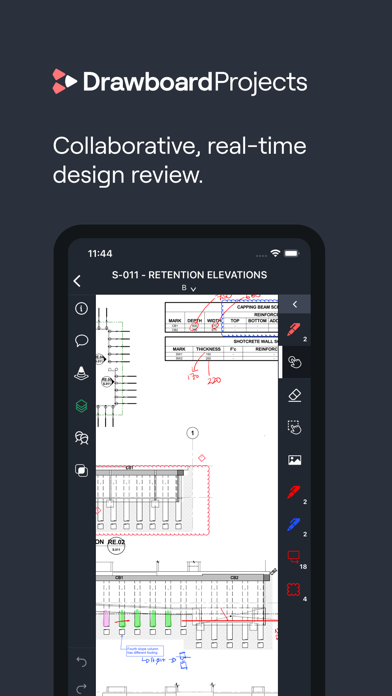
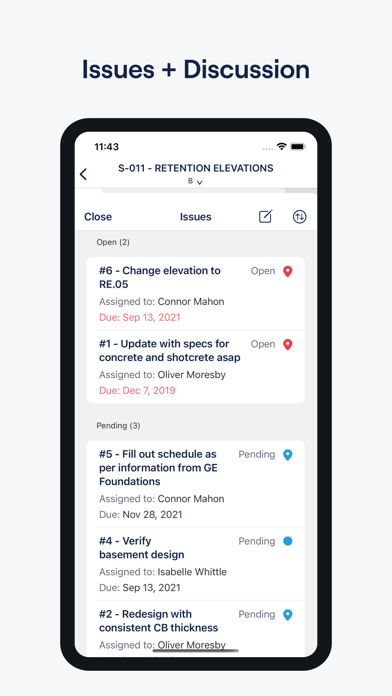
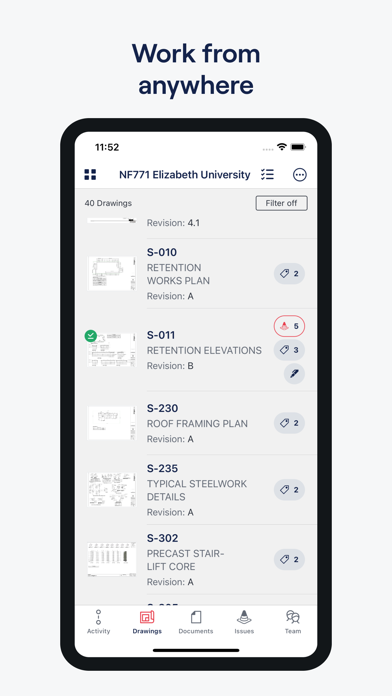
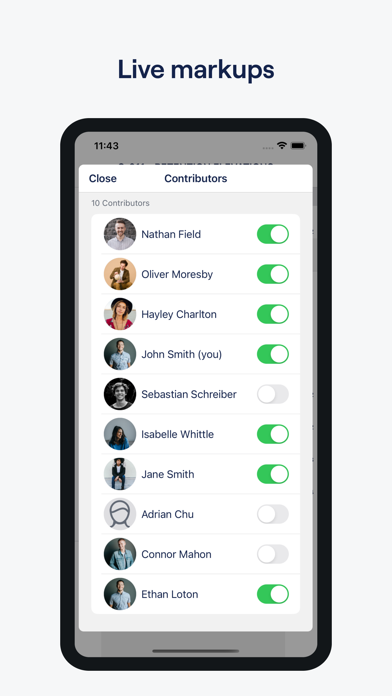
Your collaborative and real-time workspace for design review. Drawboard Projects helps architecture, engineering and construction teams globally save valuable project time by streamlining workflows in the design review lifecycle. - Mark up on the move: Forget pen and paper with fast and accurate markups - Cloud collaboration: Collaborate with your team in one location and from any location, with markups synced within seconds. - Best-in-class ink: With Apple Pencil compatibility, write your notes and feel the tactility of a pen pressed to paper with pressure-sensitive ink - Instant co-ordination: Manage and mitigate issues with real-time drawing coordination - Fits your flow: App integrations to connect and improve your existing design workflow. - Discuss changes: Keep all discussions right on the drawing so that everyone can see the context behind the decisions that were made. A Projects account is required to use this application.
What's new · 11.6.1
- Bug Fixes • Erasing over a page with a lot of markup no longer freezes the app. • Visual fixes for iOS 26 and iOS 27. • Long editing sessions and drawings with many photos use much less memory, so the app is far less likely to close unexpectedly. • Adding photos is faster and uses less memory. • Fixed a crash when adding a large photo from the camera or photo library. • Fixed a crash when deleting the last point of a line or shape. • Less battery and data use when browsing a workspace you've been invited to.
Details