

RevMov - Reverse Video Editor
REAFO CO., LTD. · Photo & Video
Independent analytics for this App Store listing. AppTracker is not affiliated with REAFO CO., LTD.
Chart standing · US
What changed · US
Listing changes AppTracker has observed for this app in this storefront — new versions, price moves, rating shifts, and store copy.
Thank you for using our service. - Fixed minor bugs.
Price & rating history · US
Reconstructed from the listing changes AppTracker has observed in this storefront. A field is charted once it has changed more than once, and each line starts at the value it moved from.
Average rating · ★ 4.69 now · 2 changes on record
Ratings breakdown · US
The star breakdown behind this app's rating in this storefront.
In-app purchases · US
No in-app purchases.
Screenshots
About
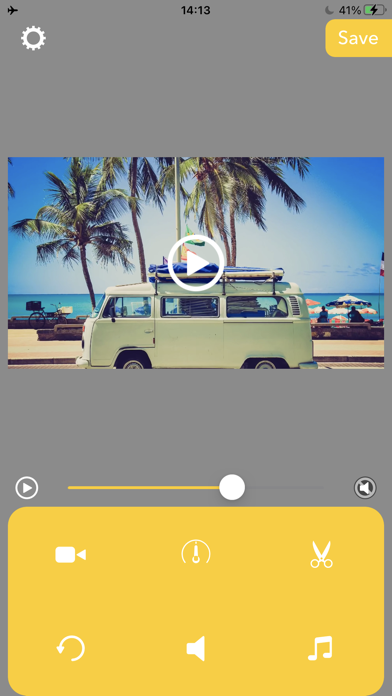
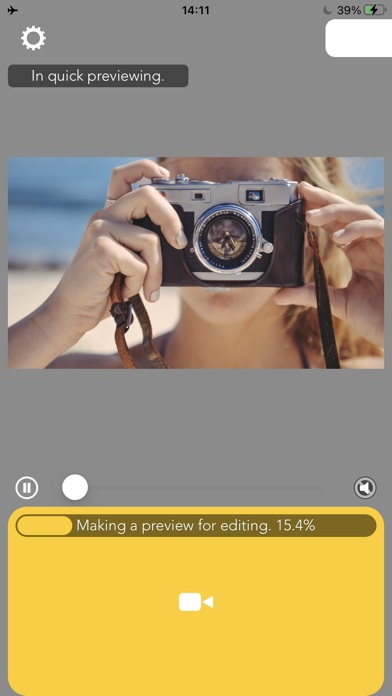
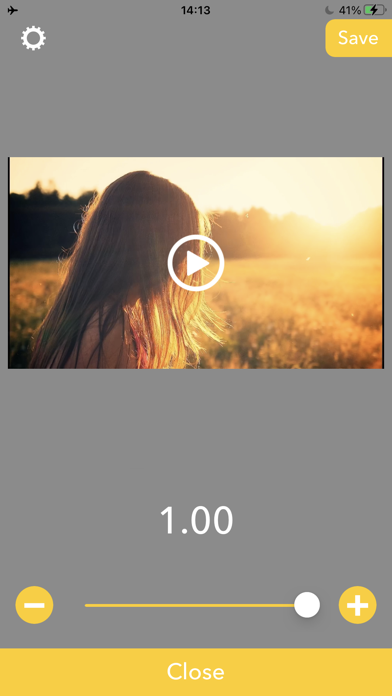
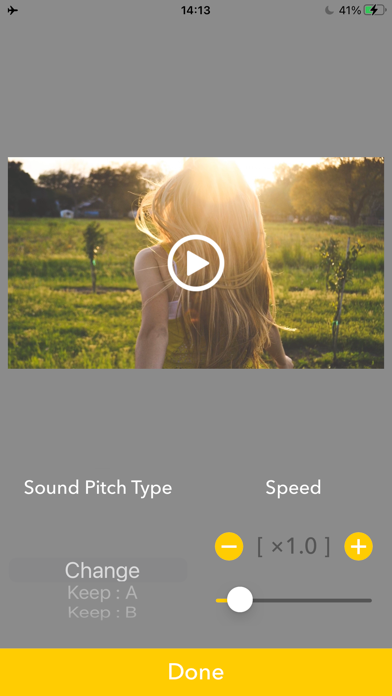
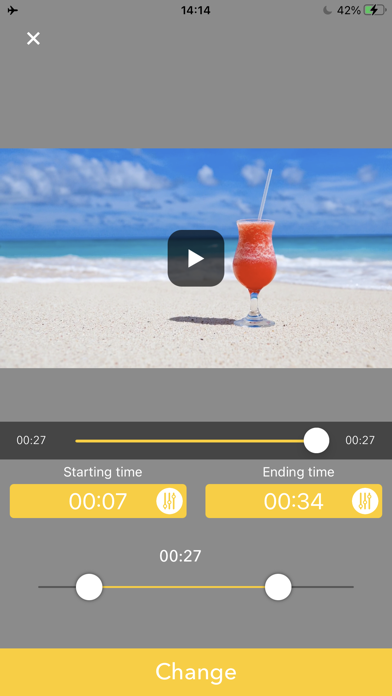
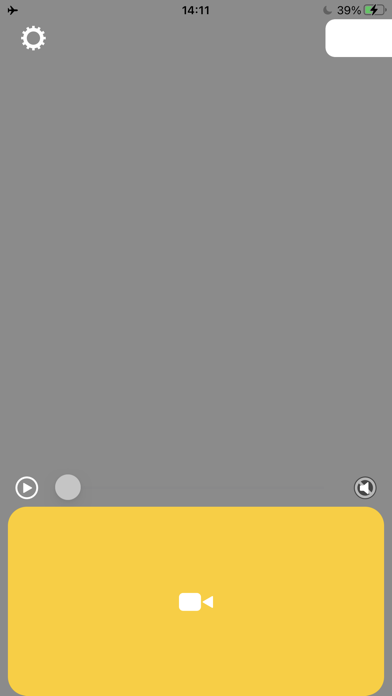
Make a reversing playback video with this app. -- How to use. 1. Select a video. 2. Wait for making a preview. 3. Press Save. -- Editing After finished making preview, you can edit the reversed video like below. Triming:Press Scissors icon then set the time range you want to need. Playbackspeed:Press Meter icon then set the playback speed to be fast forward/slow motion. Volume:Press Speaker icon then set the volume you want to set. BGM:Press Music note icon then adds BGMs. Reset Editing:Press circle arrow icon to reset these editings.
What's new · 4.7
Thank you for using our service. - Fixed minor bugs.
Details