

QRCode CRUD
Shigeaki Harada · Productivity
Independent analytics for this App Store listing. AppTracker is not affiliated with Shigeaki Harada.
Chart standing · US
In-app purchases · US
No in-app purchases.
Screenshots
About
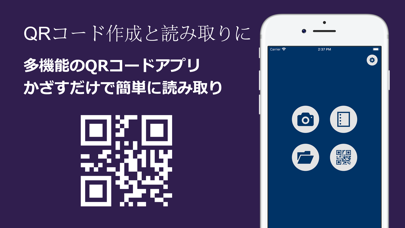
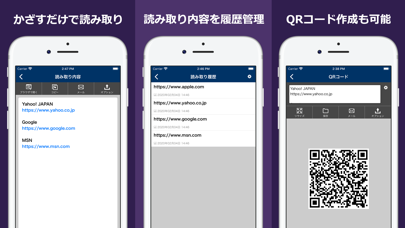
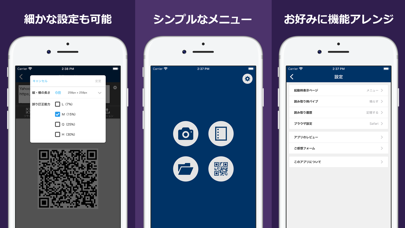
Easy-to-use and free "QR code" reading & creating app If you hold it over a QR code, it will be read automatically. QR code reading and creation history are saved. Reading from stored images is also possible. ■ Reading method 1. Launch the app and select a camera from the menu. 2. Hold the camera over the QR code to focus. 3. Scanning is performed automatically, and the read contents are displayed. ■ Simple and stylish interface Designed with trendy flat design ■ Light and fast reading You can use light operation that does not make you feel stressed. ■ Enhanced functions The following functions are available. ・ Read QR code (camera or saved image) ・ Create QR code ・ Read and create history function ・ Display page setting at startup (camera / menu / scan history) ・ Vibe setting at the time of reading (ringing / not ringing) ・ Read history setting (store / do not store) ・ URL display browser setting (Safari / application built-in browser)
What's new · 2.9.0
Update to the latest library
Details