

Copper - EAGLE CAD Viewer
Phillip Schuster · Productivity
Independent analytics for this App Store listing. AppTracker is not affiliated with Phillip Schuster.
Chart standing · US
In-app purchases · US
No in-app purchases.
Screenshots
Similar apps
Competitors and close alternatives, as estimated by AppTracker.


About
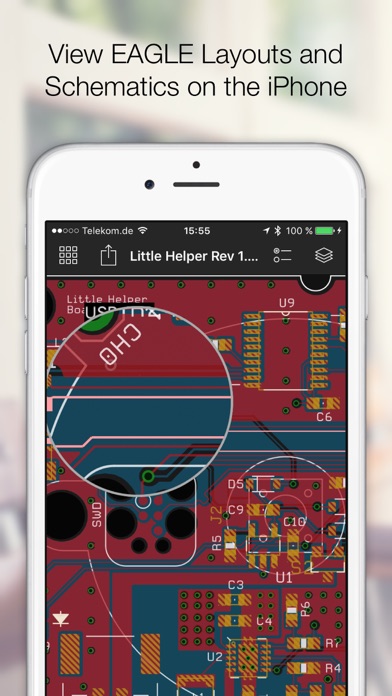
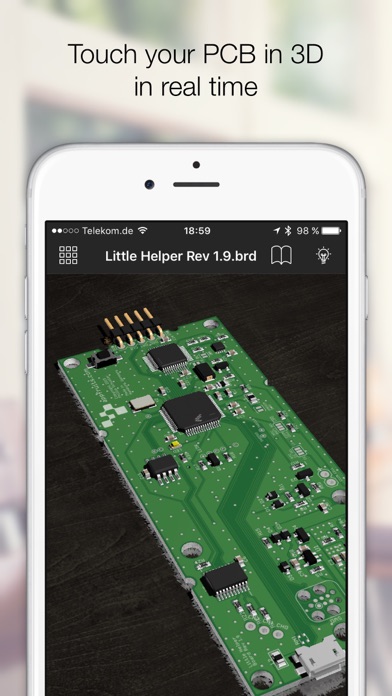
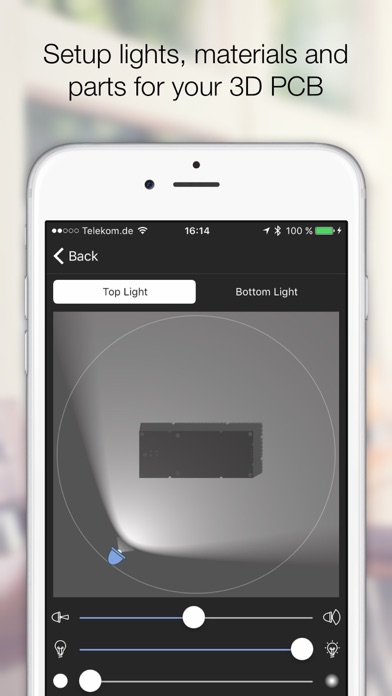
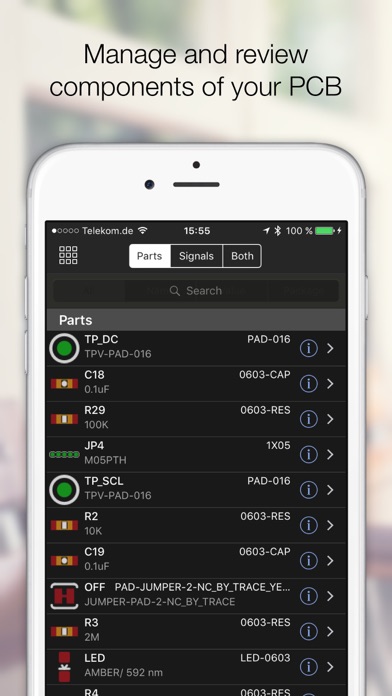
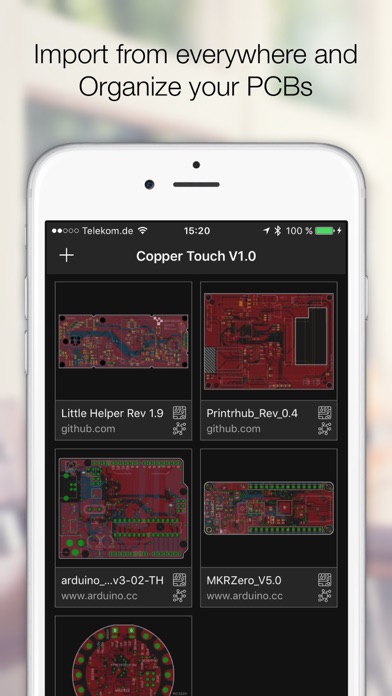
Open any EAGLE CAD file (from version 6 and above) directly on your iPhone and investigate the PCB layout and schematics with your finger. Select parts and signals, manage parts and Bill of Materials. Copper creates 3D versions of your PCB including parts that you assign from our extensive 3D model library to your footprints. Copper then renders a photorealistic representation in real time that you can touch, rotate and move in a virtual studio. Setup lights and materials like the solder mask or the floor. Import EAGLE files from any source like the web (just download a ZIP file with EAGLE files), from Github, your Dropbox, or send PCB files directly via Airdrop, Mail or iMessage to your iPhone or iPad. Every file you import is kept in Coppers library. This way you can build up a nice library of PCBs and Schematics right in your pocket. Copper is also available for the Mac and both share the same codebase and file format.
What's new · 1.0.3
This is a iOS 11 compatibility update fixing some minor issues with iOS 11. - Fixed a crash in 3D mode under certain conditions. - Fixes minor issues with specific schematics or layouts
Details