

Scoreboard Remote for ScoreCam
Pachyderm Software · Sports
Independent analytics for this App Store listing. AppTracker is not affiliated with Pachyderm Software.
Chart standing · US
What changed · US
Listing changes AppTracker has observed for this app in this storefront — new versions, price moves, rating shifts, and store copy.
Fixed the remote getting stuck on "Connecting," and Pause on Score Update now works on the Football, Pickleball and Hockey boards. - Fixed the remote getting stuck on "Connecting" when you start or stop recording or streaming. - Pause on Score Update now works on the Football, Pickleball and Hockey boards. - See ScoreCam's low storage warnings on the remote, and cancel a highlight reel right from the save card. - Longboard II: shows set scores or the period to match ScoreCam's Game Type. - Count-up clocks now reset to your reset time (for example 45:00 for a soccer second half), including Hockey. - The highlight save card is now smaller and see-through, and stays where you drag it for the rest of the recording. - Fixed scores that were hard to read on white or light team colors on the simple, Baseball and Billiards boards. - Fixed Team Library freezing after you pick a logo from your Photos library. - Fixed the Choose Image menu in Team Library covering the team name on iPhone. - Various other fixes and improvements. Most of this list came from your emails, bug reports and reviews. Please keep them coming. IN CASE YOU MISSED THE LAST COUPLE OF UPDATES New in 5.7.3: - Ready for iOS 27 on iPhone and iPad. - Fixed the score jumping back to 0-0 or an old value when you rotate the remote on the Football, Pickleball and Hockey boards. - Settings use ScoreCam's easy in-app keypad for highlight lengths, zoom, clock and pause-delay values. - The remote shows highlight reel progress instead of a spinner. New in 5.7.2: - Footboard: the play-clock controls appear only when ScoreCam is using a play clock. - Footboard: the clock reset options are labeled "Play Clock." - Hockeyboard: long event and team labels scale to fit smaller screens. NOTE: This update requires the latest version of ScoreCam to work correctly. Please update ScoreCam from the App Store before using.
Price & rating history · US
Reconstructed from the listing changes AppTracker has observed in this storefront. A field is charted once it has changed more than once, and each line starts at the value it moved from.
Average rating · ★ 3.92 now · 3 changes on record
Ratings breakdown · US
The star breakdown behind this app's rating in this storefront.
Screenshots

About
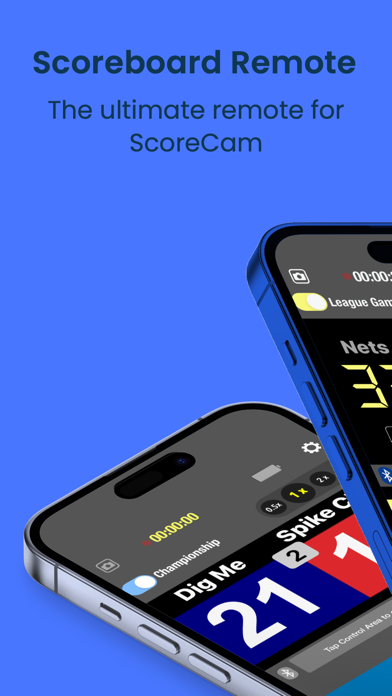
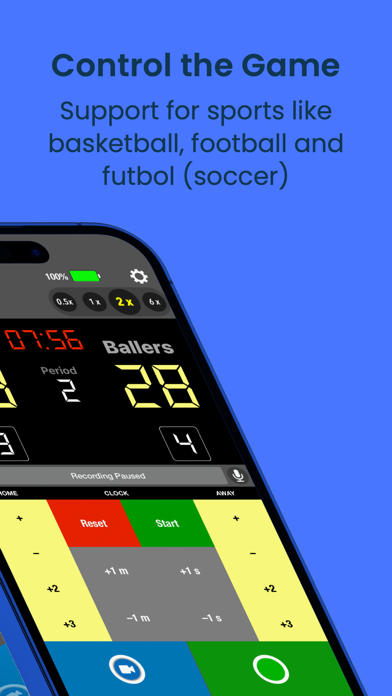
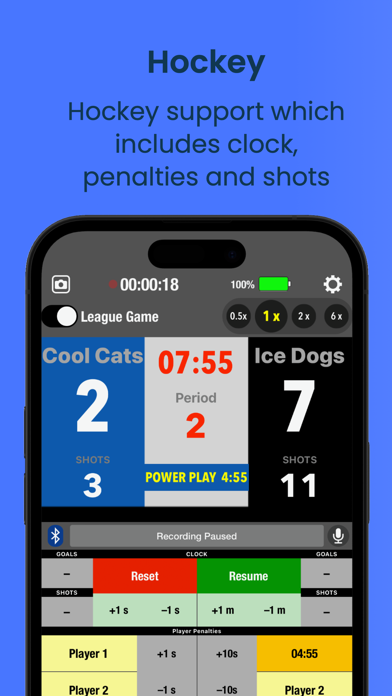
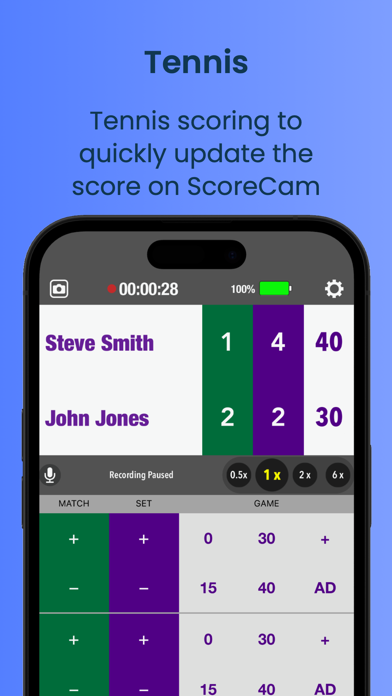
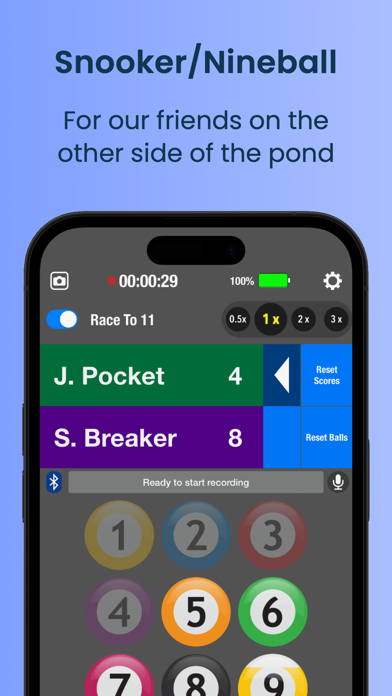
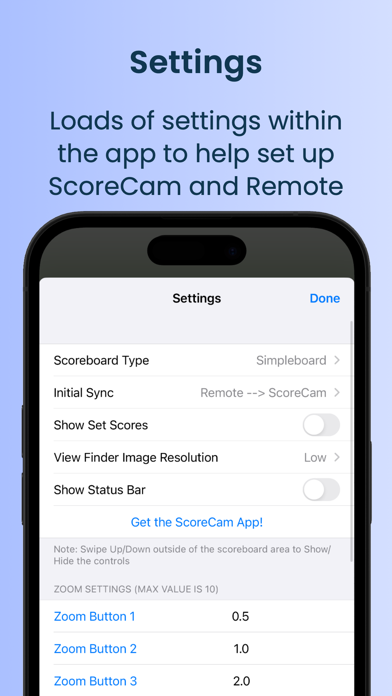
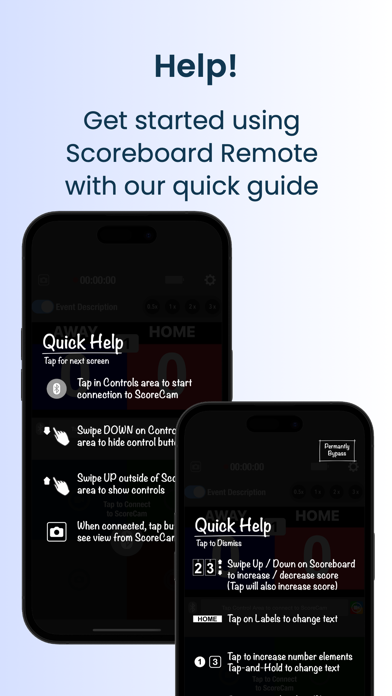
Meet Scoreboard Remote, the easiest way to control ScoreCam -- the live streaming app that puts a real scoreboard right in your videos. Features include: - Connect instantly by selecting your ScoreCam device by name — no PIN or pairing required - See a live camera preview from ScoreCam right on your remote screen - Control scores, game clock, and camera recording from across the gym - Scoreboard designs for Football, Volleyball, Basketball, Baseball, Hockey, Tennis, Pickleball and more - Set custom team names and colors - Change scores by tap, swipe, or tap-and-hold - Works as a standalone score tracker even without ScoreCam
What's new · 5.7.4
Fixed the remote getting stuck on "Connecting," and Pause on Score Update now works on the Football, Pickleball and Hockey boards. - Fixed the remote getting stuck on "Connecting" when you start or stop recording or streaming. - Pause on Score Update now works on the Football, Pickleball and Hockey boards. - See ScoreCam's low storage warnings on the remote, and cancel a highlight reel right from the save card. - Longboard II: shows set scores or the period to match ScoreCam's Game Type. - Count-up clocks now reset to your reset time (for example 45:00 for a soccer second half), including Hockey. - The highlight save card is now smaller and see-through, and stays where you drag it for the rest of the recording. - Fixed scores that were hard to read on white or light team colors on the simple, Baseball and Billiards boards. - Fixed Team Library freezing after you pick a logo from your Photos library. - Fixed the Choose Image menu in Team Library covering the team name on iPhone. - Various other fixes and improvements. Most of this list came from your emails, bug reports and reviews. Please keep them coming. IN CASE YOU MISSED THE LAST COUPLE OF UPDATES New in 5.7.3: - Ready for iOS 27 on iPhone and iPad. - Fixed the score jumping back to 0-0 or an old value when you rotate the remote on the Football, Pickleball and Hockey boards. - Settings use ScoreCam's easy in-app keypad for highlight lengths, zoom, clock and pause-delay values. - The remote shows highlight reel progress instead of a spinner. New in 5.7.2: - Footboard: the play-clock controls appear only when ScoreCam is using a play clock. - Footboard: the clock reset options are labeled "Play Clock." - Hockeyboard: long event and team labels scale to fit smaller screens. NOTE: This update requires the latest version of ScoreCam to work correctly. Please update ScoreCam from the App Store before using.
Details