

MovStash - Blur Video Editor
REAFO CO., LTD. · Photo & Video
Independent analytics for this App Store listing. AppTracker is not affiliated with REAFO CO., LTD.
Chart standing · US
What changed · US
Listing changes AppTracker has observed for this app in this storefront — new versions, price moves, rating shifts, and store copy.
Thank you for using our service. - Fixed minor bugs.
Ratings breakdown · US
The star breakdown behind this app's rating in this storefront.
In-app purchases · US
No in-app purchases.
Screenshots
About
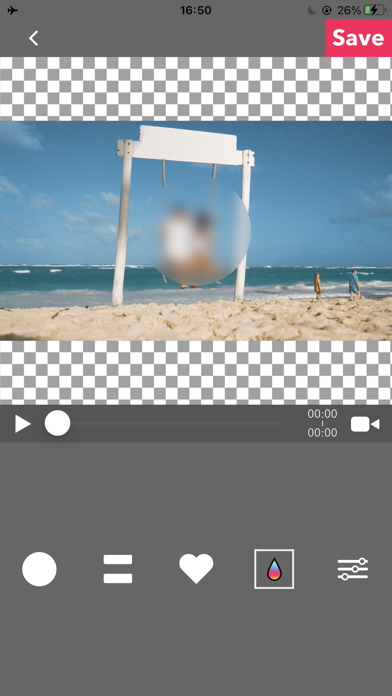
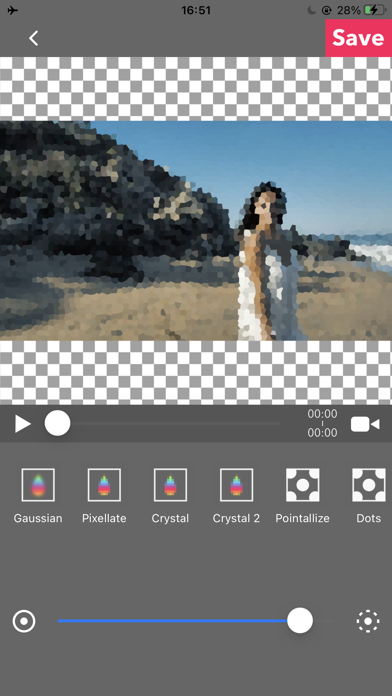
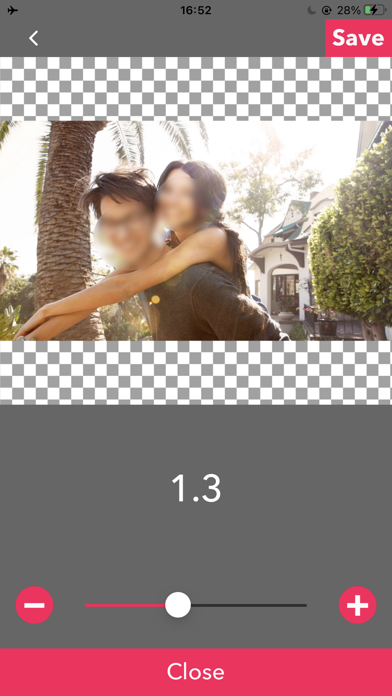
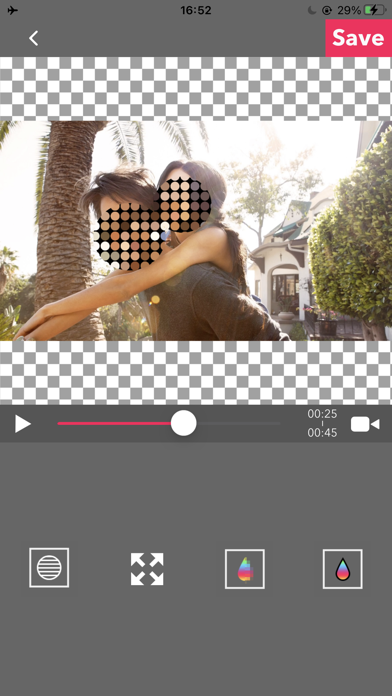
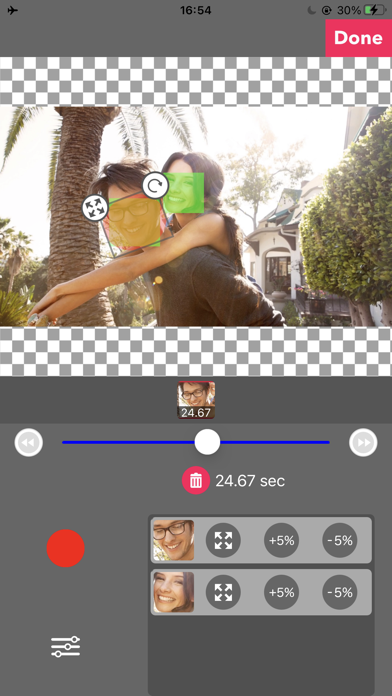
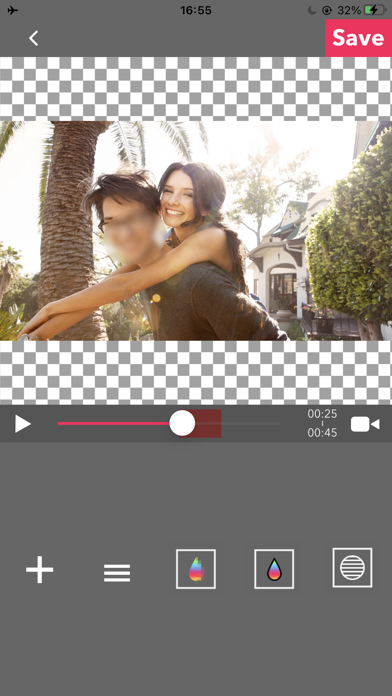
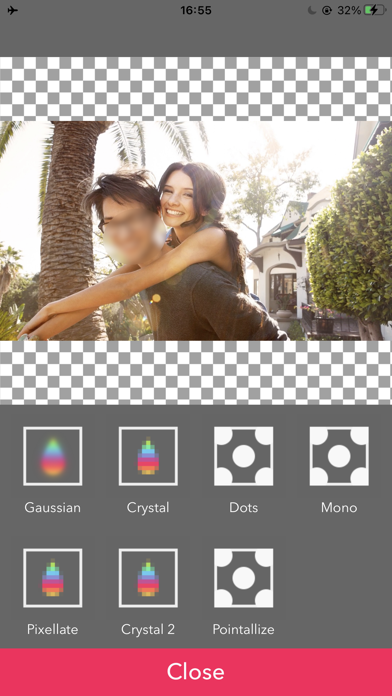
This app is for making mosaic/blur video. You can choose 4 types of blur. ■Simple mode. Simple mode is for Blur to the specified area and all duration of the video. -- How to edit mosaic/blur -- Position :Drag mosaic/blur area directory or screen using with one finger. Size :Pinch mosaic/blur area directory or screen using with two fingers. Blurriness:Parallel swipe mosaic/blur area or screen using with two fingers. ■Timeline mode. Timeline mode is you can blur to the specified area in a specified time range of the video. -- How to use basics. -- 1. Select the video. 2. Press [+] button to add a new blur area. 3. Drag the red area to the place you want to blur. 4. Press [OK]. 5. [≡] button is to show the list of blur areas. you can edit again after you've done once. 6. Adjust blur types and level, and then press [save] to render the video with blur. -- How to set the time range 1. Press [+] button to add a new blur area. 2. Slide the slider to the time that is started blur. 3. Drag the red area to the place you want to blur. 4. Slide the slider to the time that is ended blur. 5. Drag the red area to the place you want to blur. 6. You can see three thumbnails under the slider. Tap the last one and press the trash bin button to delete. 7. Then the blur area is only showed up in the time range. 8. Press [OK] to do it. -- How to change the shape of blur area 1. Tap the red area which is located under the slider. 2. Select the shape you want to. ■Face tracking mode App blur faces that are recognized. Face tracking mode is not a perfect solution to blur faces so be careful. -- How to use -- ・Faces are recognized automatically after you select a video. ・You can adjust blurs size/level/type and inverse area or nor. ・Press [save] to export it.
What's new · 6.4
Thank you for using our service. - Fixed minor bugs.
Details