

MiniPrint
Prinics Co., Ltd · Photo & Video
Independent analytics for this App Store listing. AppTracker is not affiliated with Prinics Co., Ltd.
Chart standing · US
In-app purchases · US
No in-app purchases.
Screenshots




About
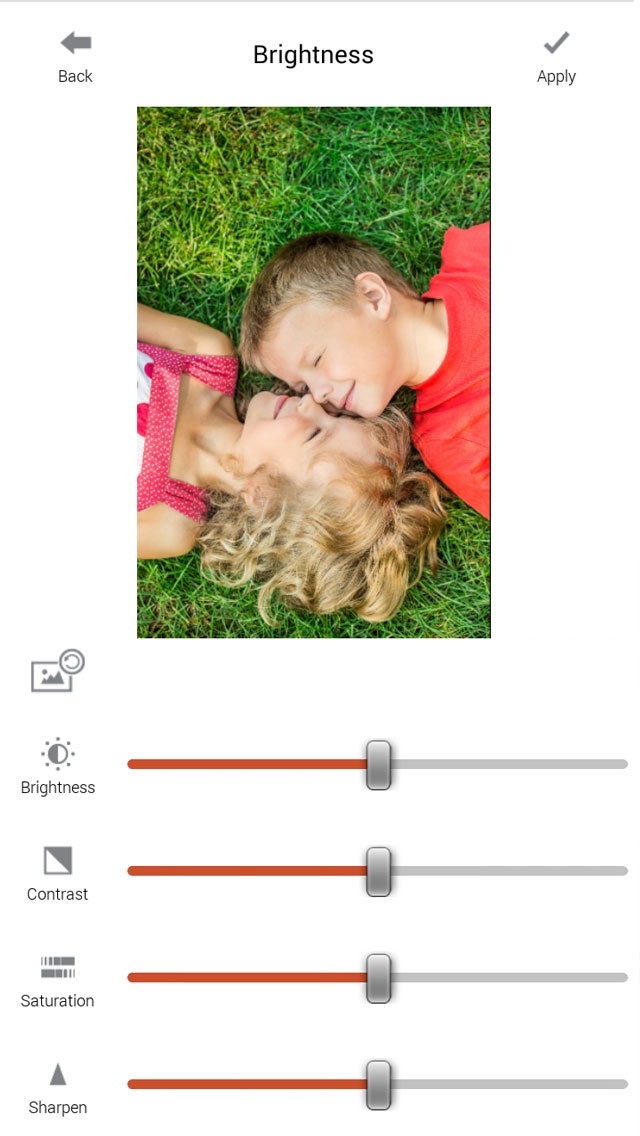
Note: - A genuine XSories MiniPrint printer is required to print using this application. - Default Wi-Fi password is "12345678" Easily print amazing photos with the XSories MiniPrint printer via WiFi-Direct or WiFi using this application. The "XSories MiniPrint" photo printer can be used to print images from smartphones by NFC tag scanning (*NFC enabled device ONLY). For non-NFC featured smartphones, simply print via Wi-Fi. You can take and edit pictures on smartphones or tablets. This portable PICKIT printer will instantly print your precious moments. 1. Turn on the printer. 2. Find the WiFi (DIRECT-Cube-xxxx) from WiFi network list in Settings 3. Select an image from the Gallery or take a photo with your smartphone. 4. Once image has been selected, edit the image with your personal preference. 5. Now press print when editting is completed. 6. When you print for the first time, it may need to update the firmware. Please follow the instruction shown on the screen of your smartphone. 7. I will take about a minute to fully print. Please do not pull the photo until it is completely printed. Thank you for purchasing XSories MiniPrint photo printer
What's new · 9.53
This update from Apple will improve the functionality of this app. No new features are included. - Bug fix
Details