

Magic Cleaner & Smart Cleanup
LUMOS, OOO · Utilities
Independent analytics for this App Store listing. AppTracker is not affiliated with LUMOS, OOO.
Chart standing · US
Ratings breakdown · US
The star breakdown behind this app's rating in this storefront.
In-app purchases · US
What this app sells inside itself, grouped by kind and priced for this storefront.
Screenshots

Similar apps
Competitors and close alternatives, as estimated by AppTracker.
 Mighty Cleaner: Smart Clean Up
Nempty Intelligence
Mighty Cleaner: Smart Clean Up
Nempty Intelligence
 Magic Cleaner-Clean Storage !
Landspect Information Limited
Magic Cleaner-Clean Storage !
Landspect Information Limited
 Powerful Clean: Phone Cleaner
Matthew Lewis
Powerful Clean: Phone Cleaner
Matthew Lewis
 CleanerMate-Storage Ai cleaner
Guangzhou Wolike Information Technology Co.,Ltd
CleanerMate-Storage Ai cleaner
Guangzhou Wolike Information Technology Co.,Ltd
 Fewer - Photo Cleanup
TOSHIYUKI HIRATA
Fewer - Photo Cleanup
TOSHIYUKI HIRATA
 PhotoCleanerMaster
里 万
PhotoCleanerMaster
里 万
 Phone Cleanup: Storage Cleaner
Novago Global Solutions FZ-LLC
Phone Cleanup: Storage Cleaner
Novago Global Solutions FZ-LLC
 Clean Up: Photo Gallery Doctor
Jan-Niklas FREUNDT
Clean Up: Photo Gallery Doctor
Jan-Niklas FREUNDT
About
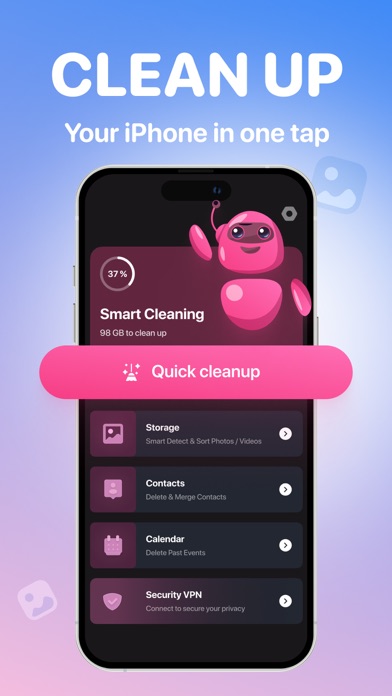
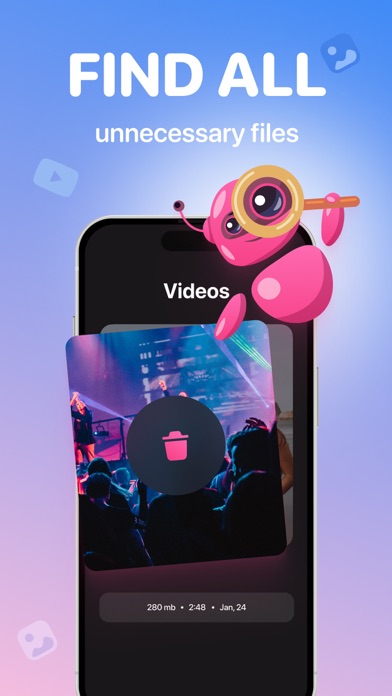
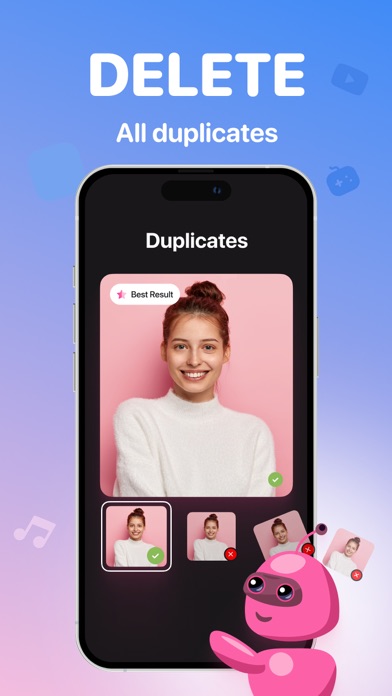
Automatic algorithm scans your disk to detect images that take too much space, duplicated photos, blurred screenshots and other crappy photos. Keep your camera roll clean and don’t waste your time manually deleting unnecessary photos. Magic Cleaner helps you to free up your photo gallery from all unwanted photos AUTOMATICALLY. Simple, elegant and intuitive interface designed with your convenience in mind. Machine learning algorithms, face detection and neural networks are under the hood. [Features]: - Auto-finding of Duplicated photos. No more hundreds of copycats in your gallery! Junk Cleaner keeps the best ones and deletes the worst. Machine learning algorithms and Face detection are under the hood. Also Manual control provided for your convenience. - Auto-detection of Blurred and Unfocused photos. Lots of illegible photos? We had also. Delete them all in a few seconds! - Love sharing Screenshots? Choose the unwanted old ones and free your disk space easily! Useful tip: the system puts all your deleted photos in the “Recently Deleted” folder of your default Photos app. To delete them finally and free your disk space or restore your photos, please, follow this steps: - Open default Photos app. - Go to Albums / Recently Deleted. - Press Select and Delete All (or Restore All). EULA: https://lumos.mobi/eula/termsofuse.html
What's new · 3.31
We just did some under-the-hood fixes to keep the app looking good. Also annoying bugs got lost in our app. They rushed away and promised to never come back. Be magical - be with Lumos!
Details