

tpPLC
TP-Link Systems Inc. · Utilities
Independent analytics for this App Store listing. AppTracker is not affiliated with TP-Link Systems Inc.
Chart standing · US
What changed · US
Listing changes AppTracker has observed for this app in this storefront — new versions, price moves, rating shifts, and store copy.
Price & rating history · US
Reconstructed from the listing changes AppTracker has observed in this storefront. A field is charted once it has changed more than once, and each line starts at the value it moved from.
Average rating · ★ 1.71 now · 2 changes on record
In-app purchases · US
No in-app purchases.
Screenshots


About
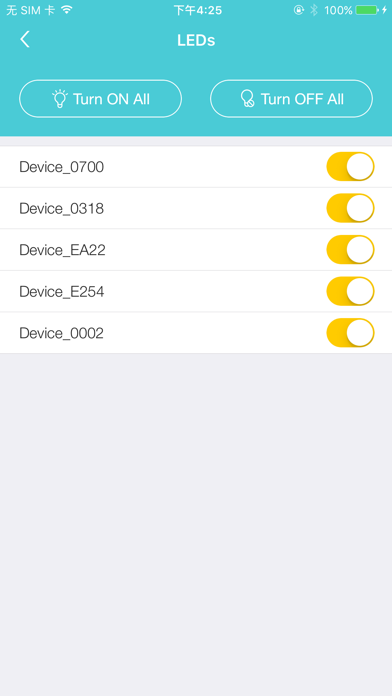
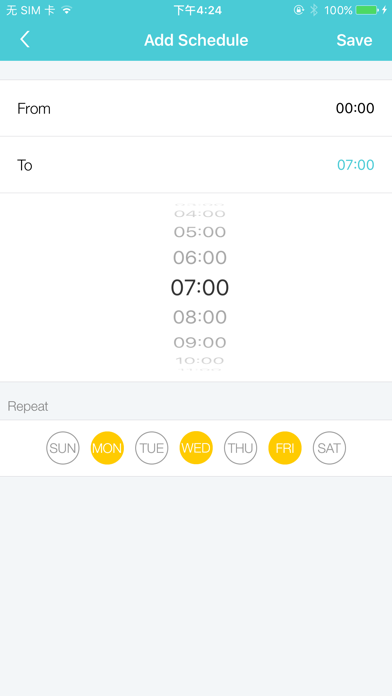
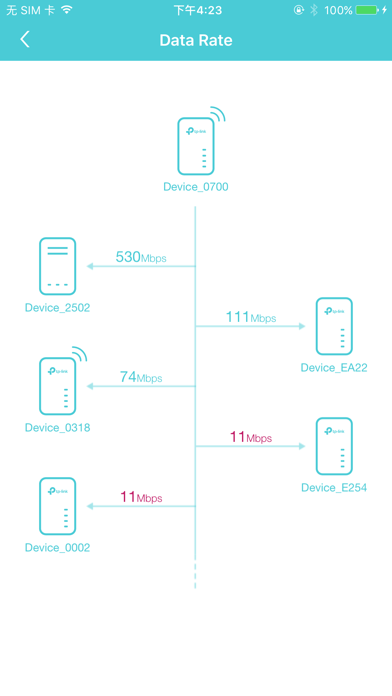
TP-Link tpPLC app lets you conveniently view and manage your TP-Link powerline devices via your smart device. Simply connect your smart device to the Wi-Fi network of a compatible TP-Link powerline extender and start managing with ease. It will list all the compatible powerline adapters and powerline extenders in your current network, and allow you to manage your powerline devices individually as well as the whole powerline network with a few taps. Features • Display information of all compatible powerline devices in the current network. • Manage a powerline device such as changing its device name, turning on or off its LEDs, viewing its data rate, resetting to factory defaults, and removing it from the current network. For a powerline extender, you can also change and schedule its Wi-Fi settings, and redirect to the web management interface. • Manage the whole powerline network such as adding a new powerline device, setting a new powerline network name, and turning on or off the LEDs on all the powerline devices in the network. Compatible Devices: https://www.tp-link.com/powerline/compatible-devices/ Privacy Policy & Terms of Use https://privacy.tp-link.com/app/tpPLC/privacy
What's new · 1.6.9
• Added options to adjust font size and color contrast. • Enhanced accessibility features for VoiceOver/TalkBack. • Supports landscape orientation.
Details