

Litchi Magic Leash
VC TECHNOLOGY LTD · Utilities
Independent analytics for this App Store listing. AppTracker is not affiliated with VC TECHNOLOGY LTD.
Chart standing · US
Ratings breakdown · US
The star breakdown behind this app's rating in this storefront.
In-app purchases · US
No in-app purchases.
Screenshots

About
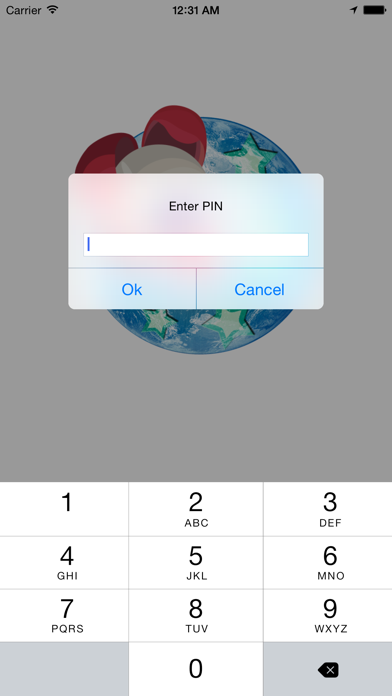
Pair your iOS device with another mobile device running Litchi, and your DJI Phantom 3-4 or Inspire 1 will be able to follow you without having to carry the remote controller around! Litchi Magic Leash requires another mobile device running Litchi. How to use Litchi Magic Leash: Requirements: - one DJI Phantom 3-4 or Inspire 1 aircraft - one mobile device with internet access and Litchi installed - one mobile device with internet access and Litchi Magic Leash installed 1. Start Litchi on the mobile device connected to the DJI remote controller 2. Switch to Follow mode 3. Tap the Magic Leash Button (top left) to connect, and remember the PIN code that pops up 4. Start Litchi Magic Leash on the second mobile device 5. Tap the Magic Leash icon to connect and then enter the PIN code from step 3 6. Your two mobile devices are now paired. 7. Start Follow me in Litchi 8. Your DJI Phantom 3-4/Inspire 1 will now follow the second mobile device which is free of the remote controller
What's new · 1.0.3
- show GPS accuracy in meters when paired - fixed GPS location accuracy - fixed background mode with iOS 9
Details