

Hue TV
Flaming Pear Software · Lifestyle
Independent analytics for this App Store listing. AppTracker is not affiliated with Flaming Pear Software.
Chart standing · US
Ratings breakdown · US
The star breakdown behind this app's rating in this storefront.
In-app purchases · US
No in-app purchases.
Screenshots
Keywords this app targets
Search terms AppTracker associates with this app — estimates, not search volume. ❝ = in the app's title; a highlighted number is its current position for that term.
Similar apps
Competitors and close alternatives, as estimated by AppTracker.




About
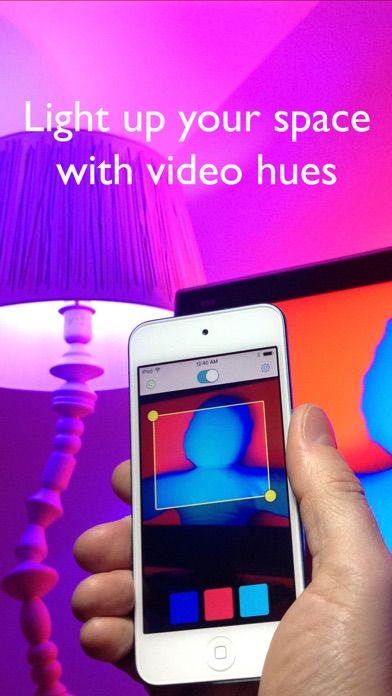
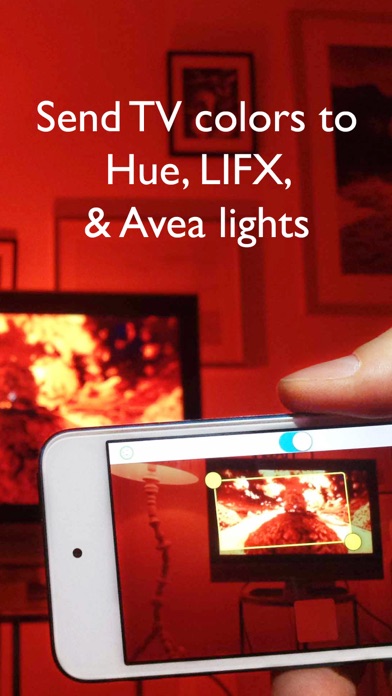
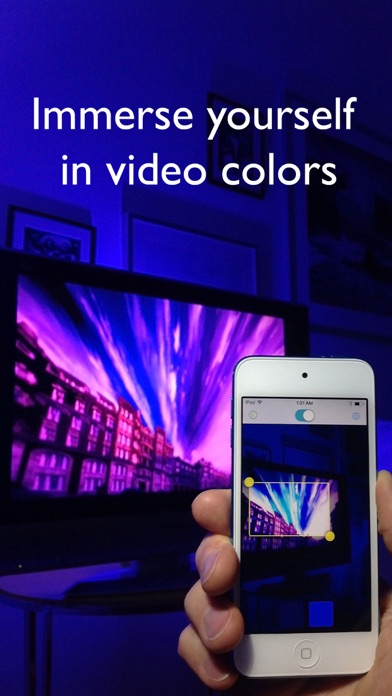
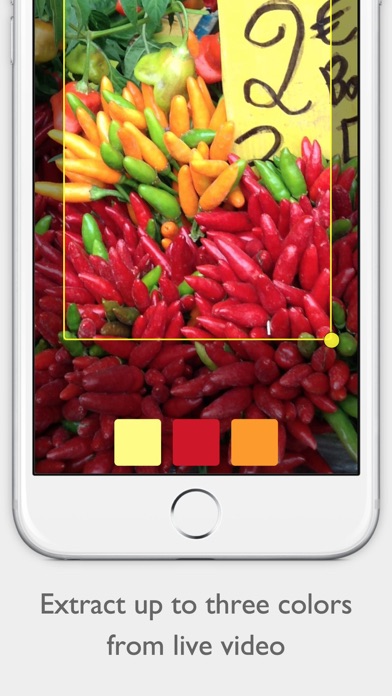
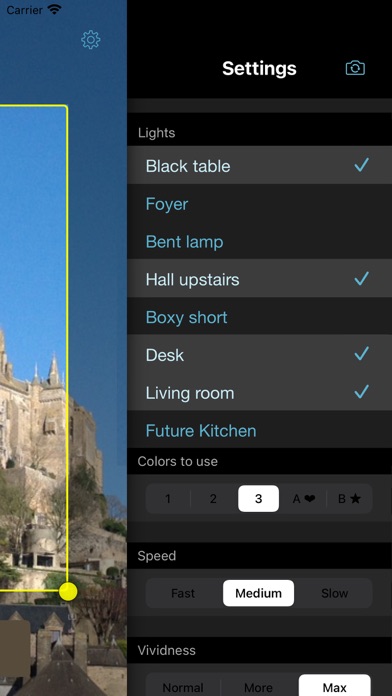
Send colors from your TV to Hue, LIFX, Nanoleaf, and Avea bulbs. Just aim Hue TV at your monitor and your space lights up with colors that follow the show you're watching. Too cool! Using your device’s camera, the app chooses the most important colors in the picture – up to three – and puts you in the show. Even add extra, harmonized colors for a sophisticated effect. Too bright? The global brightness control lets you dial it down for a quieter mood. - Change the speed and vividness to your taste - Selection tool lets you focus on just one part of the screen - Quick on/ quick off switch - Use up to fifty bulbs - Remembers your settings between uses - Use Hue, LIFX, Nanoleaf, and Avea together at the same time To use Hue TV you need at least one of... - a Philips Hue bridge with at least one controlled bulb - LIFX bulbs - Nanoleaf panels and controller - an Elgato Avea bulb and an iOS device with Bluetooth 4.0 LIFX bulbs should have the latest firmware update from http://www.lifx.com/pages/updates . See meethue.com, lifx.co, nanoleaf.me, or elgato.com for more information.
What's new · 1.13
- Controls now appear correctly on devices with screen notches. - Fixed an issue with connecting to Nanoleaf.
Details